
Five cloud services that give a household more shared space, easier sharing, or a one-time price, without Dropbox’s monthly squeeze.
Dropbox does one thing well: it syncs a folder across your devices and gets out of the way. The problem for families is the math. The free plan is 2GB, which one phone’s camera roll fills in a weekend, and the paid plans jump straight to a per-user business price that assumes an office, not a kitchen table. If you are trying to keep a family’s photos, school documents, and backups in one shared place, there are cheaper and roomier ways to do it. Here are five Dropbox alternatives worth a look, sorted by the kind of household each one suits.
The best Dropbox alternatives for families in 2026 are:
- Google One: best for mixed-device families on Android and iPhone
- pCloud: best for a one-time lifetime price
- iCloud+: best for all-Apple households
- Sync.com: best for private, zero-knowledge sharing
- Proton Drive: best for an all-in-one encrypted suite
Quick Picks
| Service | Best For | Free Tier | Key Feature |
|---|---|---|---|
| Google One | Mixed-device families | 15GB | Shared storage across up to 6 people |
| pCloud | One-time lifetime price | 10GB | Pay once, keep the storage for life |
| iCloud+ | All-Apple households | 5GB | Built into every iPhone and Mac |
| Sync.com | Private zero-knowledge sharing | 5GB | End-to-end encryption with easy sharing |
| Proton Drive | All-in-one encrypted suite | Up to 5GB | Drive, Mail, and VPN under one plan |
Table of Contents
1. Google One
Best for: Families with a mix of Android phones, iPhones, and Windows or Mac computers.
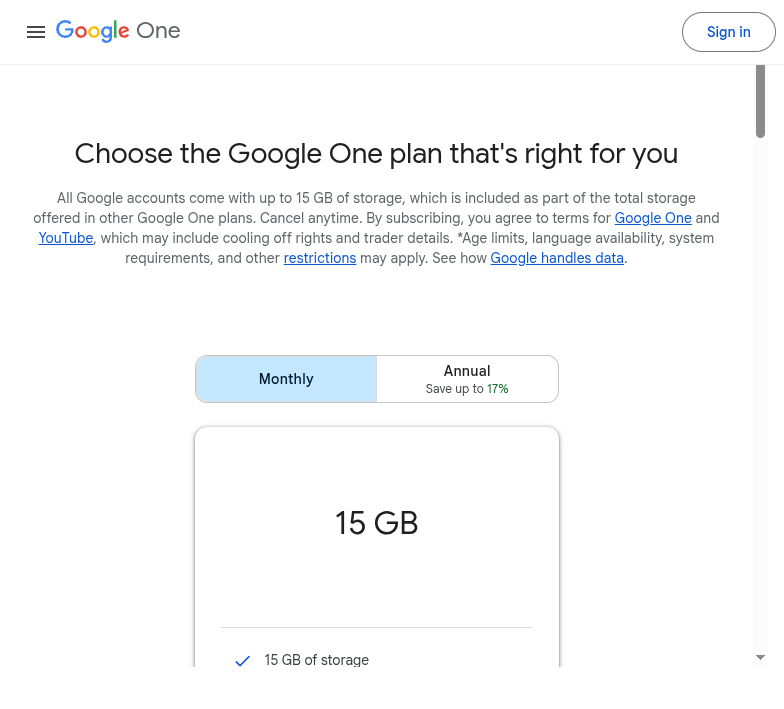
Google One is the easiest first move for most households because everyone already has a Google account, and the storage works the same on any device. You start with 15GB free, and a paid plan can be shared with up to five other people. Each person gets their own private space inside the shared pool, so your spouse’s tax scans do not land in your photo stream, but the whole family draws from one subscription instead of five separate ones.
Sharing is the part that makes it a genuine Dropbox replacement. You can drop files and folders into shared links, collaborate on the same documents through Google Drive, and back up every phone’s photos automatically. As Google’s family sharing guide explains, one person sets up a family group and the plan covers everyone in it, which is far cheaper than paying per seat.
- Pros: Works identically on Android, iOS, Windows, and Mac; one plan covers up to six people; deep integration with Gmail, Photos, and Drive.
- Cons: Storage is shared with Gmail and Photos, so a heavy email account eats into it; not end-to-end encrypted.
Pricing: Free 15GB. Paid plans start around $1.99/mo for 100GB, $2.99/mo for 200GB, and $9.99/mo for 2TB, all shareable with family.
2. pCloud
Best for: Families who would rather pay once than sign up for another monthly bill.
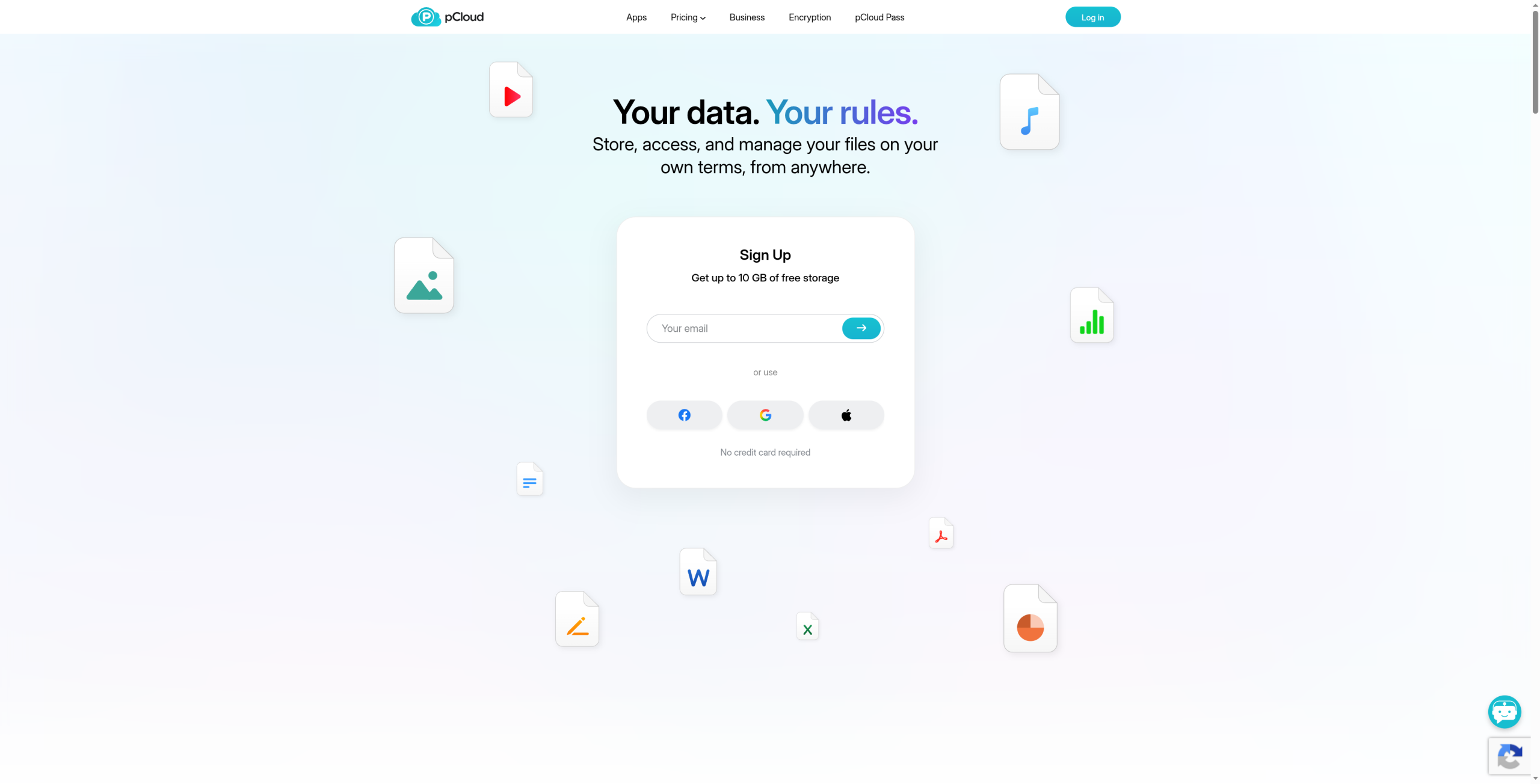
pCloud’s headline feature is the lifetime plan. Instead of a subscription, you pay a single up-front price and keep the storage for as long as the service exists. For a family that plans to keep photos and home videos forever, the one-time cost often pays for itself within a few years compared with a recurring fee, and there is a Family lifetime option that splits one large storage pool among up to five people.
It behaves like Dropbox day to day: a synced folder on each computer, mobile apps that back up your camera roll, and shareable links for grandparents who just want to see the photos. pCloud also has a built-in media player, which is handy when your shared drive is mostly home videos and music. Reddit users moving off Dropbox often point to the lifetime pricing as the deciding factor, especially for large media libraries.
- Pros: One-time lifetime plans remove the monthly bill; generous 10GB free tier; built-in video and audio playback; optional client-side encryption add-on.
- Cons: The lifetime price is a large up-front cost; zero-knowledge encryption is a paid extra, not the default.
Pricing: Free 10GB. Annual plans start around $49.99/yr for 500GB. Lifetime plans run roughly $199 for 500GB and $399 for 2TB, with a Family lifetime option.
3. iCloud+
Best for: Households where everyone already uses an iPhone, iPad, or Mac.
If your family lives inside Apple’s ecosystem, iCloud+ is the path of least resistance. It is already on every device, it backs up photos and phones without anyone thinking about it, and Family Sharing lets one subscription cover the whole household. According to Apple’s Family Sharing documentation, you can share an iCloud+ plan with up to five other people and pool as much as 12TB, while each person’s files stay private under their own Apple Account.
The trade-off is platform lock-in. iCloud+ is excellent on Apple hardware and awkward everywhere else, so a family with even one Android phone or Windows laptop will hit friction. For a fully Apple home, though, the privacy extras like Private Relay and Hide My Email come bundled in, which adds real value beyond raw storage.
- Pros: Zero setup on Apple devices; automatic photo and device backup; Private Relay and Hide My Email included; up to 12TB shareable.
- Cons: Clumsy on Android and Windows; the free tier is only 5GB, which fills quickly with device backups.
Pricing: Free 5GB. Paid tiers are about $0.99/mo for 50GB, $2.99/mo for 200GB, and $9.99/mo for 2TB, with larger 6TB and 12TB options.
4. Sync.com
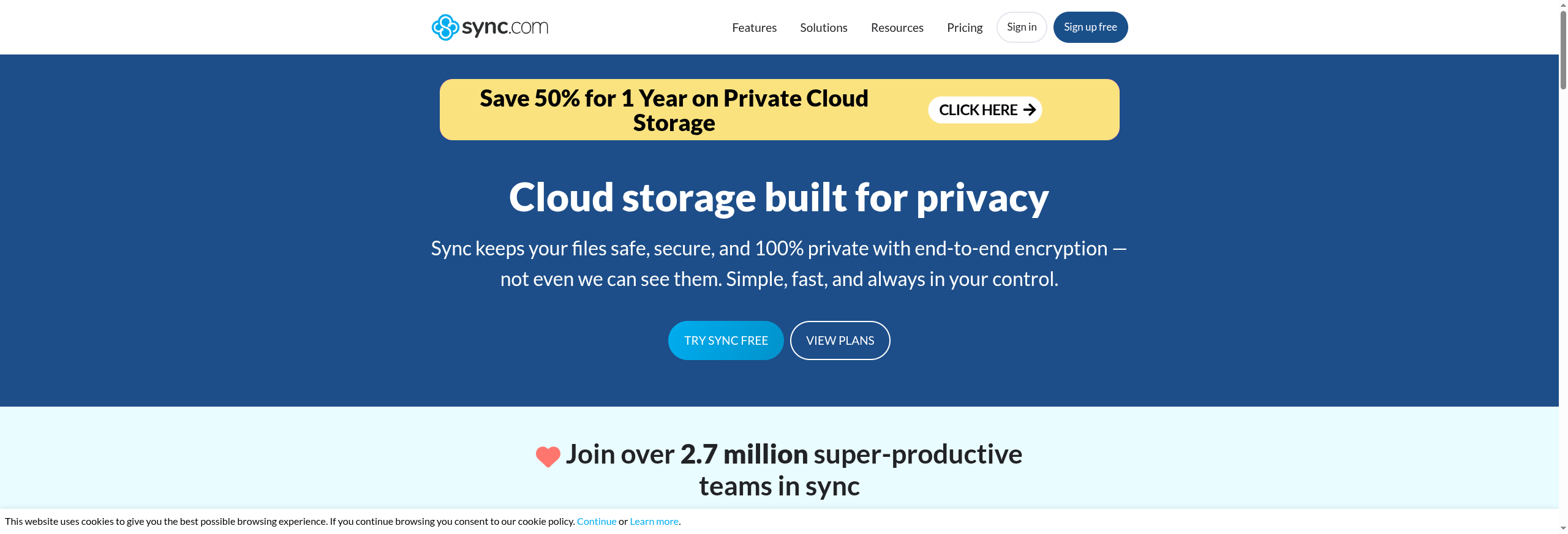
Best for: Families who want Dropbox-style sharing with real privacy behind it.
Sync.com is the closest match to how Dropbox actually feels, with one important difference: your files are end-to-end encrypted by default, so the company cannot read them. For parents storing medical records, passports, or financial documents in a shared family folder, that zero-knowledge design is the whole point. You still get a synced desktop folder, shared links, and folder invitations that work like the Dropbox you already know.
Because the encryption is built in rather than an add-on, sharing a link is safe by default, and you can set passwords and expiry dates on the links you send. The desktop and mobile apps are straightforward, and file recovery lets you roll back to earlier versions when a kid overwrites the wrong file. The main limitation is that heavy real-time collaboration on office documents is weaker than Google’s, so it suits storage and sharing more than co-editing.
- Pros: End-to-end encryption on by default; familiar Dropbox-like sync and sharing; password-protected links; solid file version history.
- Cons: Web-based document editing is limited; free tier is a modest 5GB.
Pricing: Free 5GB. Personal plans start around $8/mo for 2TB (billed yearly). Teams plans add per-user shared storage for larger families or small groups.
5. Proton Drive
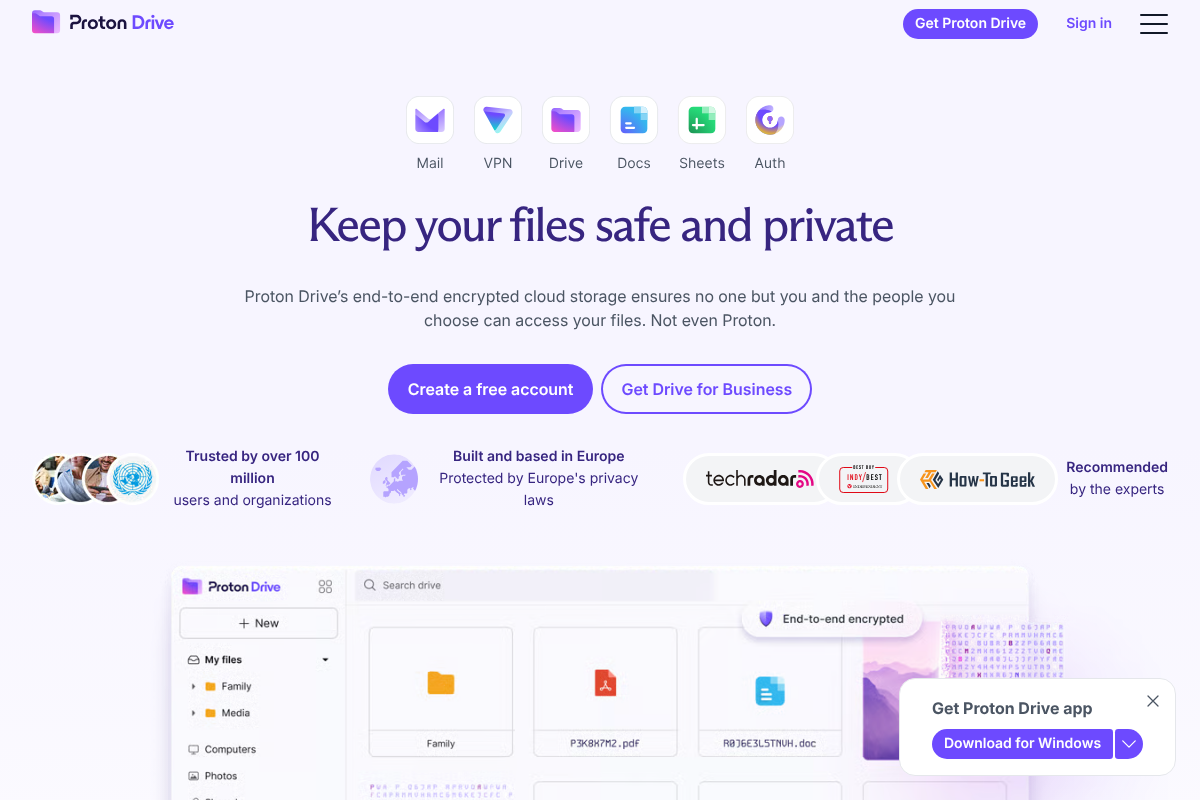
Best for: Families who want encrypted storage bundled with private email and a VPN.
Proton Drive comes from the maker of Proton Mail, and it is built around the same principle: everything is end-to-end encrypted and the company is based under strict European privacy law. On its own, Proton Drive gives a family encrypted storage with photo backup and shared folders. The bigger draw is the bundle, since a single Proton plan can cover Drive, Mail, a password manager, and a VPN for the whole household under one subscription.
That makes it a strong pick for families who care about privacy across the board, beyond file storage alone. The apps are polished on phones and desktop, and shared links can be password-protected and set to expire. The catch is that the free storage is small and the best value only shows up once you commit to a paid family or unlimited plan, so it rewards households ready to consolidate several privacy tools in one place.
- Pros: End-to-end encrypted by default; European privacy jurisdiction; bundles with Proton Mail, VPN, and Pass; clean cross-platform apps.
- Cons: Small free tier; the strongest value requires a higher-tier family or unlimited plan.
Pricing: Free up to 5GB. Drive paid plans start around $4.99/mo for 200GB. A Proton family or unlimited plan bundles Drive with Mail, VPN, and Pass for the household.
How We Chose These
We focused on what a family actually needs from shared storage rather than raw capacity alone. The picks had to make it easy to share one plan across several people, work on the devices a real household owns, and price fairly for family use instead of assuming a per-seat office budget. We weighed the size and honesty of the free tier, how simple sharing and photo backup are for non-technical relatives, and whether privacy is built in or bolted on. We also gave weight to services that solve a specific pain point better than Dropbox, whether that is a one-time price, deep Apple integration, or default encryption, so each entry earns its place for a different kind of family rather than repeating the same strengths.
The Bottom Line
For most mixed-device families, Google One is the safest starting point: cheap, roomy, and identical on every phone and computer. If you hate recurring bills, pCloud’s lifetime plan pays off over time. All-Apple homes should just turn on iCloud+ and move on. If privacy is the priority, choose Sync.com for Dropbox-style sharing with zero-knowledge encryption, or Proton Drive if you want that same encryption bundled with private email and a VPN. Match the pick to the devices your family owns and how much you care about the monthly bill.
Frequently Asked Questions
What is the best Dropbox alternative for families?
For most families, Google One is the best overall alternative because it is inexpensive, offers 15GB free, and shares one plan across up to six people on any device. All-Apple households are usually better served by iCloud+, and privacy-focused families should look at Sync.com or Proton Drive. The best choice depends on the devices your family uses and your budget.
Is there a cloud storage service that is cheaper than Dropbox for families?
Yes. Google One and iCloud+ both start well under Dropbox’s paid pricing and can be shared with the whole family on one subscription. pCloud can be the cheapest over the long run because its lifetime plans replace the monthly bill entirely, so a family that keeps its data for years often pays less than it would for any subscription.
Which family cloud storage is the most private?
Sync.com and Proton Drive are the most private of these options because both use end-to-end, zero-knowledge encryption by default, meaning the provider cannot read your files. iCloud+ offers strong privacy on Apple devices, while Google One is convenient but not end-to-end encrypted, so treat it as private-ish rather than fully private for sensitive documents.
Can the whole family share one cloud storage plan?
Yes, all five services support family or group sharing. Google One and iCloud+ each let one plan cover up to six people with private individual space inside a shared pool. pCloud, Sync.com, and Proton Drive offer family or multi-user plans as well, so you buy storage once and split it rather than paying for separate accounts.
How much cloud storage does a family actually need?
A typical family with several phones backing up photos and videos is comfortable on 200GB to 2TB. If everyone stores full-resolution photos, home videos, and device backups, aim for 2TB. Start with a smaller paid tier, watch how fast it fills over a couple of months, and upgrade only if you are consistently near the limit.
For more guides on keeping a household organized and connected, browse our Family & Personal and Tech News sections.


Leave a Reply
You must be logged in to post a comment.