
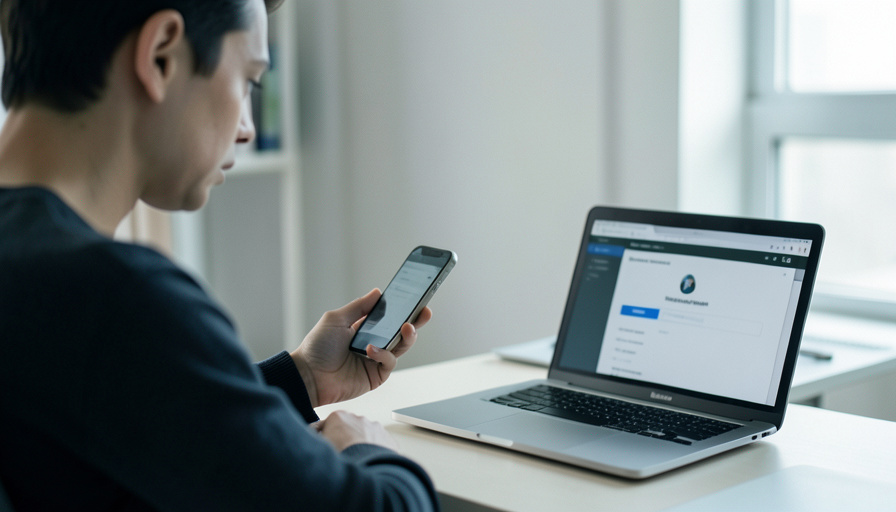
Change your number and your 2FA codes may vanish with your old SIM. Whether that locks you out depends entirely on which kind of 2FA you set up.
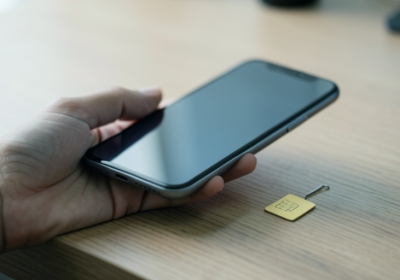
You switch carriers or grab a fresh number, feel organized about it, and then a login asks for a code that is being texted to a phone number that no longer rings. Now you are locked out of an account you own, holding a phone that cannot receive its own verification code. It is one of the most common self-inflicted lockouts there is, and the maddening part is how avoidable it was.
The whole thing turns on one question you probably never thought about: is your two-factor authentication tied to your phone number, or to your phone?
Short Answer
SMS and call-based codes are tied to your phone number, so changing or porting your number breaks them the moment the old line stops working. Authenticator apps and push prompts are tied to your device or account, so a number change does not affect them, though switching phones without transferring the app does. The fix is to update or migrate your 2FA before you give up the old number, and to keep backup codes for every important account.
Whether it breaks depends on the type
Not all 2FA reacts the same way to a number change, and knowing the difference tells you exactly what is at risk.
| 2FA type | Breaks when you change your number? |
|---|---|
| SMS or voice-call codes | Yes, codes go to the old number and stop reaching you |
| Authenticator app (TOTP) | No, it is tied to the app, but breaks if you switch phones without transferring it |
| Push prompt (Duo, Google, Microsoft) | No, it is tied to your account on the device |
| Security key or passkey | No, it does not use your phone number at all |
So the trouble is almost always SMS. If your important accounts text you a code, your phone number is a house key, and changing the number without rekeying every lock leaves you standing outside.
Before you change your number: the ten-minute save
The window to fix this cheaply is while your old number still works. Spend ten minutes here and you will not spend a weekend on account recovery later.
- List the accounts that text you a code, starting with email, banking, and anything tied to money, since your email often unlocks the rest.
- In each one, update the phone number to the new one, or better, switch it to an authenticator app while the old number can still confirm the change.
- Generate and save backup or recovery codes for every account that offers them, and store them somewhere offline.
- If you can, keep the old SIM or number active for a few days as a safety net during the transition.
If you’re already locked out
If the old number is gone and a code is the only thing standing between you and your account, work through the recovery paths in order. Use a saved backup code first, since that is the fastest way back in. If you do not have one, start the service’s account recovery flow, and expect it to take time, because providers deliberately slow recovery to keep attackers out, which means a legitimate owner can wait days too. Try any alternate 2FA method still on the account, such as an authenticator app or a trusted device you are still signed in on. As a last resort, contact the provider’s support with identity verification, and be patient. This slow, painful path is exactly the one the ten-minute prep above avoids.
The better fix: stop leaning on SMS
The deeper lesson is that SMS was never a great second factor, and a number change is only one way it fails. The National Institute of Standards and Technology stopped recommending SMS for higher-assurance authentication years ago, and in December 2024 CISA and the FBI urged people to move off SMS codes after a major breach of telecom networks. Their recommendation is to use an authenticator app or a hardware security key instead. Those methods do not care what your phone number is, so the next time you switch carriers, your logins simply keep working. If you set up an authenticator app, turn on its cloud backup or multi-device option so a new phone does not become its own lockout.
Frequently Asked Questions
Does changing my phone number log me out of my accounts?
Not immediately. You stay logged in on current devices, but the next time an account asks for an SMS code, it goes to your old number and you cannot complete the login. Update your 2FA before that happens.
Do authenticator apps break when I change my number?
No. Authenticator apps generate codes on the device itself, independent of your phone number. They only break if you move to a new phone without transferring the app or its backup.
I already lost my old number. How do I get back in?
Use a saved backup code, then the account’s recovery process, then any other 2FA method still active, and finally support with identity verification. Recovery can take several days, so start with your most important accounts.
Should I keep my old SIM after switching?
Keeping the old number active for a few days is a useful safety net while you update your 2FA. Once every important account is moved to the new number or an app, you no longer need it.
Is SMS 2FA safe to keep using?
It is better than no second factor, but it is the weakest common method, vulnerable to SIM swaps and number changes. Security agencies now recommend authenticator apps or security keys for anything that matters.
What is the most reliable 2FA if I switch phones often?
An authenticator app with cloud backup, or a hardware security key or passkey. None depends on your phone number, so carrier and number changes do not lock you out.
What This Means
A new phone number should be a five-minute errand, not the start of a lockout. Before you let the old number go, move your SMS-based logins to the new number or, better, to an authenticator app, and save backup codes for anything you cannot afford to lose. Treat SMS as the fragile option it is, and the next carrier switch becomes a non-event. For a related account issue, see what an unrequested password reset email really means, and browse more in ShoutPost’s Tech News section.


Leave a Reply
You must be logged in to post a comment.