
These apps can bridge a short gap before payday, but the fees, tips, and subscriptions add up fast. Here is the honest comparison.
When rent is due and payday is four days out, a paycheck advance app can feel like a lifeline. Each one fronts you money you have arguably already earned and takes it back on your next deposit. The catch is that “free” rarely means free: express transfer charges, optional tips that behave like interest, and monthly subscriptions all chip away at the value. Below are four of the most popular apps compared on what actually matters, plus a straight talk about when leaning on them becomes a trap.
Quick Answer
The best paycheck advance apps, compared by fees and speed, are:
- EarnIn: best for skipping a subscription and paying only if you choose
- Dave: best for a larger advance at a low, simple cost
- Brigit: best for advances bundled with budgeting and credit building
- MoneyLion: best for advances inside a broader money app
Quick Picks
| App | Best for | Typical cost |
|---|---|---|
| EarnIn | No subscription | Free standard; optional tip and fast-transfer fee |
| Dave | Larger advances | Small monthly membership plus an express fee |
| Brigit | Budgeting and credit tools | Monthly subscription, no tips |
| MoneyLion | An all-in-one money app | Free standard; fee for instant delivery |
1. EarnIn
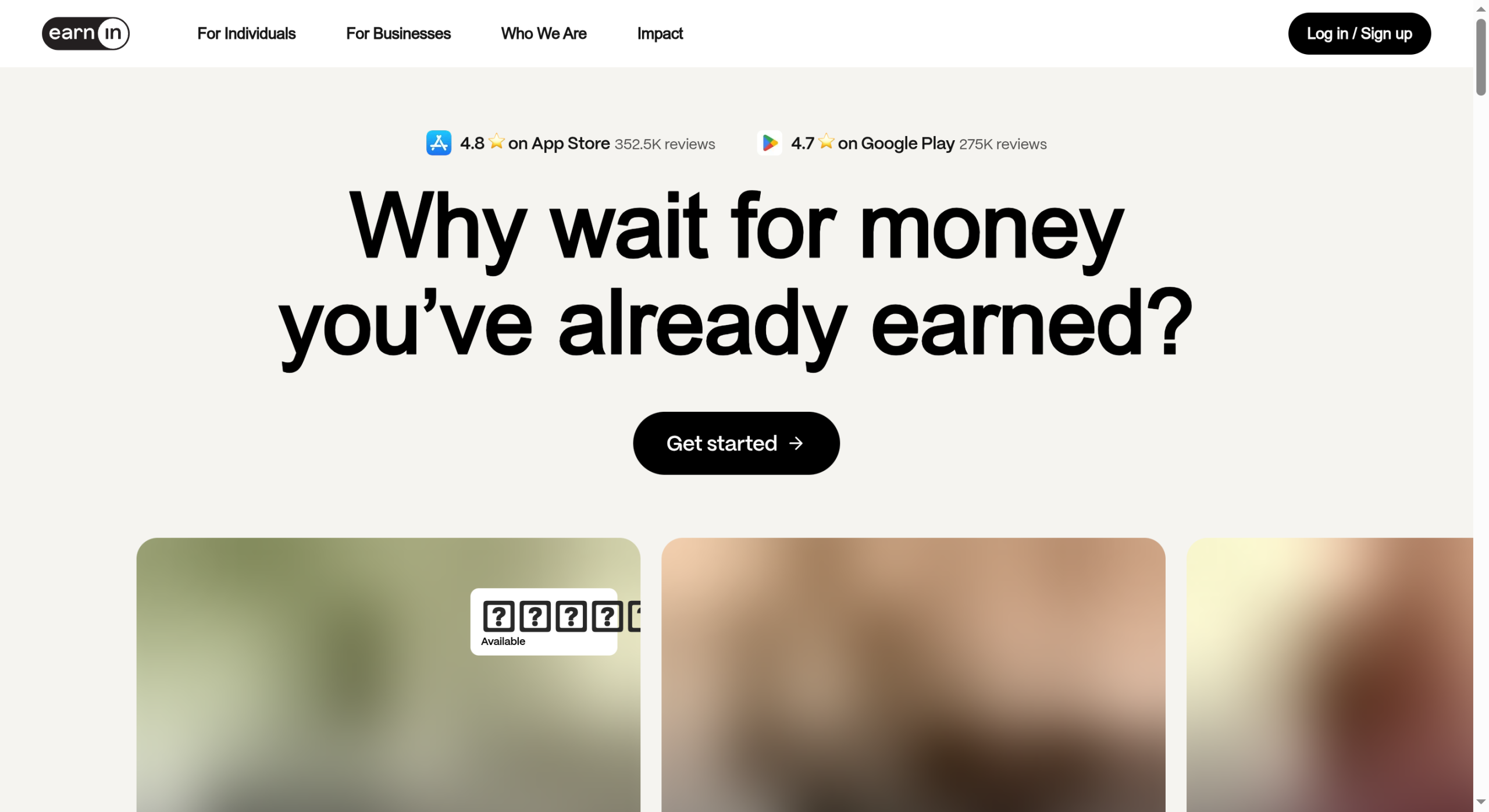
Best for: people who want access to earned wages without a mandatory monthly fee.
EarnIn lets you draw against wages you have already worked for, with no subscription. Standard transfers are free, and you only pay if you add an optional tip or choose the faster transfer for a fee. That pay-what-you-want model is appealing, though the tips are easy to leave on by habit, and your daily and pay-period limits depend on the hours the app can verify. It suits someone who wants occasional access to earned pay and is disciplined about skipping the extras.
- Pros: no monthly subscription, free standard transfers, access tied to wages you have earned, and a simple core feature.
- Cons: optional tips and fast-transfer fees add up, limits depend on verified hours, and it needs access to your bank or timesheet data.
Pricing: free for standard transfers; optional tips and a fee for instant delivery.
2. Dave
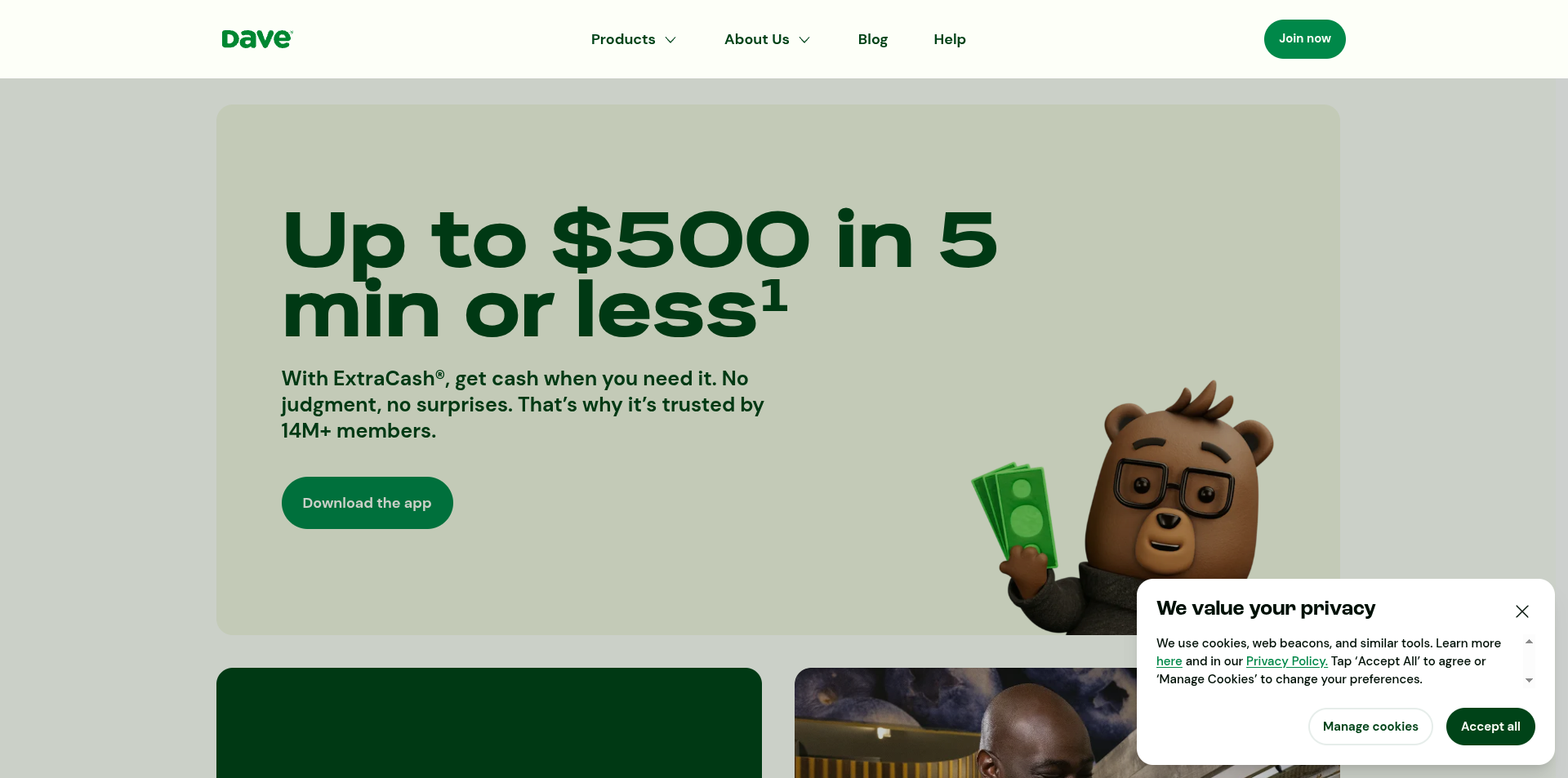
Best for: those who want a larger advance quickly without a big fee.
Dave advertises its ExtraCash advances of up to $500, aimed at covering a bigger shortfall than most rivals allow. It charges a small monthly membership, and instant delivery costs an express fee, while a standard transfer takes longer at no charge. There is also an optional tip. The larger limit is the draw, and the cost stays modest if you skip instant delivery and tips. It works best when you occasionally need a meaningful amount and can wait a day for the free transfer.
- Pros: advances up to $500, a low membership cost, a free standard transfer option, and budgeting features in the app.
- Cons: a monthly membership applies even in months you borrow nothing, instant delivery costs extra, and it nudges for tips.
Pricing: a small monthly membership, plus an express fee for instant transfers and an optional tip.
3. Brigit
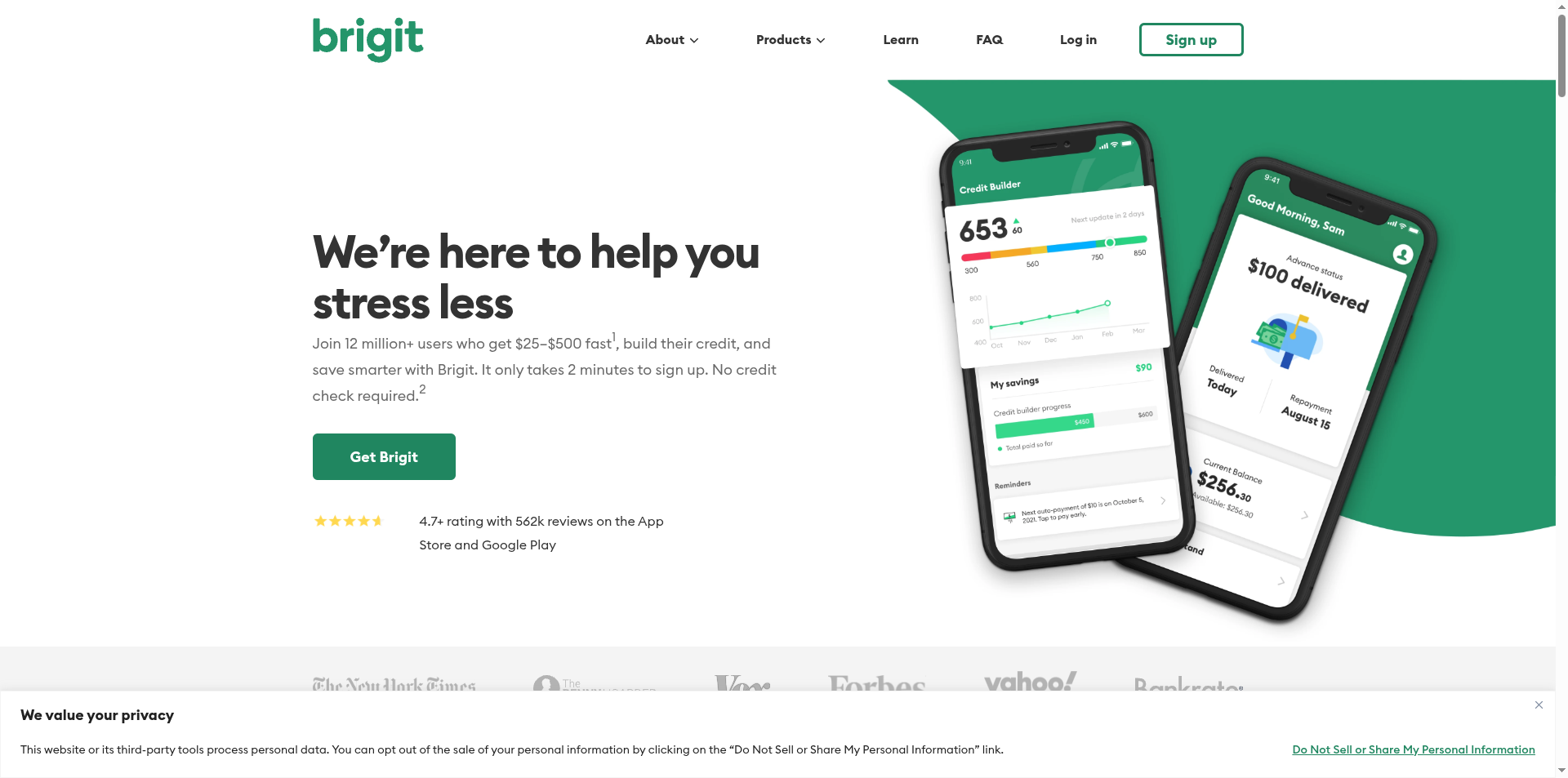
Best for: people who want an advance alongside budgeting and credit-building tools.
Brigit pairs advances with a wider set of money tools, including spending insights, overdraft prediction, and a credit-building product. It runs on a monthly subscription rather than tips, so the cost is a flat fee you should weigh against how often you actually take an advance. For someone who wants to understand and reduce the shortfall as well as cover it, the extra features earn their keep. For a rare one-off advance, the subscription can cost more than it saves.
- Pros: advances plus budgeting and credit-building tools, no tip prompts, overdraft prediction, and a flat, predictable fee.
- Cons: a monthly subscription is required to use it, the fee is poor value for infrequent borrowers, and the advance limit can start small.
Pricing: a monthly subscription with tiered plans; no tips.
4. MoneyLion
Best for: people who want advances as part of a broader banking and finance app.
MoneyLion offers its Instacash advances within a larger app that also covers banking, credit building, and investing. Standard delivery is free, and you pay a Turbo fee for instant cash, with optional tips on top. Using its own account can raise your advance limit. The appeal is having several money tools in one place, though that also means more upsells, and the interface can feel busy if all you want is a quick advance. It fits someone who wants a single app for day-to-day money as well as the occasional advance.
- Pros: advances inside a full money app, a free standard transfer option, higher limits with its account, and extra tools like credit building.
- Cons: a fee for instant delivery, frequent upsells to other products, and more app than you need for a simple advance.
Pricing: free standard transfers; a Turbo fee for instant delivery, plus optional tips.
How We Chose These
We compared the apps on the things that decide the real cost: whether there is a subscription, how express fees and tips work, how large an advance you can get, and how fast the money arrives. We favored apps with a free standard transfer option and clear terms, and we noted where a flat fee or a tip model fits different habits. We kept the list to four well-known, widely available apps with distinct approaches, so you can match one to how often you borrow and how much you can avoid paying in extras.
This article is general information, not financial advice. Paycheck advance apps are built for occasional short-term gaps, not ongoing shortfalls, and the express fees and tips can work out to a high effective rate for a few days of borrowing. Leaning on advances every pay period can turn into a cycle that is hard to break, a pattern consumer regulators compare to the trap of short-term, high-cost borrowing. Before you rely on one, look at cheaper options such as an employer advance or a credit union small-dollar loan, and read each app’s current fees for yourself.
The Bottom Line
If you want to avoid a subscription and only pay when you choose, EarnIn is the flexible starting point. Dave makes sense when you need a larger advance at a low, simple cost, Brigit is worth the fee if you will use its budgeting and credit tools, and MoneyLion fits if you want your advance inside one broader money app. Whichever you pick, take the free standard transfer, skip the tip, and treat the advance as a rare bridge rather than a monthly habit. If you find yourself borrowing every payday, the app is a symptom, and the fix is a budget or a cheaper credit option.
Frequently Asked Questions
What is the best paycheck advance app?
For most people, EarnIn is the best all-round choice because it has no mandatory subscription, offers free standard transfers, and only costs money if you add an optional tip or pay for instant delivery. Dave is better when you need a larger advance of up to $500, Brigit suits those who want budgeting and credit tools alongside the advance, and MoneyLion fits people who want an all-in-one money app. The best pick depends on how often you borrow.
Which paycheck advance app has no monthly fee?
EarnIn and MoneyLion offer advances without a required monthly subscription, charging only optional tips or a fee for instant delivery. Dave charges a small monthly membership, and Brigit runs on a monthly subscription. If you borrow only occasionally, a no-subscription app usually costs less, since a monthly fee applies even in the months you do not take an advance. Always confirm the current terms in the app before signing up.
How fast do paycheck advance apps send money?
Most of these apps offer a free standard transfer that takes one to three business days, and an instant option that arrives in minutes for an express fee. If you can wait, the standard transfer avoids the fee entirely. The instant fee is small per transfer, but paying it every payday adds up, so reserve it for genuine emergencies and plan ahead when you can to take the free option.
Are paycheck advance apps a good idea?
For a rare, short-term gap they can be cheaper and less harmful than an overdraft or a payday loan, especially if you take the free transfer and skip tips. The risk is habit: relying on an advance every pay period creates a cycle where each paycheck is already spent, and the fees quietly pile up. Use them sparingly, and treat repeated need as a signal to fix the underlying budget rather than borrow again.
What To Do Next
Decide how often you really need an advance and how much you can borrow without instant delivery. Then pick the app that matches: a no-subscription option for rare use, or a subscription app only if you will use its extra tools. Turn off tips, choose the free standard transfer, and set a reminder for the repayment date so it does not catch you short again. For more on managing money and small-business income, see our Finance & Money and Business sections.


Leave a Reply
You must be logged in to post a comment.