

Which flight search tool to reach for when you want to watch a price, lock one in, or keep your dates loose.
Booking a flight is really two jobs: finding the lowest fare, and keeping room to change your mind. The tools that do those jobs well are not always the ones you booked with last time. Some are built to scan hundreds of sites in seconds, some predict whether a price will rise or fall, and one will freeze a fare while you decide. It helps to know your rights too: under the U.S. Department of Transportation refund rules, a canceled or significantly changed flight can entitle you to a cash refund rather than a voucher, no matter where you booked. Here are five sites worth using, and what each one is best at.
Quick Answer
The best flight booking sites for most travelers are:
- Google Flights: best for fast searching and tracking a price before you book
- Kayak: best for comparing hundreds of sites at once with strong filters
- Skyscanner: best for flexible travelers chasing the cheapest dates or destination
- Hopper: best for predicting fares and freezing a price while you decide
- Priceline: best for bundling a flight with a hotel or car to save more
Quick Picks
| Site | Best for | Cost |
|---|---|---|
| Google Flights | Fast search and price tracking | Free |
| Kayak | Comparing many sites with filters | Free |
| Skyscanner | Flexible dates and destinations | Free |
| Hopper | Price prediction and price freeze | Free app; freeze and add-ons paid |
| Priceline | Flight, hotel, and car bundles | Free to use; deal prices vary |
1. Google Flights
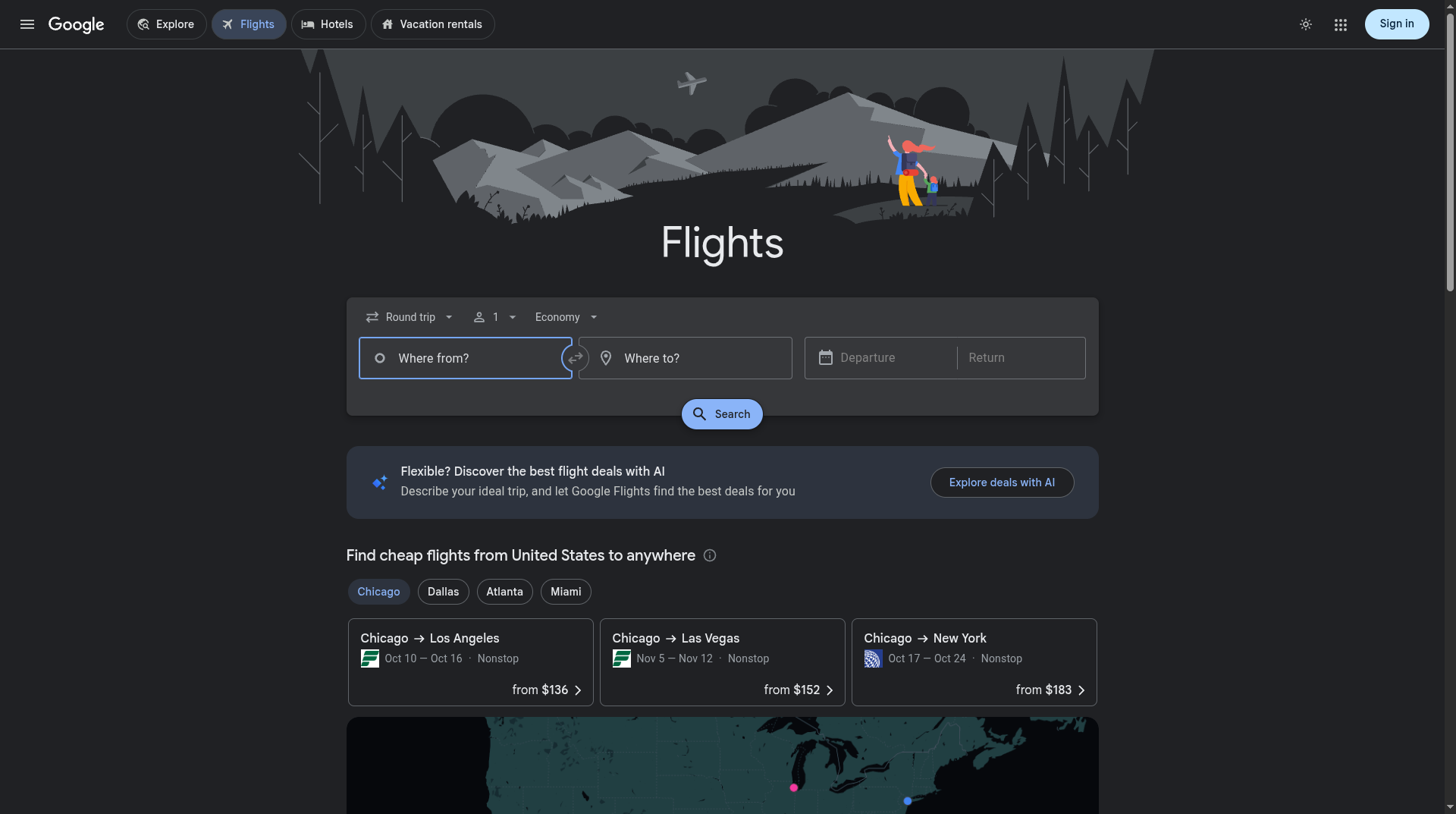
Best for: quickly seeing the real range of fares and watching a route until the price is right.
Google Flights is the fastest way to understand a route. It scans airlines and booking sites in seconds, shows a calendar and date grid so you can spot the cheapest days at a glance, and lets you turn on price tracking so it emails you when a fare moves. Its price insights even tell you whether the current fare is low, typical, or high. It is a search and tracking tool rather than a seller, so you finish the booking on the airline’s own site or an online travel agency.
- Pros: lightning-fast search, an excellent date grid, reliable price tracking, and clear price insights.
- Cons: you cannot complete the purchase on Google itself, and it hands you off to the airline or a third party to pay.
Pricing: free.
2. Kayak
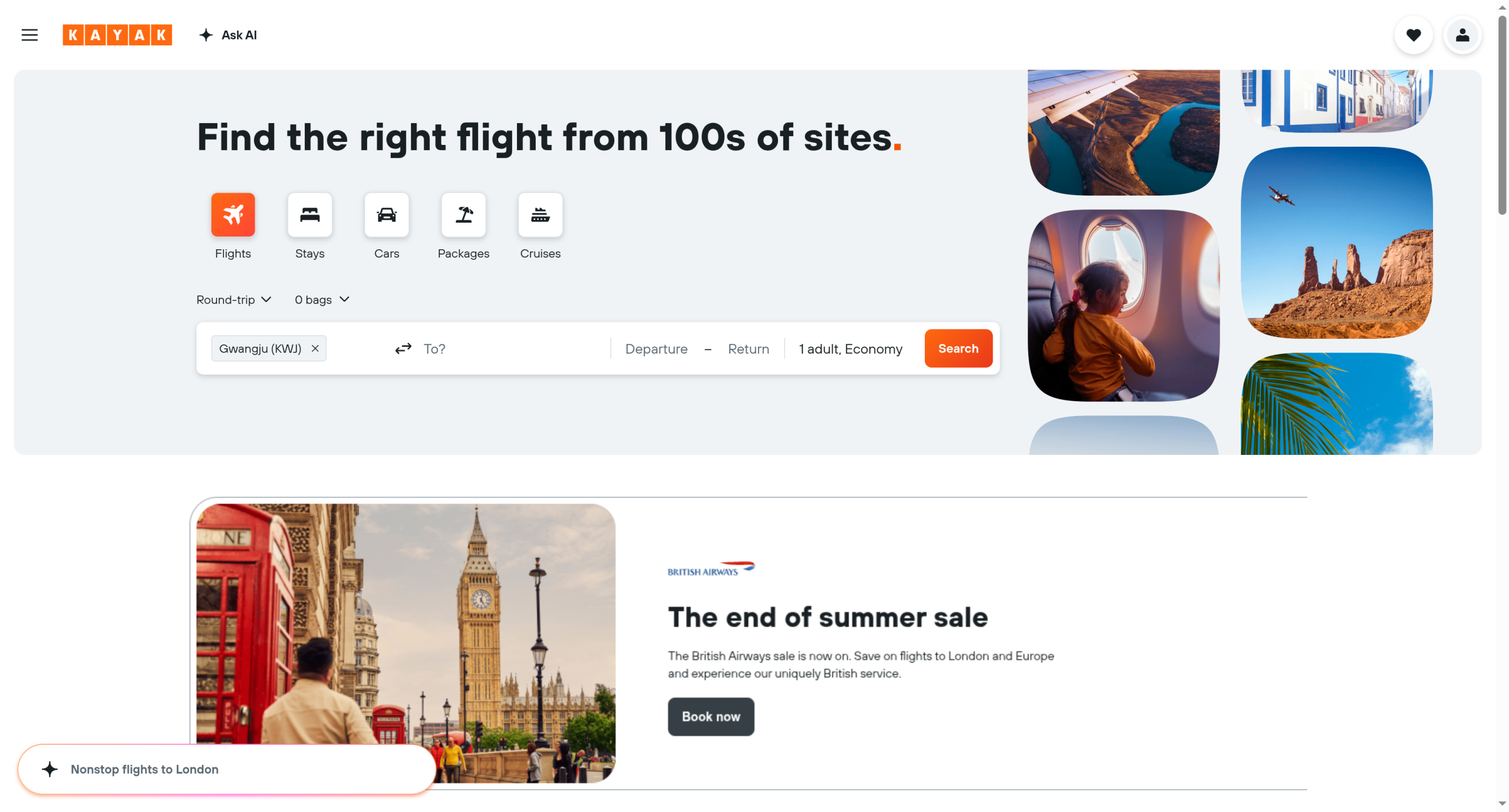
Best for: travelers who want to compare a huge range of sites and slice results with detailed filters.
Kayak searches hundreds of travel sites at once and gives you the filters to actually make sense of the results, from stops and cabin to specific airlines and layover length. Its Price Alerts watch a route for you, and Hacker Fares can save money by pairing two one-way tickets. Like Google, it is a comparison engine, so it points you to the airline or agency to book. The tradeoff is that some of the cheapest listings come from third parties whose customer service is a mixed bag.
- Pros: very broad coverage, powerful filters, Price Alerts, and money-saving Hacker Fares.
- Cons: booking happens on third-party sites, and the cheapest option is not always the smoothest to deal with later.
Pricing: free.
3. Skyscanner
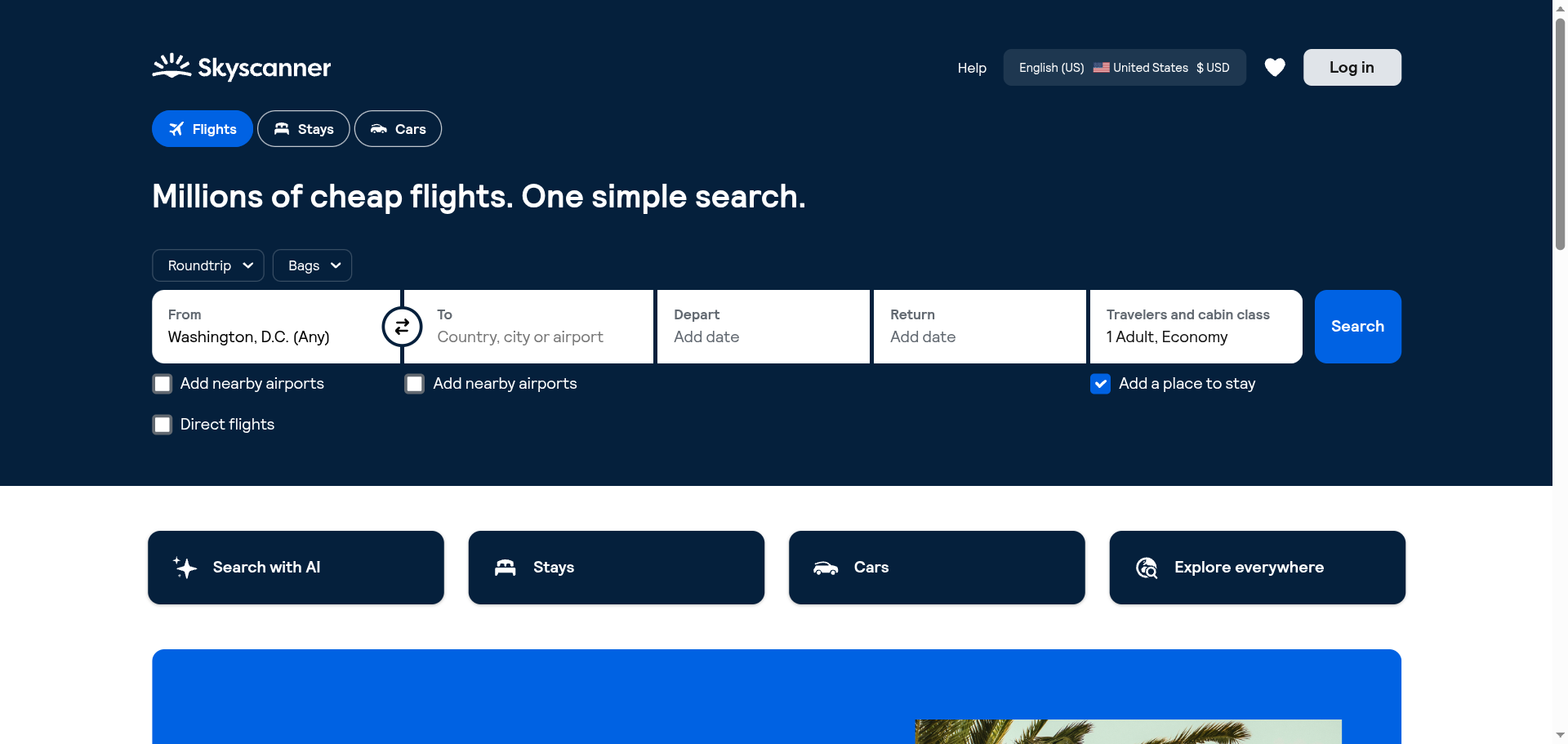
Best for: flexible travelers who care more about a cheap trip than a specific date or place.
Skyscanner shines when your plans are loose. You can search a whole month to find the cheapest day to fly, or set the destination to “Everywhere” and let it show you where your budget can actually take you. That flexibility is its whole appeal, and it is genuinely fun for planning a trip around a deal. It routes you to airlines or agencies to book, and as with any meta-search, a few of the listed sellers are less reliable than others.
- Pros: whole-month price view, an “Everywhere” search for open-minded trips, and strong multi-city support.
- Cons: it redirects you to third parties to book, and some listed sellers are less established.
Pricing: free.
4. Hopper

Best for: anyone who has found a fare but is not ready to commit, and wants to avoid a price jump.
Hopper built its name on prediction. It tells you whether to buy now or wait, based on how it expects a fare to move, and its signature Price Freeze lets you pay a small fee to lock a fare for a set window while you decide. That combination is genuinely useful when a trip is likely but not certain. It is app-first, and the freeze plus some of its extra protections cost money on top of the ticket, so read what you are paying for.
- Pros: fare prediction to time your purchase, a real Price Freeze option, and a clean mobile experience.
- Cons: app-centric rather than desktop-first, and the freeze and add-on perks carry extra fees.
Pricing: free to use; Price Freeze and add-ons are paid.
5. Priceline
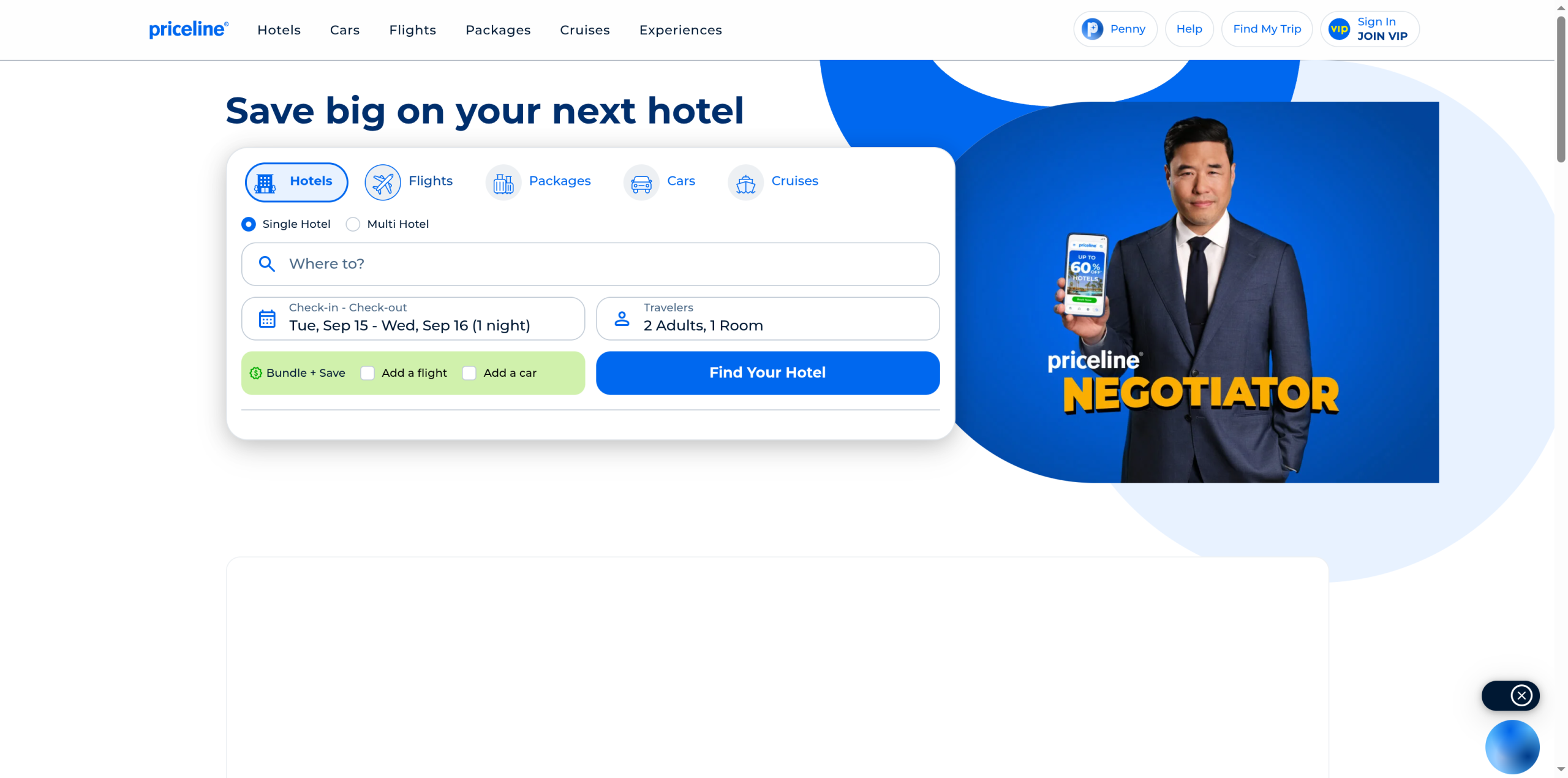
Best for: travelers booking a flight alongside a hotel or car who want one bundled discount.
Priceline is a full booking site rather than a pure search engine, and its edge is bundling. Adding a hotel or car to your flight often unlocks package savings, and its Express Deals trade a little certainty for a lower price. If you are booking a whole trip in one go, that can beat piecing it together. The catch is transparency: Express Deals can hide some specifics until you commit, and changes or refunds on discounted bookings tend to be stricter.
- Pros: real savings on flight-plus-hotel or car bundles, Express Deals discounts, and one place to manage a whole trip.
- Cons: Express Deals reveal some details only after you book, and discounted fares can be harder to change.
Pricing: free to use; deal prices vary.
How We Chose These
We focused on the jobs that actually save travelers money and stress: how widely a site searches, whether it can track or freeze a price, how well it handles flexible dates, and how clear it is about fees before you pay. We favored tools that are free to search, that work well on a phone, and that give you a real view of the fare range rather than a single number. We also weighed what happens after you book, since a rock-bottom fare on an obscure seller can cost you later if plans change. The five here cover the main styles of booking, from pure search to full-service bundling.
This article is general information, not financial or travel advice. Fares, fees, price-freeze terms, and change and cancellation policies vary by site and airline and change constantly. Read the full terms before you pay, and know your refund rights: a booking site or airline may offer a credit when you are actually owed a cash refund. When in doubt, check the airline’s policy and the Department of Transportation guidance.
The Bottom Line
Start your search on Google Flights or Kayak to see the honest fare range and set a price alert. If your dates or destination are flexible, Skyscanner will find you a cheaper trip. When you have spotted a fare but need a few days to commit, Hopper can freeze it. And if you are booking a flight with a hotel or car, check whether Priceline’s bundle beats booking each piece separately. Most travelers do best using two of these together: one to watch and time the price, and one to actually book. Whatever you choose, book the fare you can live with rather than gambling on a drop that may never come.
Frequently Asked Questions
What is the best flight booking site?
For most people, Google Flights is the best starting point because it searches fast, shows the full fare range on a date grid, and tracks prices for free. Kayak is just as strong for broad comparison with deeper filters. The best site depends on your goal: use Google or Kayak to search and track, Skyscanner for flexible trips, Hopper to freeze a fare, and Priceline for bundles.
Which site is cheapest for flights?
No single site is always cheapest, which is why comparison matters. Meta-search tools like Google Flights, Kayak, and Skyscanner pull from many sellers, so checking two of them catches most deals. Prices also shift constantly, so setting a price alert and, on Hopper, watching the buy-or-wait prediction usually saves more than loyalty to one site. Always compare the final total, including bag and seat fees.
Can I freeze a flight price?
Yes. Hopper offers a Price Freeze that lets you pay a fee to lock a fare for a set window, and if the price rises you pay the frozen amount, up to a cap. A few airlines and other services offer similar hold options. It is worth it when a trip is likely but you need a little time to confirm dates or travel companions, and less worthwhile if you are ready to book now.
Is it better to book directly with the airline?
Often, yes, for support and changes. Meta-search sites are excellent for finding the fare, but booking directly with the airline usually makes cancellations, rebooking, and refunds simpler, since you deal with one company. If a third-party price is meaningfully lower, weigh the savings against potentially harder customer service. Either way, your refund rights under Department of Transportation rules apply when a flight is canceled or significantly changed.
What To Do Next
Pick one search tool and one booking approach. Search your route on Google Flights or Kayak, turn on a price alert, and check Skyscanner if your dates are flexible. If the fare looks good but you need time, freeze it on Hopper; if you are booking a full trip, price a Priceline bundle against booking separately. Then book the fare you are comfortable with and keep your confirmation and the airline’s change policy handy. For more travel and money guidance, see our Travel and Finance & Money sections.




Leave a Reply
You must be logged in to post a comment.