
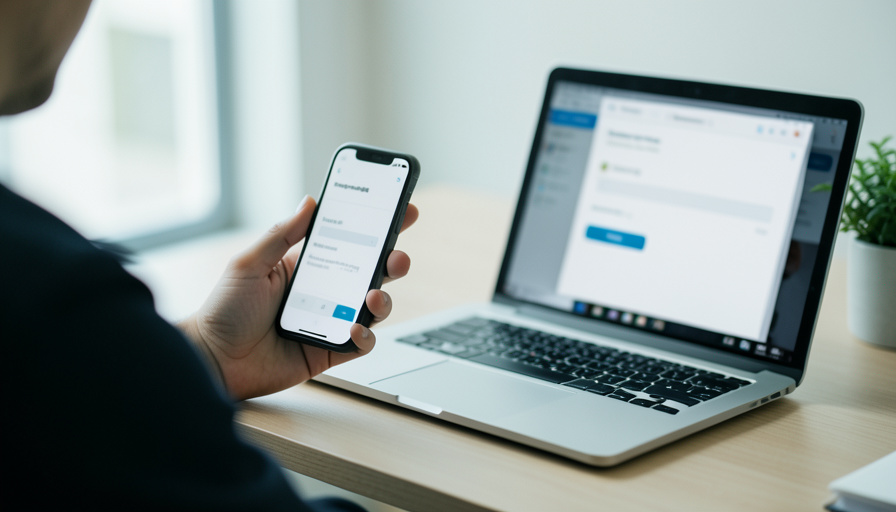
Passkeys usually end login pain, until a new phone or a cross-device sign-in stalls with no password to fall back on. The failures cluster, and each has a fast fix.
Passkeys are genuinely better than passwords: nothing to phish, nothing to type, nothing to forget. Right up until the moment you unbox a new phone or try to log in on a laptop, tap through the prompt, and watch it hang with no explanation and no password field to rescue you. The good news is that passkey failures are not random. They cluster into a short list of break points, and once you can name the one you hit, the fix is usually quick.
Quick Answer
Most passkey login failures come from a new phone where the passkey has not synced yet, or a cross-device sign-in where Bluetooth is off. The fast recovery is to confirm your syncing account (iCloud Keychain or Google Password Manager) is signed in and healthy, turn on Bluetooth on both devices and keep them close, update your browser and OS, and fall back to a recovery code or another passkey if you have one. Then register a passkey on your new device so it does not happen again.
Where passkeys actually break
A passkey is a credential tied to a device or to a cloud account that syncs it, and the failures follow from that. The common break points are a new phone where sync has lagged so the credential is not ready yet, a cross-device sign-in that cannot complete its handshake, an ecosystem mismatch where the passkey lives in Apple but you are on Windows, a device-bound passkey on a security key that simply cannot roam, and the harshest case, a passwordless-only account with no backup method saved. Knowing which one you hit points straight at the fix.
The Bluetooth trap and the QR clue
Two of these deserve special attention because they cause the most silent, baffling failures.
The first is Bluetooth. Signing in on a computer using the passkey on your phone is a cross-device flow, and it needs Bluetooth turned on on both devices, both on the internet, and the two physically close, within about three meters. Miss any one and the flow stalls with no clear error. Bluetooth is the most overlooked culprit, because many people keep it off to save battery and it plays no visible role in scanning a QR code, so it never occurs to them as the problem.
The second is the QR code itself, which is actually a helpful clue. If a site shows you a QR code to scan with your phone, that means no passkey exists on the device you are currently using, even if you enrolled one elsewhere. It is telling you the credential is on another device or has not synced here, not that something is broken.
The fastest recovery checklist
Work these in order and most lockouts clear within a couple of steps.
- Confirm you are signed into the account that syncs your passkeys, iCloud Keychain on Apple or Google Password Manager on Android and Chrome, and that syncing is turned on and healthy.
- Turn on Bluetooth on both devices, keep them within a few meters and both online, then retry the QR or cross-device prompt.
- Update your operating system and browser, since passkeys need current versions to work reliably.
- Fall back to a backup method the account offers, a saved recovery code, a second passkey, or an alternate sign-in, to get in.
- Once you are in, register a passkey on your new device and add a second device so you always have another way in.
- If you are fully locked out with no backup, use the service’s account recovery process, and expect it to take time by design.
Prevent the next lockout
Passkeys are worth using, but treat them like a set of keys, not a single one. Register a passkey on at least two devices so a lost or upgraded phone never strands you. Keep your platform sync healthy so credentials follow you. Save any recovery codes an account offers, and keep at least one backup sign-in method rather than going fully passwordless with no net. The whole point of a passkey is to make logging in effortless, and a five-minute setup on a second device is what keeps it that way when your main phone changes.
Frequently Asked Questions
Why won’t my passkey work on my new phone?
Usually because it has not synced yet. Sign into the same iCloud or Google account that stored the passkey, make sure sync is on, and give it a few minutes. If the passkey was device-bound to your old phone, you will need a backup method instead.
Why do I see a QR code instead of my passkey?
Because no passkey exists on the device you are using. The QR code is offering a cross-device sign-in from a device that does have one. Scan it with the phone holding your passkey, with Bluetooth on.
Why does cross-device sign-in keep stalling?
Almost always Bluetooth. The flow needs Bluetooth enabled on both devices, both online, and physically close. Turn Bluetooth on, bring the devices together, and retry.
Do passkeys work across Apple, Google, and Windows?
Within an ecosystem they sync smoothly, but roaming between them can be limited, and a cross-device sign-in with Bluetooth is the usual bridge. For accounts you use everywhere, register a passkey in more than one ecosystem.
What if I have no backup and can’t sign in?
Use the service’s account recovery process, which may take time to verify you. Afterward, add a second passkey and a backup method so you are never in that position again.
Should I keep a password as a backup?
Keeping at least one backup sign-in method is wise until passkey recovery is seamless everywhere. A saved recovery code or a second registered device works well, so you are never relying on a single credential.
What To Do Next
Next time a passkey stalls, do not panic-hunt for a password that is not there. Check your sync account, turn on Bluetooth, bring your devices close, and read the QR code as a hint rather than an error. Then close the gap that caused it: register a passkey on a second device and save a recovery code, so the next new phone is a non-event. For a related account issue, see what an unrequested password reset email means, and browse more in ShoutPost’s Tech News section.



Leave a Reply
You must be logged in to post a comment.