
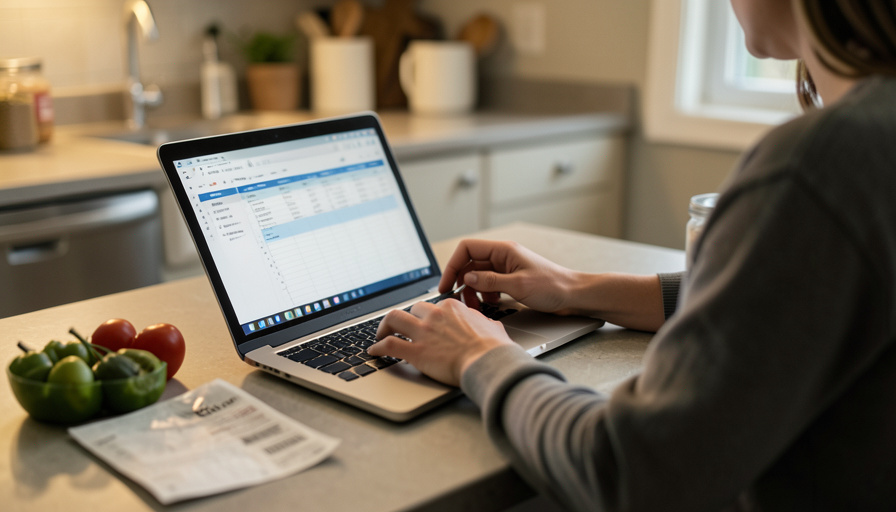
You blow the grocery budget every month and can’t tell if you overspent or prices just rose. That’s category drift, and a smart spreadsheet can fix it.
You set the grocery budget at $600, and month after month you land near it or sail past it, but you can never say why. Did you buy too much, or did the same cart just cost more? That fog has a name: category drift, the slow, quiet way a budget line stops matching reality as prices climb. A static number that felt generous last year now buys less, and you cannot tell overspending from inflation. An inflation-adjusted spreadsheet solves that, but only if you keep it simple enough to actually maintain.
The Short Version
Yes, a spreadsheet can stop category drift, with limits. Build one that tracks the unit price of a small basket of staples, compares your target to real price changes, and flags a category only when it drifts past a set threshold. Re-base your budget on a rolling average every couple of months instead of reacting to one spiky trip. The key is separating inflation from behavior: if your bill rose because prices rose, adjust the target; if it rose on flat prices, that is on your habits. And keep it to a handful of columns, because an over-built sheet nobody updates helps nobody.
What “category drift” actually is
Category drift is when a budget line creeps out of sync with reality without you noticing. It shows up two ways. The first is inflation: food-at-home prices have kept rising, so the same list costs more and your fixed budget silently buys less each month. The USDA’s food price outlook tracks exactly this pressure. The second is substitution: spending quietly shifts between categories, groceries into takeout or household items, so your grocery line looks fine while total food spending balloons. Either way, a plain month-to-month comparison lies to you, because you are comparing dollars without accounting for what a dollar now buys.
What an inflation-adjusted sheet needs
You do not need a complicated model, just a few fields that do the thinking for you.
- A staples basket with unit prices. Pick 10 to 15 items you actually buy and record the price per pound, ounce, or unit. That is your personal price index, and it moves with your real shopping, not a national average.
- Planned versus actual per category. Track produce, protein, snacks, and household separately so you can see where the money really goes.
- A variance percentage with a threshold. Calculate how far actual is from planned, and set a flag, say, anything more than 10 percent over, so small noise does not trigger a rethink but real drift does.
- A rolling average. Average the last three months rather than reacting to one expensive week, which smooths out the holiday-sized spikes that wreck a single-month budget.
- A re-base rule. When your staples index climbs, raise the target to match, on purpose. Re-basing is a decision you make quarterly, not a number you nudge every time you overspend.
How to tell real inflation from overspending
This is the whole point of the exercise, and it is one comparison. Line up how much your staples index moved against how much your bill moved. If your unit prices rose 5 percent and your grocery bill rose about 5 percent, that is inflation doing its thing, so re-base the target and move on with a clear conscience. If your bill jumped 20 percent while your tracked prices barely moved, that is behavior, more impulse buys, more convenience food, bigger carts, and no spreadsheet formula fixes that but you. National data from the Bureau of Labor Statistics, which updates food-at-home prices monthly, gives you a sanity check on whether your basket is drifting faster than the wider market.
Keep it sustainable or it fails
Here is the honest catch. Plenty of people build a beautiful grocery-tracking spreadsheet, maintain it for three weeks, and quietly abandon it because updating dozens of items after every trip is a chore. A tracker you stop using is worse than a rough number you actually keep. So cap it: a short staples basket, prices refreshed every 8 to 12 weeks rather than every trip, and formulas that do the math so your only job is typing in the total. The best budget system is not the most precise one. It is the one still open in your tabs six months from now.
This article is general information, not financial advice. Prices, inflation rates, and your own situation vary, so treat any figures as a starting point and adjust the approach to your household and budget.
Frequently Asked Questions
What is grocery category drift?
It is when your grocery budget line slowly stops reflecting reality, either because prices rose so the same cart costs more, or because spending shifted into other categories like takeout. Both make month-to-month comparisons misleading.
How does an inflation-adjusted budget work?
You track the unit prices of staples you buy, and when that basket rises, you raise your budget target to match on purpose. It separates real price increases from overspending so you adjust for one and correct the other.
How often should I update grocery prices?
Every 8 to 12 weeks is enough for most people. Updating after every trip is more precise but rarely sustainable, and a tracker you abandon helps far less than a simpler one you keep current.
How do I know if I overspent or prices just went up?
Compare how much your tracked staples rose against how much your bill rose. Similar percentages point to inflation, so re-base your target. A much larger bill increase on flat prices points to behavior.
What columns should the spreadsheet have?
A staples basket with unit prices, planned versus actual per category, a variance percentage with an alert threshold, a rolling three-month average, and a re-base rule for adjusting targets. That handful covers it.
Should I use an app instead of a spreadsheet?
Either works. Apps automate price data and reminders, while a spreadsheet gives you full control and no subscription. Pick whichever you will keep using, since consistency matters more than the tool.
Practical Takeaway
A grocery budget fails not because the number is wrong but because it never moves while prices do. Build a light sheet that tracks a small basket of staples, flags a category only when it truly drifts, and re-bases on a rolling average every couple of months. Use it to answer one question honestly: did prices rise, or did I? Adjust for the first, own the second, and keep the whole thing simple enough to still be using next season. For more, see our guide to budgeting on an irregular income and easy ways to save with coupon codes.



Leave a Reply
You must be logged in to post a comment.