
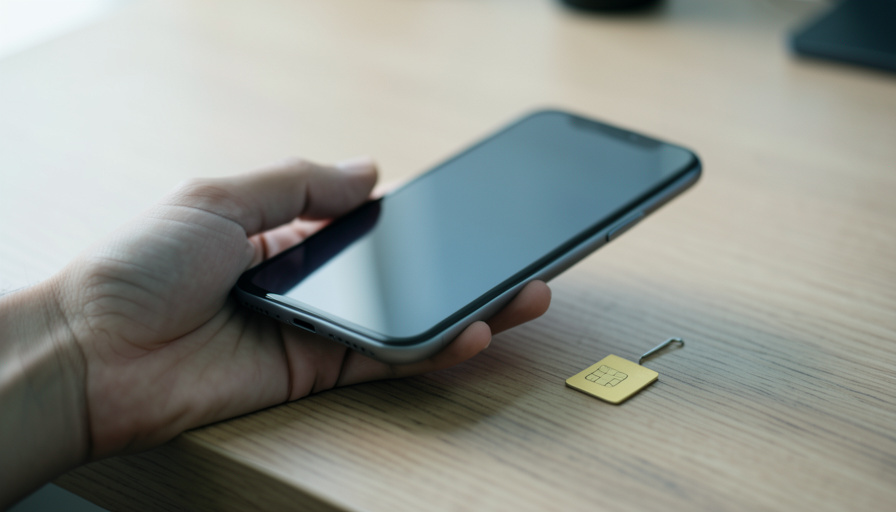
Switching carriers means choosing eSIM or physical SIM and getting your number to follow without a dead zone. Both strand you if you skip one step.
The good news to hold onto before you start: your phone number lives on your carrier account, not on the little chip or the eSIM profile. Until a port actually completes, the number stays put with your old carrier, so a stalled transfer does not vaporize it. What a botched switch does cost you is time and, for a few nervous hours, a working phone. That is the part worth planning around.
Whether you go eSIM or physical, the number moves the same way underneath. The differences that matter are speed, what your phone needs, and how gracefully each one recovers when something hangs.
In Brief
Porting works the same for both: you give the new carrier your old account number and a transfer PIN, and the number moves in anywhere from ten minutes to a day. eSIM is faster and you cannot misplace it, but it needs an unlocked, eSIM-capable phone. A physical SIM works on any phone with a tray but means waiting for a card. The most common reason a switch fails is an account lock still active at your old carrier, so turn that off first, and never cancel the old plan until the port finishes.
What actually moves your number
Porting is a paperwork handshake between two carriers, not a physical act. To start it, the new carrier needs two things from your old account: the account number and a transfer PIN, sometimes called a port-out PIN, which you request from the old carrier or generate in its app. Hand those over and the port runs in the background, usually within a few hours, though carriers quote anywhere up to 24 hours. The SIM, physical or embedded, is just the antenna that lights up once the handshake clears.
eSIM vs physical SIM: the real differences
Neither is universally better. They fail and succeed in different ways, so match them to your phone and your habits.
| Factor | eSIM transfer | Physical SIM swap |
|---|---|---|
| Speed | Minutes, activated by QR or app | Hours to days, or a store visit |
| Phone requirement | Unlocked and eSIM-capable | Any phone with a SIM tray |
| Can you lose it? | No physical item to misplace | Card can be lost or damaged |
| Recovery if it fails | Carrier can re-push a profile remotely | Needs a new card mailed or bought |
| Swapping between devices | Needs a transfer step each time | Pop the card into the new phone |
The pattern: eSIM wins on speed and on never leaving your number in a drawer, while a physical SIM wins on simplicity when you change phones often or travel with cheap local cards.
The account lock nobody tells you to turn off
Since July 2024, FCC rules require carriers to offer an account lock that blocks SIM changes and number ports, a genuinely good defense against port-out fraud, where a thief steals your number to intercept your codes. The catch is that the same lock blocks you. If you enabled number lock or a port freeze on your old account, your legitimate port will silently fail until you turn it off at the old carrier first. This single setting is behind a huge share of stuck switches, so check it before you blame the new carrier.
While you are thinking about that lock, keep it on for security once your switch is done, and if you ever suspect your number was ported without permission, treat it like fraud and report it quickly.
Why you’re seeing no service, and how to fix it
A gap of no service during a switch is common and usually temporary. Work through these before panicking.
- You are on a temporary number. An eSIM often activates on a placeholder number first, then swaps to your real one when the port completes. Seeing a temp number for a while is normal, not a failure.
- The port is still processing. Give it the full window, up to 24 hours, and avoid starting the switch right before you need the phone for something important.
- You cancelled the old plan too early. Never cancel the old carrier yourself. Cancelling can release the number and break the port. Let the switch close the old line automatically.
- The eSIM needs a fresh profile. If your old phone was reset or offline, the eSIM cannot always release cleanly, and the carrier may need to re-push a profile to the new phone. A quick support chat fixes this.
- Basic resets. Toggle airplane mode, restart, and confirm the line is enabled in your phone’s cellular settings. Boring, but it clears a surprising number of hangs.
Which should you pick
For most people switching carriers today, eSIM is the better default: it activates in minutes, there is no card to wait for or lose, and dual-SIM lets you keep both lines live during the cutover so you are never fully dark. Choose a physical SIM if your phone lacks eSIM support, if it is carrier-locked and you cannot unlock it yet, or if you hop between devices and countries often and want to move service by moving a card. The deciding question is not which is newer. It is whether your phone is unlocked and eSIM-capable, and how often you swap it.
Frequently Asked Questions
Will I lose my number if the port fails?
No. Your number stays with your old carrier until the port completes, so a failed or stalled transfer leaves it intact. You can retry once you fix the cause, usually an account lock or a wrong transfer PIN.
What is a transfer PIN, and where do I get it?
It is a temporary code, separate from your SIM PIN, that authorizes the port. Request it from your old carrier’s app, website, or support line, along with your account number, and give both to the new carrier.
Why did my new eSIM activate with a different number?
Carriers often assign a temporary number so the line works while the port processes, then switch it to your real number when the transfer finishes. If the temp number persists beyond a day, contact the carrier.
Do I need to unlock my phone to switch carriers?
Yes, if it is carrier-locked. A locked phone will not accept another carrier’s SIM or eSIM until the original carrier unlocks it, which they must do once you meet their conditions. Confirm unlock status before you start.
Is eSIM safer against SIM-swap fraud?
Both can be targeted, since the fraud usually attacks your account, not the chip. The real protection is the account lock your carrier now offers plus strong account security, not the SIM type itself.
Can I switch back to a physical SIM later?
Usually yes. Most carriers let you convert between eSIM and physical SIM on the same account, though you may need to request a card and reactivate. Your number comes along either way.
What This Means
A carrier switch goes smoothly when you treat it as a sequence, not a leap. Get your account number and transfer PIN, turn off any port lock at the old carrier, start the port with time to spare, and leave the old line alone until it closes on its own. eSIM makes the whole thing faster and harder to lose, but the number moves the same way regardless, and the account lock is the switch most people forget. For another connectivity fix, browse ShoutPost’s Tech News section.

Leave a Reply
You must be logged in to post a comment.