
Five apps that cover the real jobs of public charging: finding a working plug, starting the session, and getting a receipt you can actually use.
Owning an EV is easy until you need to charge away from home, and then the app juggling starts. One app finds a station, another one you have to have an account with actually starts the charge, and getting a clean receipt for a work reimbursement can be its own hunt. The fix is knowing which apps do which job well, so you carry two or three that cover everything instead of a dozen you never open. Here are five EV charging apps worth keeping, sorted by what each one does best.
The best EV charging apps for finding stations and paying in 2026 are:
- ChargePoint: best all-around network app
- Electrify America: best for fast road-trip charging
- EVgo: best for urban fast charging
- PlugShare: best for finding chargers on any network
- ChargeHub: best free finder with trip planning
Quick Picks
| App | Best For | Cost | Main Job |
|---|---|---|---|
| ChargePoint | All-around charging | Free app, pay per session | Find, start, and pay on a huge network |
| Electrify America | Road-trip DC fast charging | Free app, per-kWh, optional membership | Fast charging with plug-and-charge |
| EVgo | City fast charging | Free app, per-kWh or per-minute | Urban fast charging with auto-start |
| PlugShare | Finding any charger | Free | Crowdsourced map across all networks |
| ChargeHub | Finder plus trip planning | Free | Map every network and plan a route |
Table of Contents
1. ChargePoint
Best for: Drivers who want one app that finds, starts, and pays across the widest network.
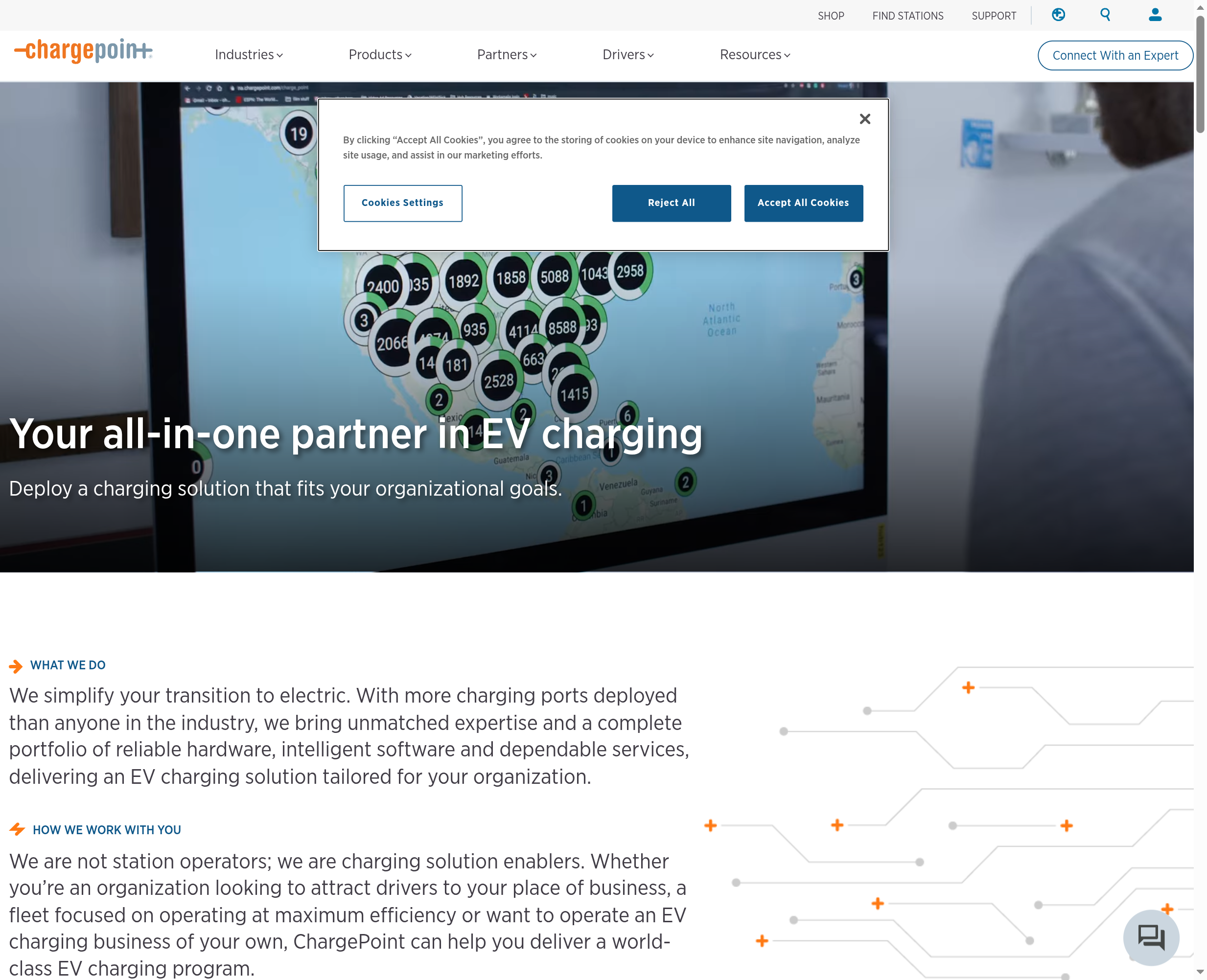
ChargePoint runs one of the largest charging networks in North America, and its app is the closest thing to a default for everyday charging. You can find nearby stations, see whether a plug is in use, start a session, and pay from your phone, and it keeps a session history so pulling a receipt later is simple. A lot of workplace, retail, and Level 2 chargers run on ChargePoint, so the app earns its place even if you rarely fast charge.
Because it spans so many station owners, pricing varies from free to per-hour to per-kWh depending on the site, which can be confusing. The app shows the price before you plug in, though, so there are no surprises if you check first. For most drivers, ChargePoint is the sensible anchor app.
- Pros: Huge network coverage; find, start, and pay in one app; clear session history for receipts; strong for Level 2 charging.
- Cons: Pricing varies widely by station owner; not every fast charger is on the network; you may still need a second app for road trips.
Pricing: Free app. You pay per session at rates set by each station, shown before you start.
2. Electrify America
Best for: Road trips and anyone who relies on DC fast charging.
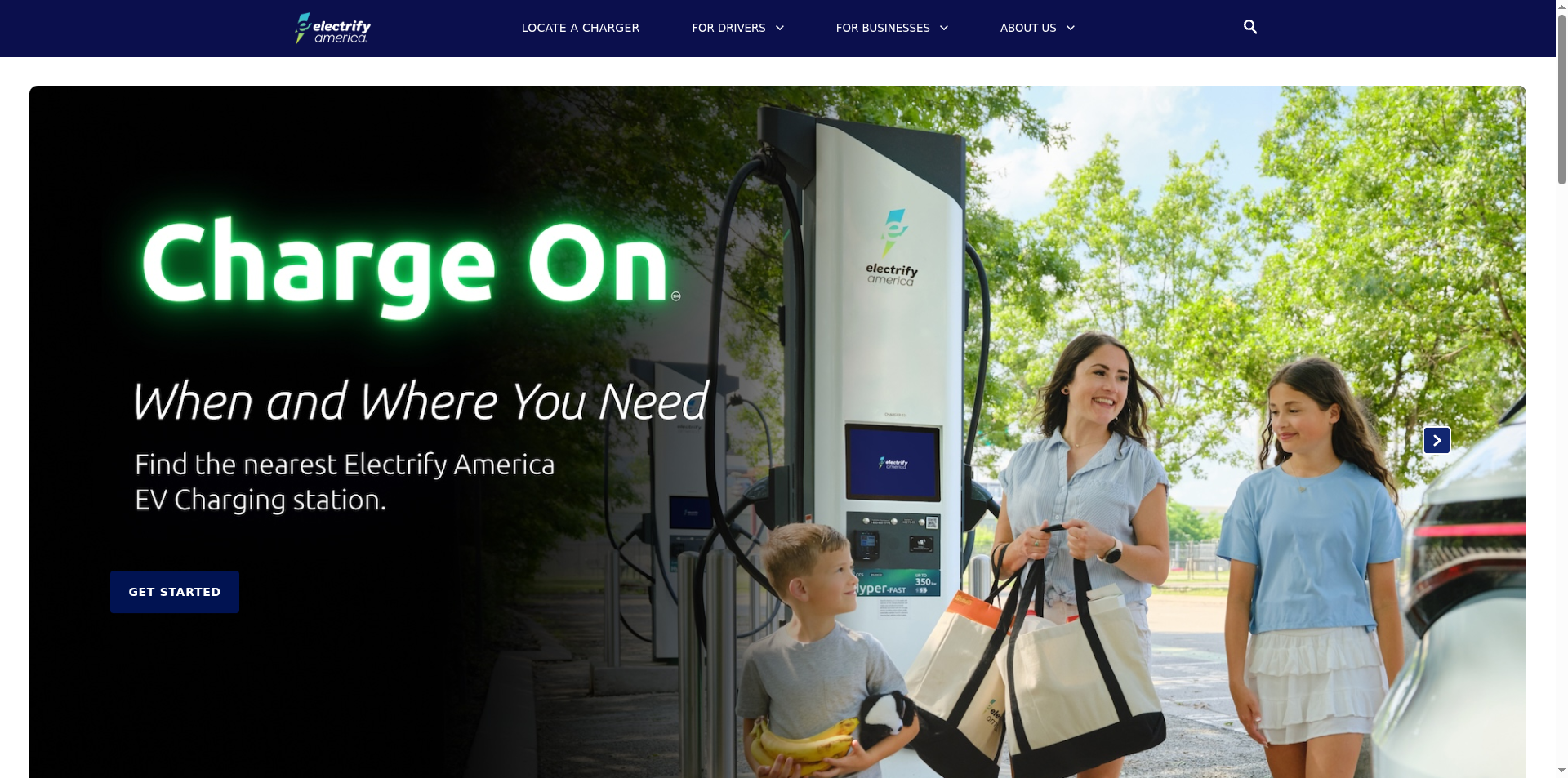
Electrify America operates one of the biggest DC fast-charging networks along highways, which makes its app the road-trip workhorse for non-Tesla drivers. You can locate high-speed stations, check how many stalls are open, start a charge, and see per-kWh pricing up front. It supports plug-and-charge on compatible vehicles, so the car and charger authenticate automatically and you skip the app tap entirely once it is set up.
Reliability at fast chargers has been a common complaint across the industry, so checking recent status before you rely on a stop is wise. A membership lowers the per-kWh rate if you charge here often. For long drives on the interstate, this is usually the app you lean on.
- Pros: Extensive highway DC fast-charging network; plug-and-charge support; clear per-kWh pricing; stall availability in the app.
- Cons: Fast-charger reliability can vary; best rates need a paid membership; coverage is thinner off major routes.
Pricing: Free app. Per-kWh charging, with an optional membership for lower rates.
3. EVgo
Best for: City drivers who fast charge close to home.
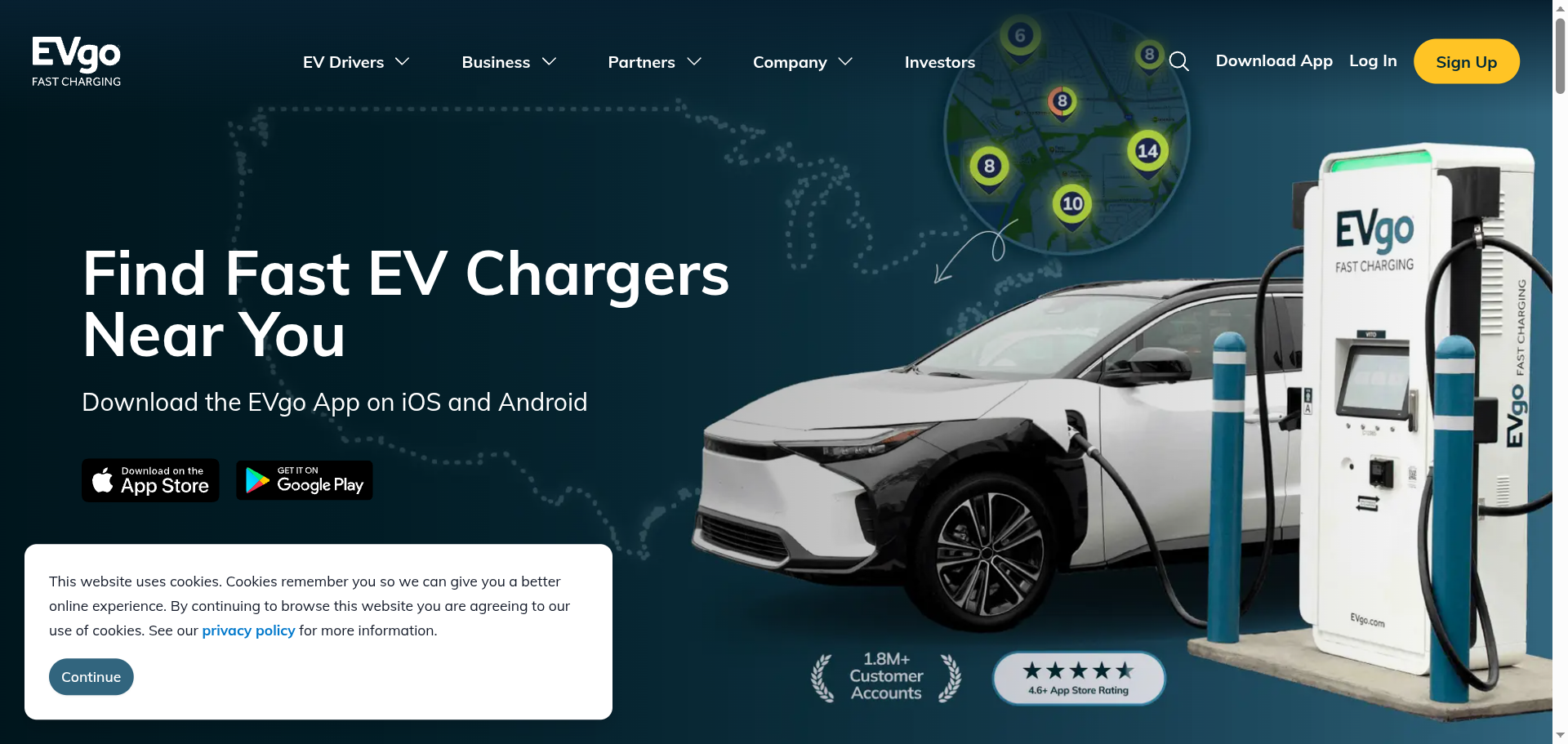
EVgo focuses on fast chargers in and around cities, often at grocery stores, malls, and parking structures, which suits drivers who top up during errands rather than on long trips. The app finds stations, shows availability, and starts sessions, and its Autocharge feature lets the charger recognize your car and begin automatically once enrolled, similar in feel to plug-and-charge.
Pricing can be per-kWh or per-minute depending on your state and plan, so read the rate in the app before you commit, and idle fees can apply if you leave the car plugged in after it finishes. For urban charging without a road trip in mind, EVgo is a strong pick.
- Pros: Dense urban fast-charging coverage; Autocharge auto-start; clear availability; convenient retail locations.
- Cons: Per-minute pricing in some areas complicates cost; idle fees apply; less useful for highway road trips.
Pricing: Free app. Per-kWh or per-minute rates, with optional membership plans.
4. PlugShare
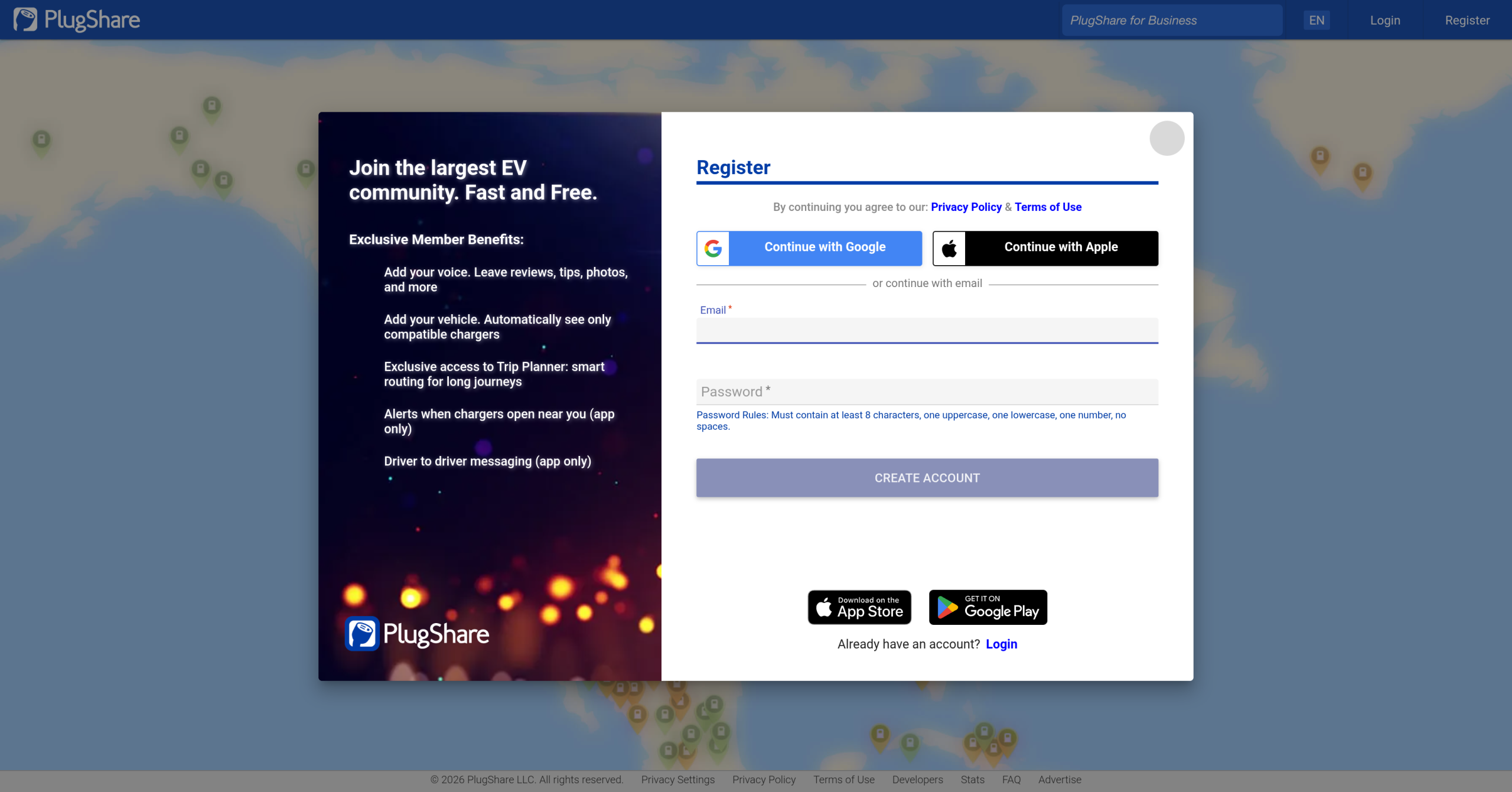
Best for: Finding a working charger on any network, with real driver feedback.
PlugShare is the map every EV driver should have, because it shows chargers across essentially all networks in one place rather than locking you into a single brand. The real value is the community: drivers leave reviews, photos, and recent check-ins, so you can tell whether a station actually works before you drive to it. You can filter by connector type and network, and it will not send you to a broken plug the way a single network app sometimes does.
It is a finder rather than a payment app, so for most stations you still start and pay through the network’s own app or a card. Used alongside a network app, though, PlugShare is the tool that keeps you from arriving at a dead charger.
- Pros: Covers chargers across all networks; driver reviews and check-ins flag dead stations; filter by plug type; free.
- Cons: A finder, not a payment app; you still need network apps to charge; a free account unlocks the best features.
Pricing: Free.
5. ChargeHub
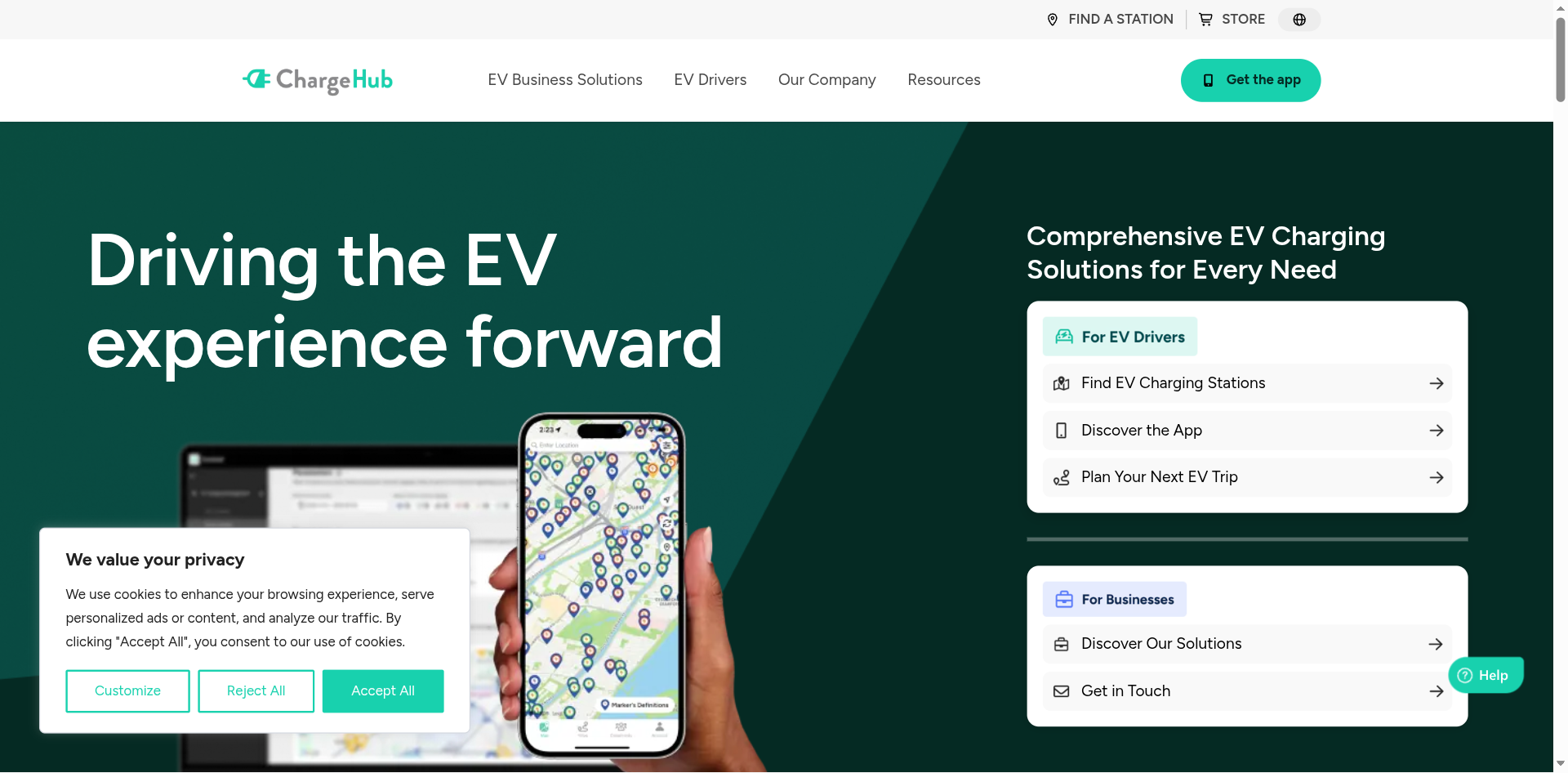
Best for: A free cross-network finder with built-in trip planning.
ChargeHub is another network-agnostic map, with a strong focus on route planning for longer drives. It maps stations across networks in the US and Canada, and its trip planner helps you place charging stops along a route so you are not guessing where the next reliable plug is. Like PlugShare, it leans on community data and lets you filter by connector and network.
It overlaps with PlugShare as a finder, so you probably do not need both, and it is not a payment app either. If route planning matters more to you than the size of the review community, ChargeHub is the finder to carry, and it costs nothing.
- Pros: Free cross-network map; helpful trip planner for long drives; US and Canada coverage; filter by connector and network.
- Cons: Overlaps with other finders; not a payment app; review community is smaller than the largest map.
Pricing: Free.
How We Chose These
We picked for the three jobs public charging actually demands: finding a plug that works, starting the session without a fuss, and getting a clean record of what you paid. The network apps earned their spots on coverage, availability data, and features like plug-and-charge or auto-start that cut out the tapping, plus session histories that make receipts easy to pull for reimbursement. The finder apps earned theirs by mapping every network in one place and surfacing driver reports that flag dead stations before you waste a trip. Because the government’s data shows charging is split across many separate networks, as the Alternative Fuels Data Center notes, we favored a mix: one or two network apps for paying, plus a finder for coverage.
The Bottom Line
Carry a small kit rather than a dozen apps. Start with ChargePoint as your everyday anchor for finding, starting, and paying on the widest network. Add Electrify America for highway road trips and EVgo if you fast charge around town. Then keep one finder, PlugShare or ChargeHub, to map every network and steer you away from broken plugs. Set up plug-and-charge or auto-start where your car supports it, and check the price in the app before every session so the receipt holds no surprises.
Frequently Asked Questions
What is the best EV charging app?
For everyday use, ChargePoint is the best all-around app because it spans a huge network and handles finding, starting, and paying with a session history for receipts. For highway trips, Electrify America is the go-to for fast charging, and PlugShare is the best finder for locating working chargers across all networks. Most drivers carry a network app plus a finder.
Do I need more than one EV charging app?
Usually yes. Charging is split across separate networks, so one network’s app cannot start a session on another network’s charger. A practical setup is one or two network apps for the stations you use most, plus a finder like PlugShare or ChargeHub that maps every network. You can confirm what is near a destination using a public tool like the federal charging station locator.
What is plug-and-charge and which apps support it?
Plug-and-charge lets your car and the charger authenticate and bill automatically when you plug in, so you skip the app tap. On compatible vehicles it works on Electrify America, and EVgo offers a similar Autocharge feature. You set it up once in the app or your car’s settings, after which sessions start on their own at supported stations.
How do I get a receipt for EV charging reimbursement?
Use the network app’s session or charging history, which lists each session’s date, location, energy delivered, and cost, and can usually email or export a receipt. ChargePoint, Electrify America, and EVgo all keep this history in the app. Charging through the network’s own app rather than a tap-to-pay terminal makes the record easier to retrieve for a work reimbursement.
What To Do Next
Install one network app for the stations near you plus one finder, and set up an account in each before your next trip so you are not registering at the plug. Turn on plug-and-charge or auto-start if your car supports it, and get in the habit of checking the price and recent reviews before you commit to a stop. For more EV and car-ownership guidance, see our Autos and Tech News sections.


Leave a Reply
You must be logged in to post a comment.