



Venmo is built for adults splitting dinner, not for handing a kid an allowance with guardrails. These four apps are made for families.
Venmo works for grown-ups paying each other back, but it was never designed for giving a child an allowance you can actually control. Its teen option is limited, and it lacks the spending caps, store blocks, and chore tools parents want. A dedicated teen money app fills that gap: you can send an allowance on a schedule, set spending limits, choose where the card works, and see where every dollar goes. Below are four strong alternatives built for families, spanning full-featured paid apps and genuinely free options.
Quick Answer
The best Venmo alternatives for teen allowances are:
- Greenlight: best all-around for controls, chores, and investing
- Acorns Early: best allowance-and-chores app for younger kids, formerly GoHenry
- Step: best no-monthly-fee teen account with credit building
- Modak: best free option with no required subscription
Quick Picks
| App | Best for | Monthly fee |
|---|---|---|
| Greenlight | The most complete controls | Subscription, tiered |
| Acorns Early | Younger kids, chores | Subscription |
| Step | Fee-free teen account | None |
| Modak | A free card with lessons | Free plan available |
1. Greenlight

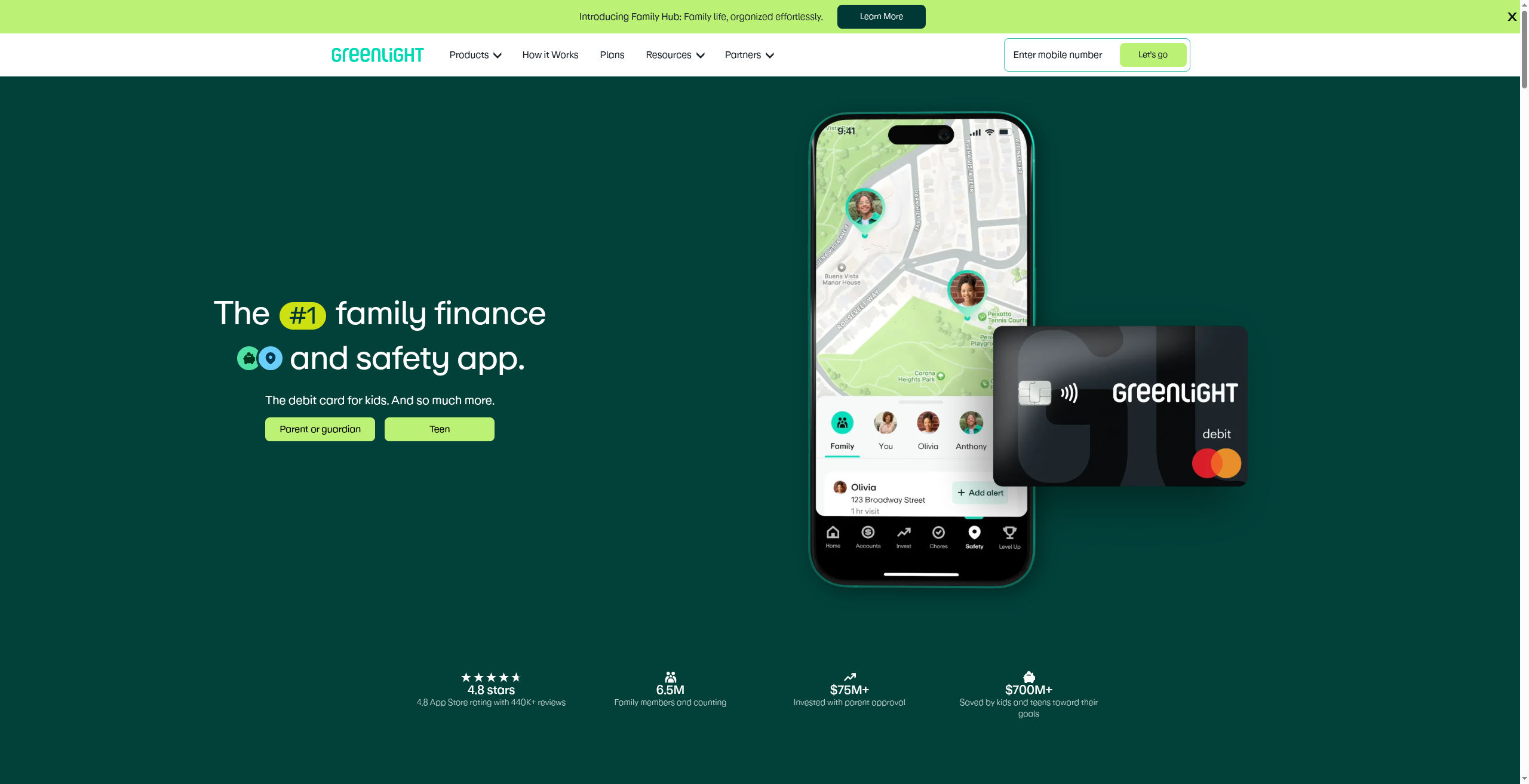
Best for: families who want the most complete set of controls, chores, and money lessons in one app.
Greenlight is the market leader for family finance, pairing a kids’ and teens’ debit card with deep parental controls. You can set spending limits, get real-time alerts on every purchase, allow or block specific stores, automate allowance on a schedule, and tie money to chores. Higher tiers add investing with parent approval and safety features. The trade-off is a monthly subscription, which covers the whole family but is a recurring cost. For parents who want one app that does nearly everything, it is the top choice.
- Pros: extensive parental controls and spending limits, allowance and chore automation, investing with parent approval, and real-time alerts.
- Cons: a monthly subscription is required, and the best features sit on the pricier tiers.
Pricing: a monthly subscription covering the whole family, tiered by features.
2. Acorns Early (formerly GoHenry)
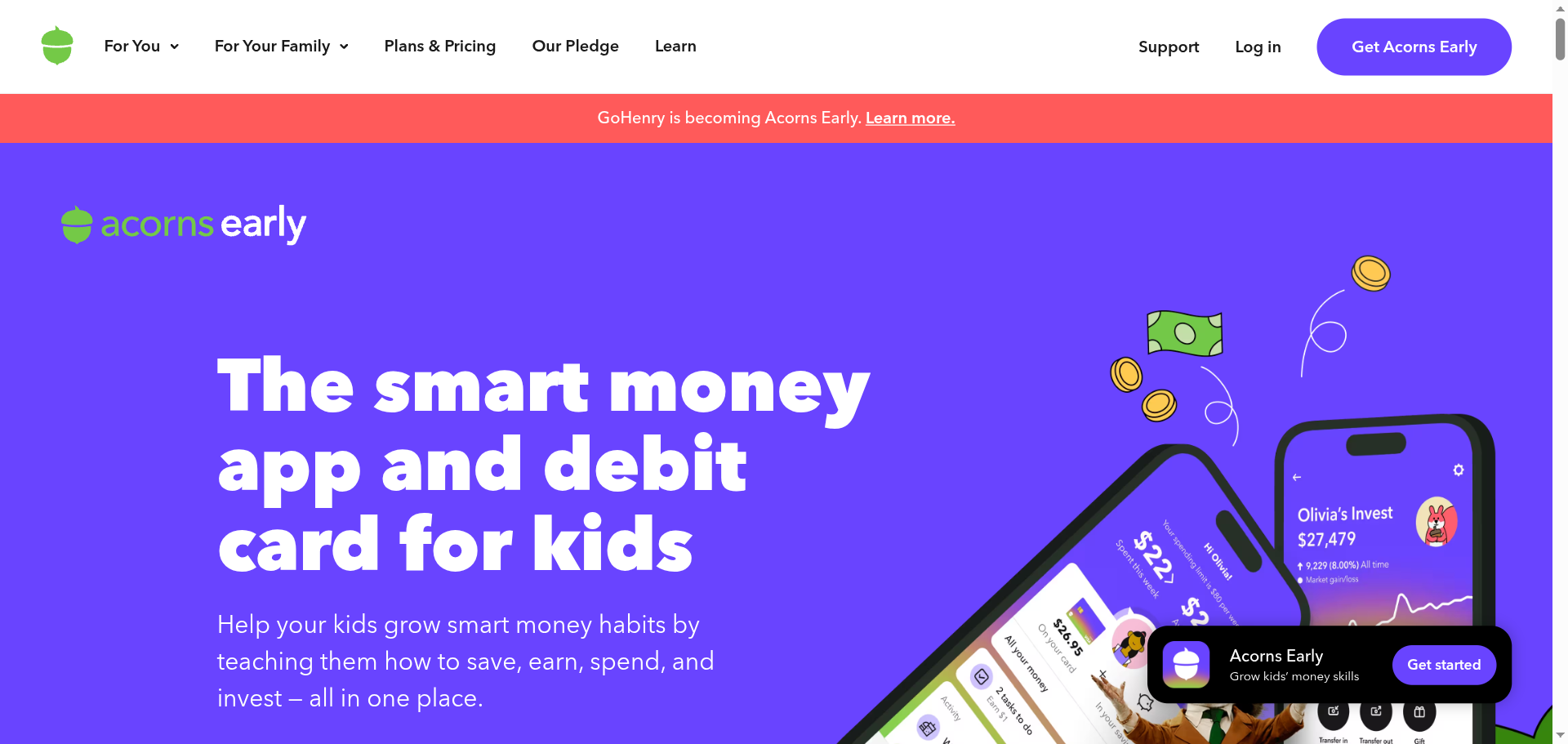
Best for: allowance and chores aimed at younger kids, with money lessons built in.
GoHenry, now part of Acorns as Acorns Early, is built around teaching younger kids to earn, save, and spend with a debit card and parental controls. Parents set allowances, assign paid chores, cap spending, and choose where the card works, while kids learn through in-app lessons. It runs on a monthly fee. If your children are on the younger side and you want structured chore-and-allowance habits with a learning layer, it is a strong fit.
- Pros: strong allowance and chore tools, in-app money lessons, parental controls and limits, and a good fit for younger kids.
- Cons: a monthly fee applies, and the recent rebrand means some names and screens are still in transition.
Pricing: a monthly subscription per family.
3. Step
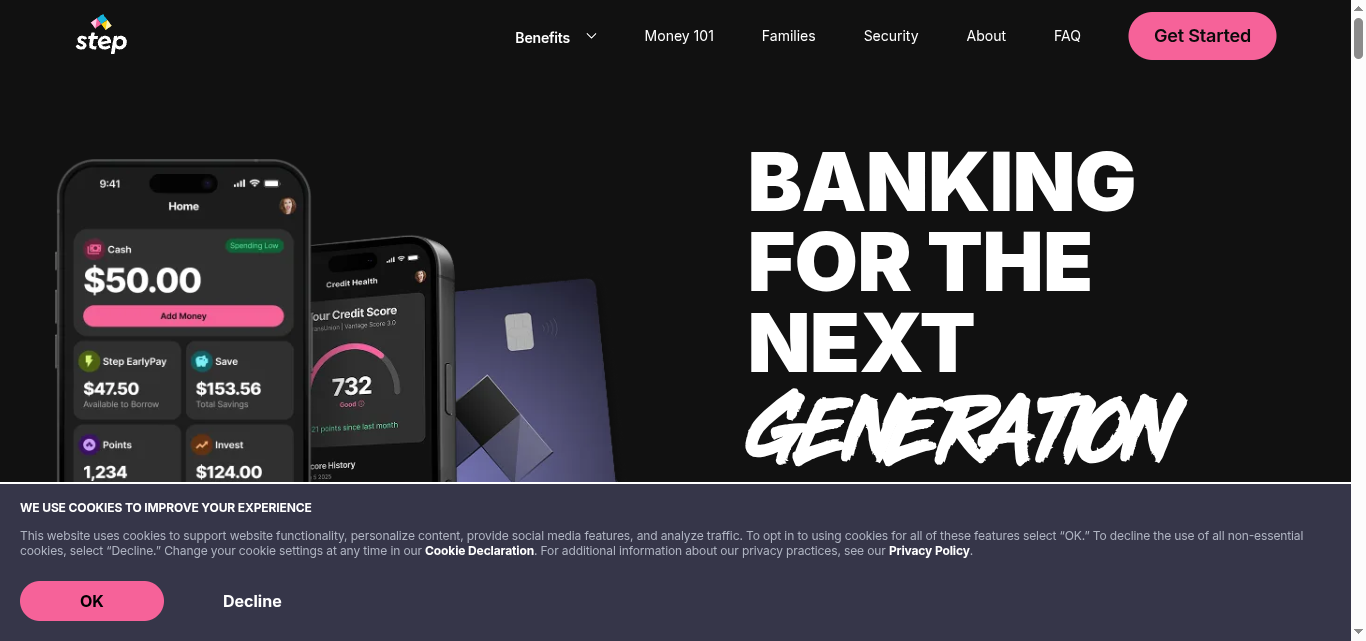
Best for: teens who want a real account with no monthly fee and a head start on credit.
Step is a teen-focused account and card with no monthly fee, which answers the common complaint about paying just to give a kid an allowance. Parents can send money and set guardrails, and the account is designed to help teens build a credit history responsibly as they spend. It leans toward older teens rather than young children, and its parental controls are lighter than Greenlight’s, but for a fee-free account with credit-building built in, it stands out.
- Pros: no monthly fee, credit-building for teens, a clean app, and instant transfers within the family.
- Cons: lighter parental controls than the paid apps, and it suits teens more than young kids.
Pricing: free, with no monthly subscription.
4. Modak
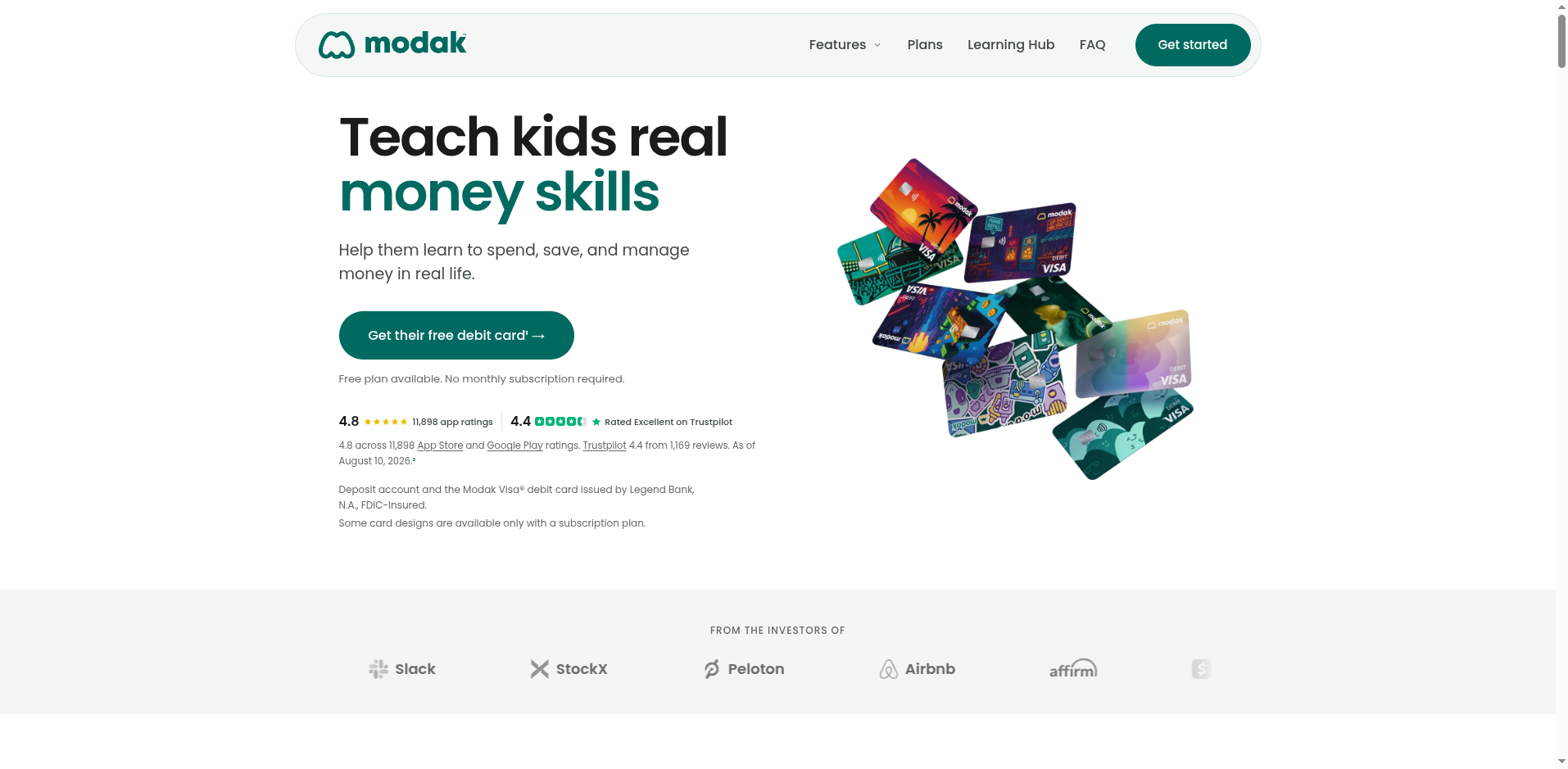
Best for: families who want a free debit card and money lessons without a required subscription.
Modak offers a kids’ and teens’ debit card with a free plan and no required monthly subscription, focused on teaching real money skills through spending, saving, and allowances. Parents get controls and visibility into the account, and paid tiers add extras like custom card designs. It is newer than the big names, so the surrounding ecosystem is smaller, but for a no-cost way to give a child a controlled card, it is a real option alongside Step.
- Pros: a free plan with no required subscription, parental controls, money-skill lessons, and FDIC-insured accounts through its bank partner.
- Cons: a smaller, newer ecosystem, and some extras require a paid plan.
Pricing: a free plan, with optional paid tiers for extra features.
How We Chose These
We focused on what parents actually need for an allowance: real parental controls like spending limits, store blocks, and transfer rules, plus allowance and chore tools that make sending money simple. From there we weighed whether there is a monthly fee, since a whole family adds up, and how well each app suits younger children versus older teens. We kept the list to four with distinct strengths, from a full-featured paid app to genuinely free options, so you can match one to your kids’ ages and your budget.
This article is general information, not financial advice. Fees, features, and availability for these apps change, and accounts and cards are typically issued through partner banks, so review each provider’s current terms, fee schedule, and cardholder agreement, and confirm FDIC coverage, before you sign up. Choose the option whose controls and costs fit your family rather than the one with the longest feature list.
The Bottom Line
For most families, Greenlight is the safest all-around pick, with the deepest controls, chores, and investing in one app, if you are comfortable with a subscription. Choose Acorns Early, formerly GoHenry, for younger kids and structured chores, Step for a fee-free teen account with credit-building, and Modak for a free card with money lessons and no required subscription. Set up the controls and spending limits first, send a small test allowance, and let your kid use it for a week before you rely on it.
Frequently Asked Questions
What is the best Venmo alternative for teen allowances?
For most families, Greenlight is the best all-around choice because it offers the deepest parental controls, allowance and chore automation, and investing with parent approval in one app. Acorns Early, formerly GoHenry, suits younger kids, Step is the best no-monthly-fee teen account, and Modak is a strong free option. The right pick depends on your children’s ages and whether you want to avoid a monthly subscription.
Are there teen money apps with no monthly fee?
Yes. Step has no monthly fee and is built for teens, and Modak offers a free plan with no required subscription. Both let parents send money and give kids a controlled debit card without the recurring cost that comes with Greenlight or Acorns Early. The paid apps generally offer more parental controls and chore tools, so weigh the extra features against the monthly price for your family.
Can I set spending limits and block certain stores?
Yes, on the control-focused apps. Greenlight and Acorns Early let parents set spending limits, automate allowance, assign chores, and allow or block specific stores or categories, with alerts on purchases. Step and Modak include controls too, though they are lighter than the paid apps. If tight merchant blocking and detailed limits matter most to you, a paid app like Greenlight gives you the most granular settings.
Is my teen’s money safe in these apps?
These apps are not banks themselves; they partner with chartered banks that hold the deposits, and those accounts are typically FDIC-insured up to the legal limit. Cards are issued under Visa or Mastercard through the partner bank. Safety also depends on good account habits, so use a strong password, enable any available two-factor login, and review the provider’s current terms and disclosures to confirm coverage before you deposit money.
What To Do Next
Decide what matters most, the deepest controls or avoiding a monthly fee, then pick the app that fits your kids’ ages. Set up spending limits, allowance, and any store blocks before you hand over the card, and send a small test amount to confirm transfers work. Review the fee schedule and FDIC coverage in the terms. For more on family money and everyday finance, see our Finance & Money and Family & Personal sections.