


Five invoicing and accounting tools that cover the essentials without QuickBooks Online’s yearly price creep.
QuickBooks Online is powerful, and for a micro-business that is often the problem. You are paying a subscription that climbs most years for a stack of features a solo owner or a two-person shop rarely opens. The complaint shows up constantly among small-business owners online: the price went up again, the tool does far more than they need, and they mostly just want to send invoices, log expenses, and be ready at tax time. If that sounds familiar, the good news is that the switch is easier than it used to be. Here are five QuickBooks alternatives worth considering, from a genuinely free option to full accounting suites, sorted by the kind of business each one fits.
The best QuickBooks alternatives for small businesses in 2026 are:
- Wave: best for free invoicing and accounting
- Zoho Books: best for micro-businesses that plan to grow
- FreshBooks: best for client invoicing and service work
- Xero: best for teams that need unlimited users
- Akaunting: best for open-source, self-hosted control
Quick Picks
| Software | Best For | Free Tier | Key Feature |
|---|---|---|---|
| Wave | Free invoicing and accounting | Yes | Unlimited invoices at no cost |
| Zoho Books | Growing micro-businesses | Yes, under a revenue cap | Deep automation and a full app suite |
| FreshBooks | Service and client billing | Trial only | Invoicing built for getting paid faster |
| Xero | Teams needing many users | Trial only | Unlimited users on every plan |
| Akaunting | Open-source, self-hosted | Yes, self-hosted | Own your data on your own server |
Table of Contents
1. Wave

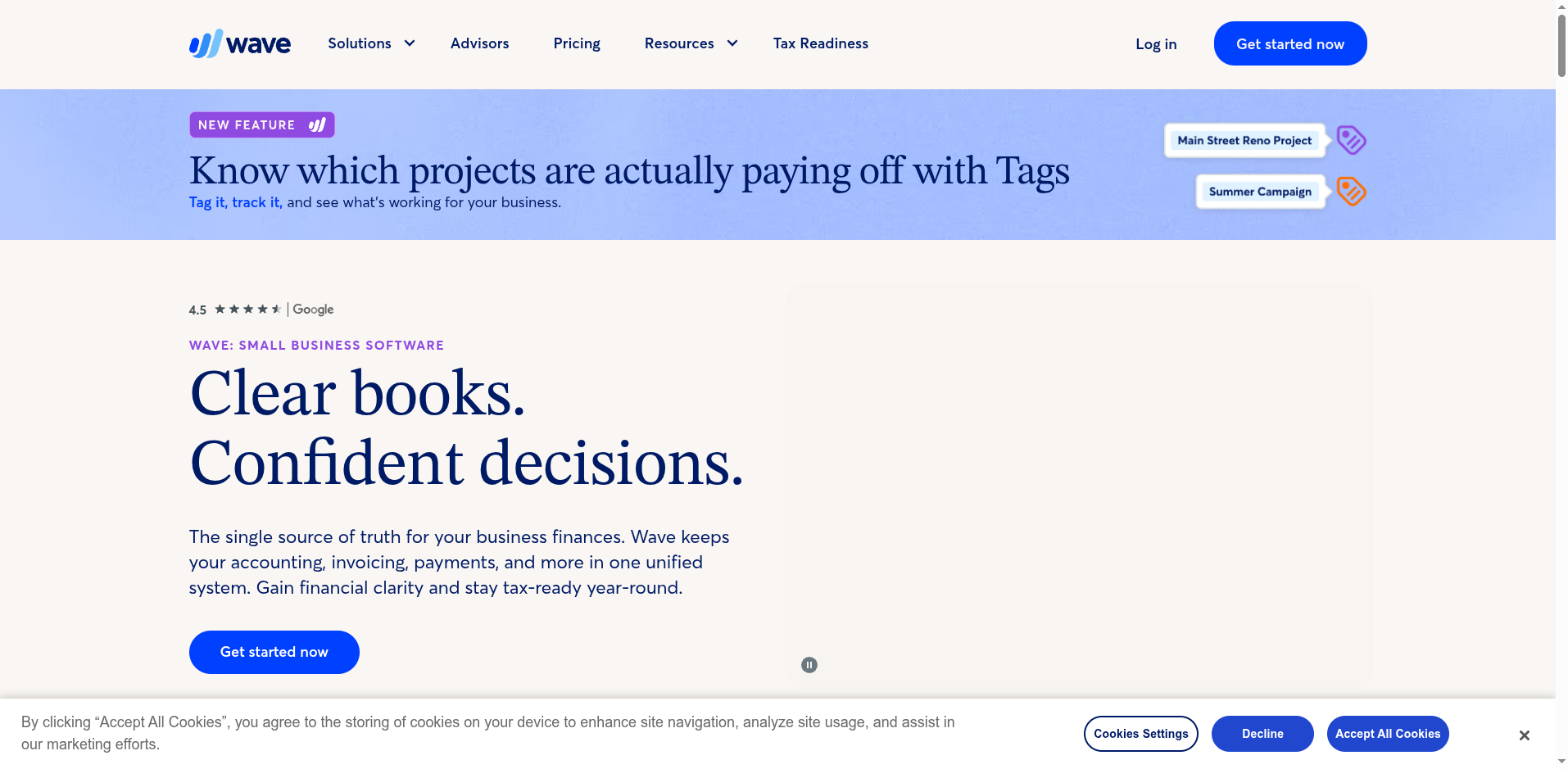
Best for: Freelancers and micro-businesses that want real invoicing and accounting without a monthly bill.
Wave is the tool small-business owners keep recommending to each other when someone asks for a cheaper option, and the reason is simple: the core invoicing and accounting is free. You can send unlimited professional invoices, track income and expenses, and run basic reports without paying anything, which is a rare thing in this category. For a solo operator or a side business, that alone can replace a QuickBooks subscription outright.
The catch is how Wave makes money. Accepting online payments carries the usual per-transaction processing fee, payroll is a paid add-on, and the newer Pro tier unlocks extras like automatic bank imports and receipt scanning. Even so, the free plan is a legitimate accounting system rather than a stripped demo, and that is why it comes up again and again in threads from owners leaving QuickBooks.
- Pros: Genuinely free core invoicing and accounting; clean, beginner-friendly interface; unlimited invoices and clients.
- Cons: Payments and payroll cost extra; fewer advanced features than a full QuickBooks setup; support is lighter on the free plan.
Pricing: Free core plan. Pro tier around $16/mo for automation extras. Payments and payroll billed separately per use.
2. Zoho Books
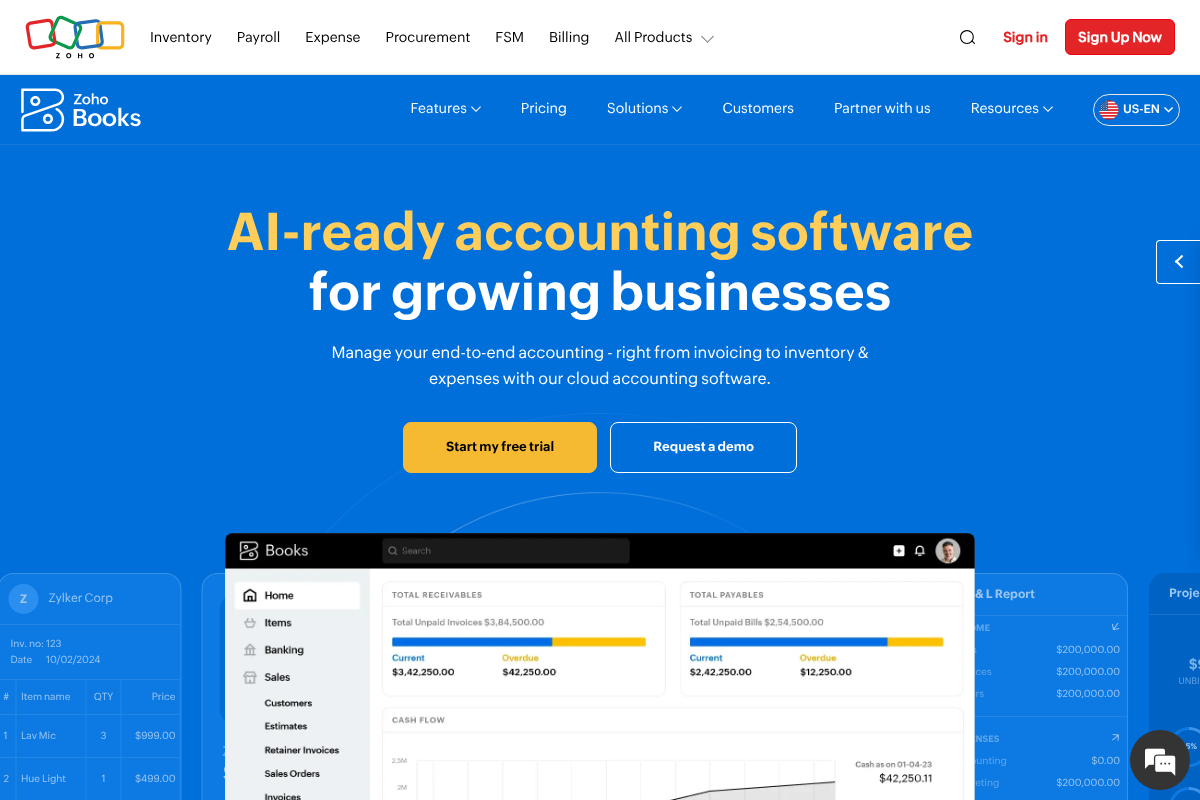
Best for: Micro-businesses that want a free start and room to scale into a bigger toolset later.
Zoho Books hits a sweet spot between Wave’s simplicity and a full accounting suite. It has a free plan for businesses under a set annual revenue threshold, and the paid tiers stay reasonable as you grow. Where it pulls ahead is automation and depth: recurring invoices, payment reminders, expense rules, and reporting that goes well beyond the basics, all in a tool that does not feel bare.
The other advantage is the wider Zoho family. If you later want a CRM, inventory, or email, they plug into the same account, so a growing business is not forced to migrate again. The trade-off is a slightly steeper learning curve than Wave, and getting the most from it usually means committing to the Zoho ecosystem. For an owner who expects to add staff or product lines, that is often a fair deal.
- Pros: Free tier for small revenue; strong automation and reporting; integrates with a large suite of business apps.
- Cons: More features to learn than a simple invoicing tool; best value assumes you stay within the Zoho ecosystem.
Pricing: Free plan under a revenue cap. Paid plans start around $15/mo billed annually and rise by feature tier.
3. FreshBooks
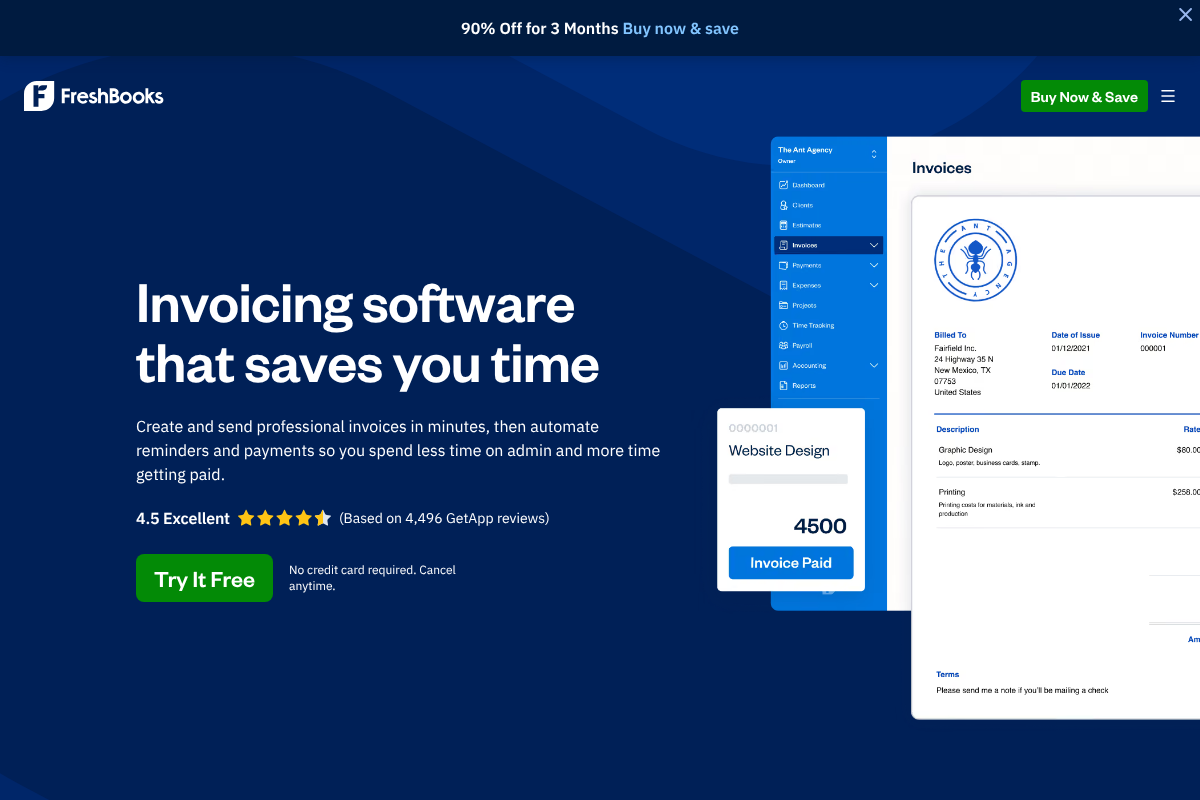
Best for: Service businesses, agencies, and freelancers whose main job is billing clients and getting paid.
FreshBooks built its reputation on invoicing, and it shows. Creating and sending a polished invoice takes a minute, automatic late reminders chase clients so you do not have to, and time tracking and project tools feed straight into the bill. For consultants, designers, contractors, and anyone who charges by the hour or the project, the workflow is smoother than a general ledger tool that treats invoicing as one feature among many.
It is not the cheapest pick, and the entry plan caps the number of billable clients, so the price grows as your client list does. There is no permanent free plan, only a trial. If your business is really about bookkeeping breadth, another tool may fit better, but if getting invoices out and payments in is the daily grind, FreshBooks earns its keep.
- Pros: Excellent, fast invoicing; automatic payment reminders; strong time tracking and project billing.
- Cons: No free plan; lower tiers limit billable clients; pricing climbs as you add clients and users.
Pricing: No free plan. Paid plans typically start around $21/mo, with higher tiers for more clients and features. Promotional discounts are common.
4. Xero
Best for: Small businesses with a few people who all need access, or an outside bookkeeper.
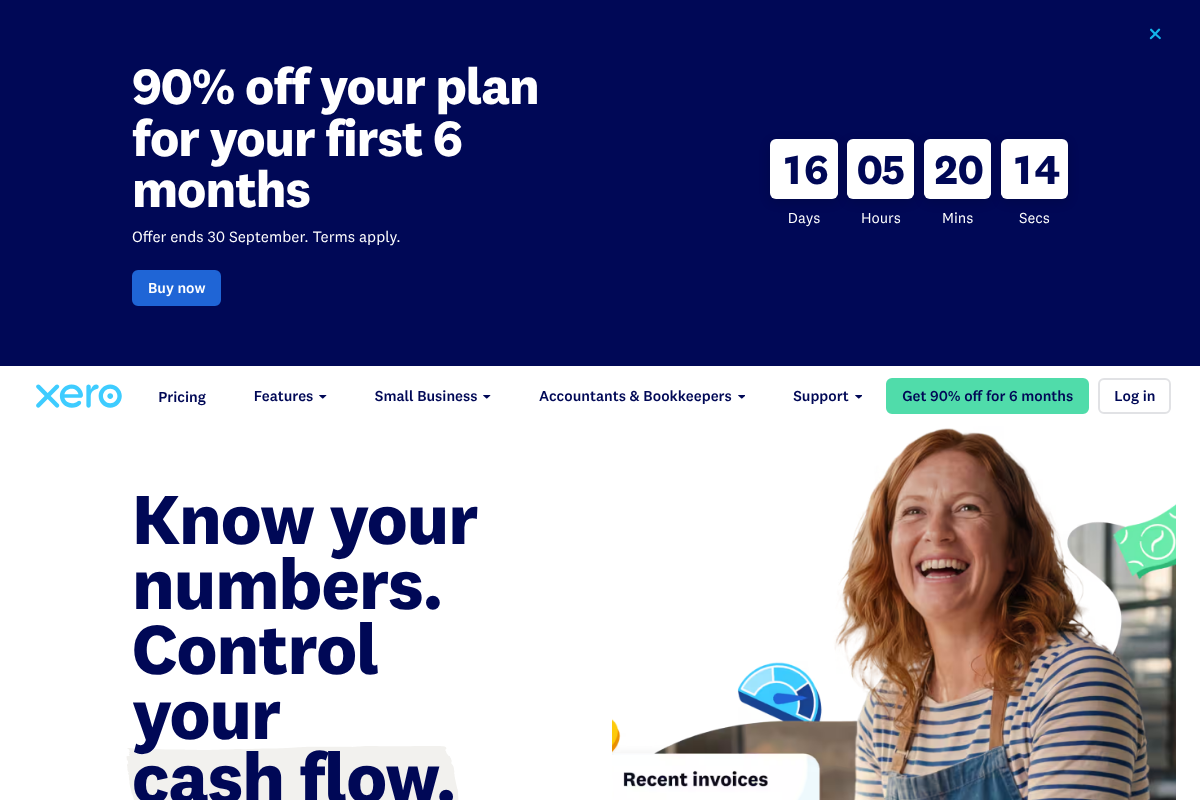
Xero is the closest full-featured rival to QuickBooks Online, and its standout perk is that every plan includes unlimited users. QuickBooks charges by seat on most tiers, so a business with an owner, a partner, and an accountant can end up paying more just to give everyone access. With Xero, that is baked in, which changes the math for a small team quickly.
Beyond users, Xero handles bank reconciliation, bills, reporting, and a large app marketplace, so it scales without you outgrowing it. The entry plan limits how many invoices and bills you can enter each month, which nudges busier businesses up a tier, and there is no permanent free plan. For a growing shop that wants professional-grade accounting and shared access, though, it is a strong and popular choice.
- Pros: Unlimited users on every plan; solid bank reconciliation and reporting; big library of integrations.
- Cons: Entry plan caps monthly invoices and bills; no free plan; more than a solo invoicer needs.
Pricing: No free plan. US plans start around $20/mo for the entry tier and rise to roughly $47 and $80/mo for higher limits.
5. Akaunting
Best for: Technically comfortable owners who want to own their data and avoid subscriptions entirely.
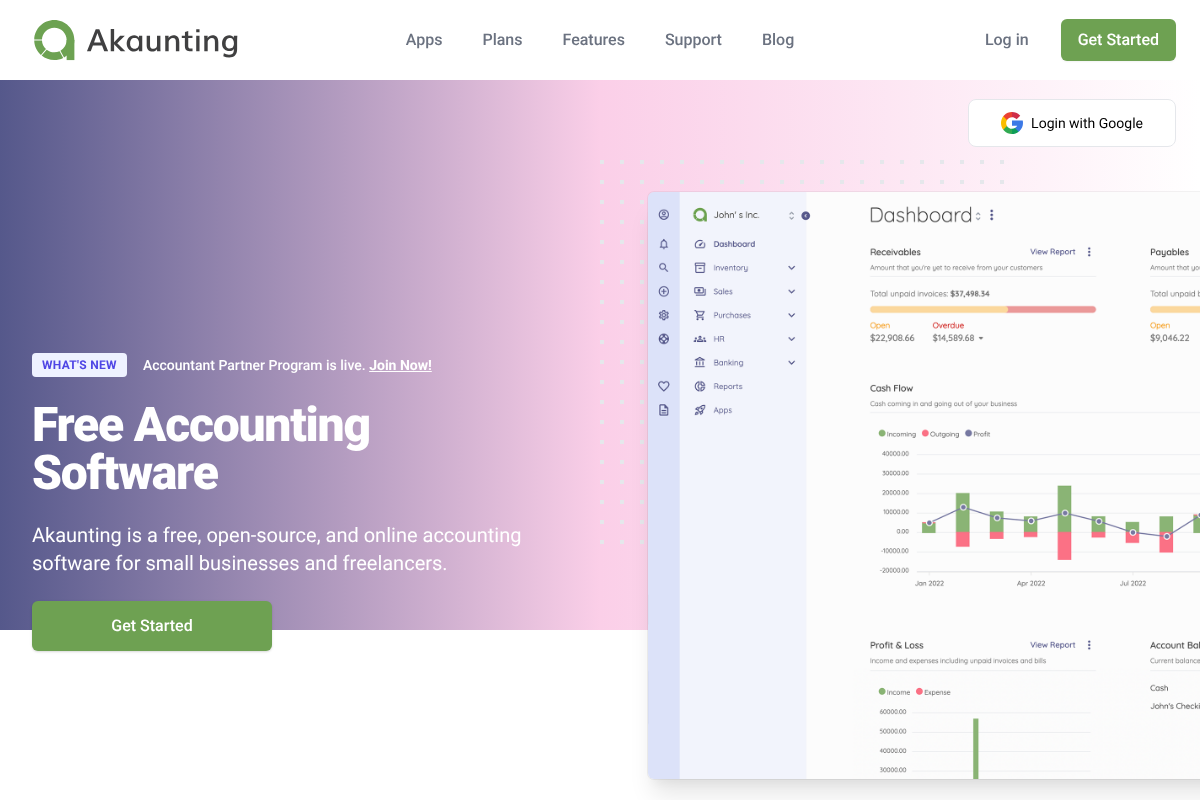
Akaunting is the option for people who want control. It is open-source accounting software you can install on your own server and run for free, which means your financial data lives where you decide and there is no monthly fee for the core app. For a privacy-minded or budget-conscious owner with a little technical confidence, that independence is the whole appeal.
The core is free, but useful capabilities like recurring billing, extra users, or specific integrations often come from paid apps in its marketplace, or from a hosted plan if you would rather not manage a server yourself. Self-hosting also means you handle updates and backups. It asks more of you than a polished cloud tool, yet for the right owner the payoff is a system nobody can raise the price on.
- Pros: Free, open-source core; self-hosting keeps your data under your control; modular add-ons let you pay only for what you use.
- Cons: Self-hosting requires technical setup and maintenance; key features may need paid apps; smaller support community than the big names.
Pricing: Free self-hosted core. Paid apps and hosted cloud plans start around $9 to $24/mo depending on features.
How We Chose These
We picked for the micro-business reality, not the enterprise wish list. The priorities were price and price stability, since the whole reason people leave QuickBooks is the yearly increase, followed by how quickly you can send an invoice and get paid, which is the daily task for most small operators. We favored tools with a real free tier or a fair entry price, an interface a non-accountant can navigate, and a clear upgrade path so a growing business is not forced to switch again. We also weighed how each handles the essentials every owner needs at tax time: clean expense tracking, basic reports, and exportable records. Each pick earns its spot for a different type of business rather than repeating the same strengths.
This article is general information, not financial, accounting, or tax advice. Software features, pricing, and free-tier limits change often, so confirm current details on each vendor’s site before you buy. Your bookkeeping and tax obligations depend on your business type and location. The IRS notes that you must keep records that clearly show your income and expenses, so before switching tools, make sure you can export your data and preserve your history. For specific guidance, consult a qualified accountant or tax professional.
The Bottom Line
If you want to stop paying for accounting entirely, start with Wave, which covers invoicing and books for free. For a micro-business that expects to grow, Zoho Books gives you a free start and somewhere to scale. Service businesses that live and die by client billing should look at FreshBooks. A small team that needs shared access will save real money with Xero’s unlimited users. And if you want to own your data outright, Akaunting is the self-hosted answer. Before you move, export your QuickBooks data and check that your new tool can import your history, as the IRS recordkeeping guidance makes clear you need to keep those records intact.
Frequently Asked Questions
What is the best QuickBooks alternative for a small business?
For most micro-businesses, Wave is the best alternative because its core invoicing and accounting is free and covers what a solo owner or small shop actually needs. If you expect to grow, Zoho Books offers a free start with more room to scale. The best choice depends on whether you prioritize price, invoicing polish, team access, or data control.
Is there a free alternative to QuickBooks?
Yes. Wave offers free core invoicing and accounting, Zoho Books has a free plan for businesses under a revenue threshold, and Akaunting’s open-source app is free to self-host. Each makes money elsewhere, through payment processing, paid tiers, or add-on apps, but you can run genuine accounting on the free options without a subscription.
Why do people switch away from QuickBooks Online?
The most common reasons are recurring price increases and paying for features a small business never uses. Owners online frequently report their subscription rising year over year while they mostly need invoicing and expense tracking. Cheaper or free tools that cover the essentials often make more sense for a micro-business than a full enterprise suite.
Can I move my data from QuickBooks to another accounting tool?
Usually yes. Most alternatives let you import customers, invoices, and chart-of-accounts data, and QuickBooks can export your records to standard file formats. Migration is smoothest at the start of a financial year or quarter. Before switching, export a full backup and confirm your new tool preserves your transaction history so your books stay complete for tax purposes.
What To Do Next
Pick the two options that match your situation and try them in parallel for a week using real invoices and expenses. Send an actual invoice, categorize a few transactions, and pull a basic report to see which one fits how you work. The SBA’s guidance on managing business finances is a good primer on the bookkeeping basics your software should support. For more on running a lean operation, see our Business and Finance & Money sections.