


Four tools that do the citation-and-PDF heavy lifting Notion was never built for.
Notion is great for organizing a project, a syllabus, or a reading list. It is a poor fit for the part of grad school that actually eats your time: wrangling hundreds of references, generating clean citations, and marking up PDFs of papers. That gap is why so many grad students keep Notion for planning and reach for a dedicated research tool for the source-heavy work. The four below each handle references and annotated PDFs far better, and they range from a pure citation engine to full note vaults that pull your library right in. Here is how they compare and which one fits your workflow.
Quick Answer
The best Notion alternatives for citation and PDF workflows are:
- Zotero: best for managing references and generating citations
- Obsidian: best for linking research notes and annotating PDFs in one vault
- RemNote: best for studying from PDFs with flashcards built in
- Logseq: best for a free, open-source research outliner with Zotero built in
Quick Picks
| Tool | Best for | Cost |
|---|---|---|
| Zotero | References and citations | Free; paid storage upgrades |
| Obsidian | Linked notes plus PDF annotation | Free personal use; paid Sync optional |
| RemNote | Studying PDFs with flashcards | Free tier; paid Pro |
| Logseq | Free, local, open-source outlining | Free and open source |
1. Zotero

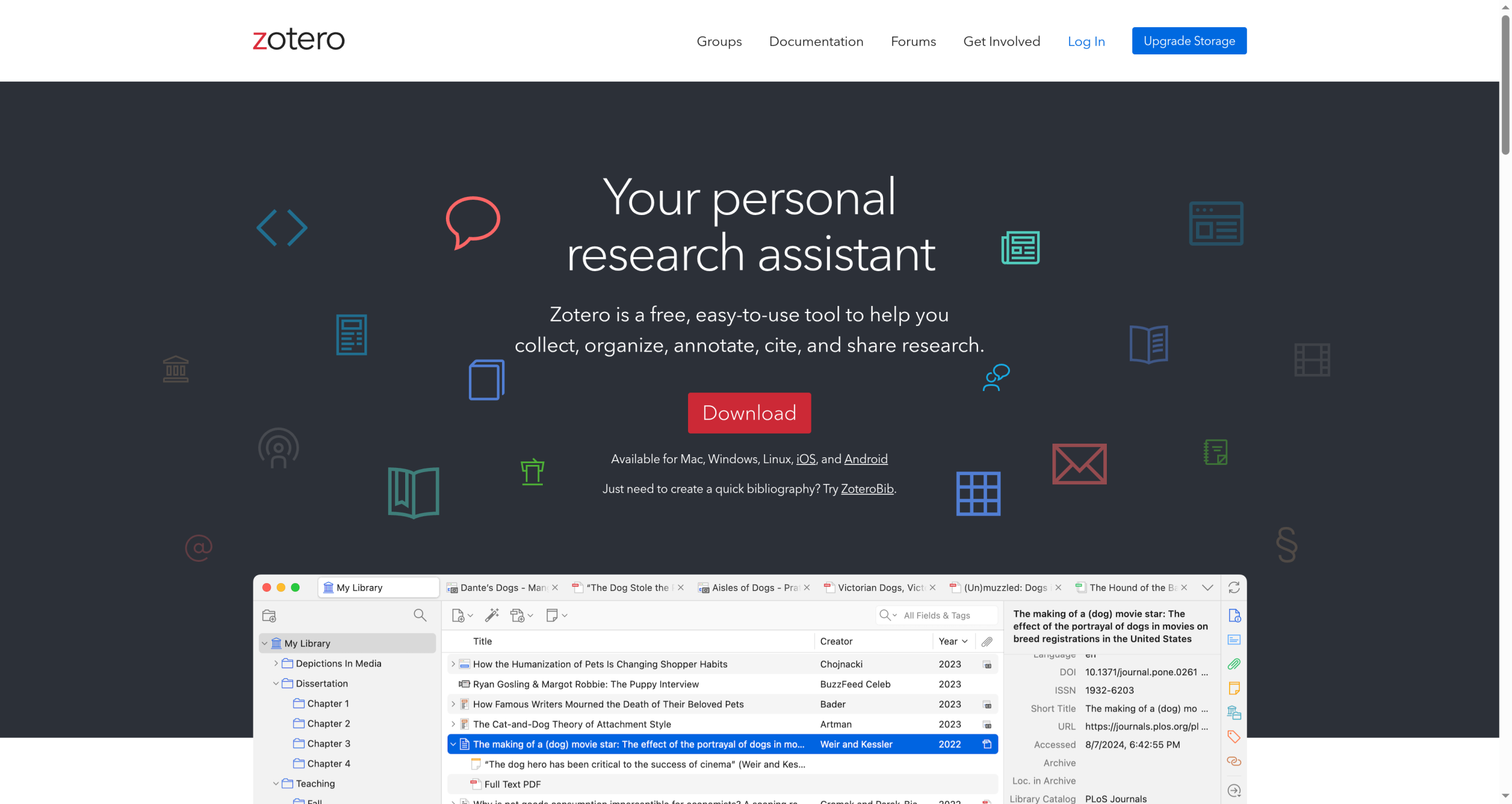
Best for: the grad student who needs to collect every source and drop formatted citations into their writing without thinking.
Zotero is the free reference manager most researchers settle on. A browser button captures a paper and its metadata in one click, stores the PDF, and later generates citations and a bibliography in thousands of styles directly inside Word, Google Docs, or LaTeX. Recent versions read and annotate PDFs in a built-in reader, so highlighting and citing can happen in one app. Where it stops is as a general workspace: it is organized around your library, not free-form project notes, so most people pair it with a notes tool for the writing itself.
- Pros: completely free, excellent citation generation in thousands of styles, one-click source capture, a built-in PDF reader with annotation, and plug-ins for Word, Docs, and LaTeX.
- Cons: it is a library manager rather than a project workspace, storage beyond the free allowance is paid, and the interface is functional over pretty.
Pricing: free, with paid storage upgrades for large PDF libraries.
2. Obsidian
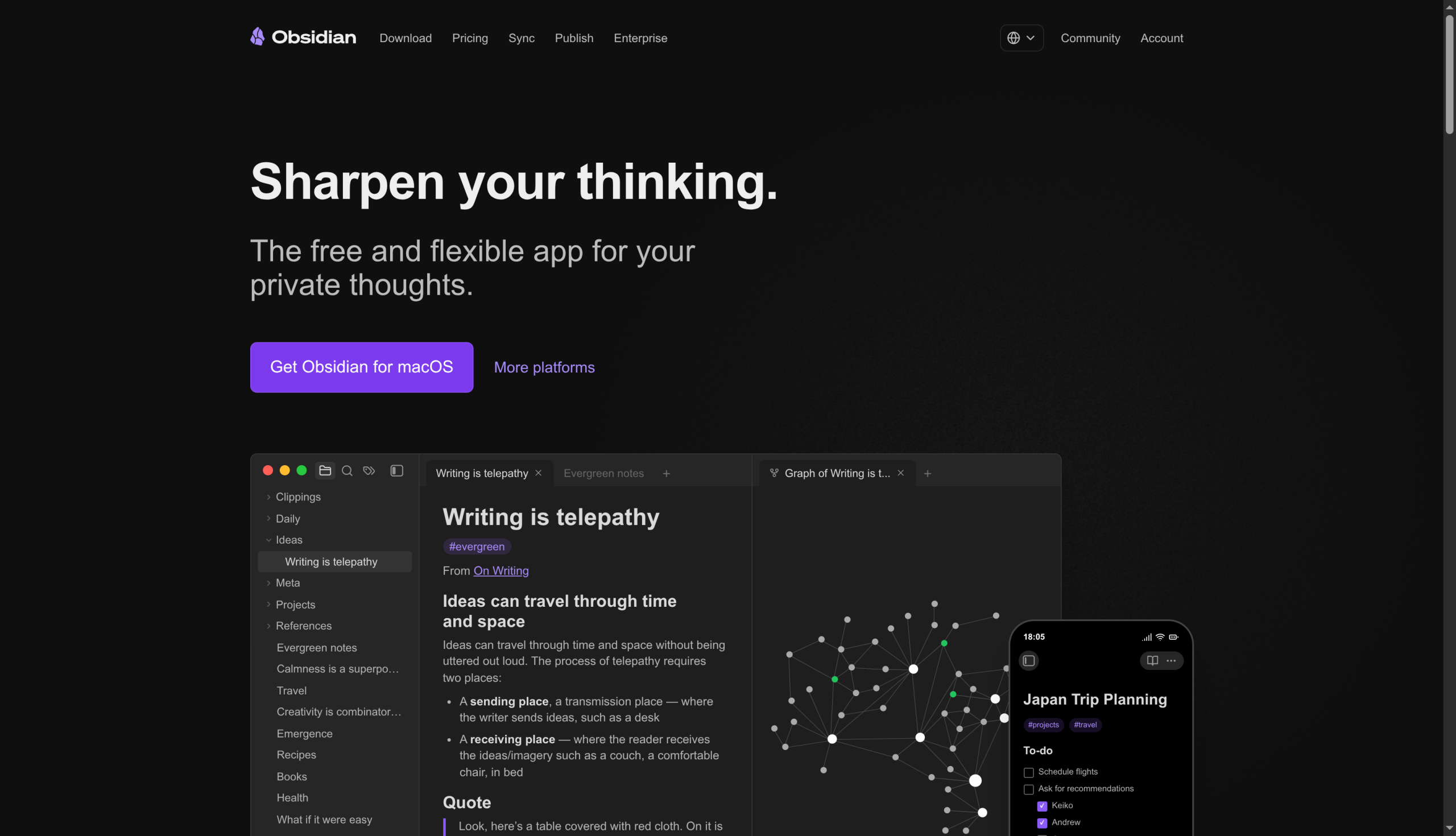
Best for: people who want their reading notes linked into a web of ideas, with citations and PDFs in the same vault.
Obsidian keeps notes as local markdown files and shines at linking ideas across papers, which is exactly what a literature review needs. Community plugins let it annotate PDFs and pull your Zotero library straight in, so citations and reading notes sit side by side. The catch is setup: that citation and PDF power comes from plugins you install and configure yourself, and clean syncing across a laptop and tablet usually means the paid Obsidian Sync. Once it is dialed in, though, few tools match it for connecting what you read.
- Pros: local files you own, powerful linking for literature reviews, Zotero and PDF annotation through plugins, and free for personal use.
- Cons: the citation and PDF features depend on plugins you set up, there is a learning curve, and reliable cross-device sync is a paid add-on.
Pricing: free for personal use; optional paid Sync and Publish services.
3. RemNote
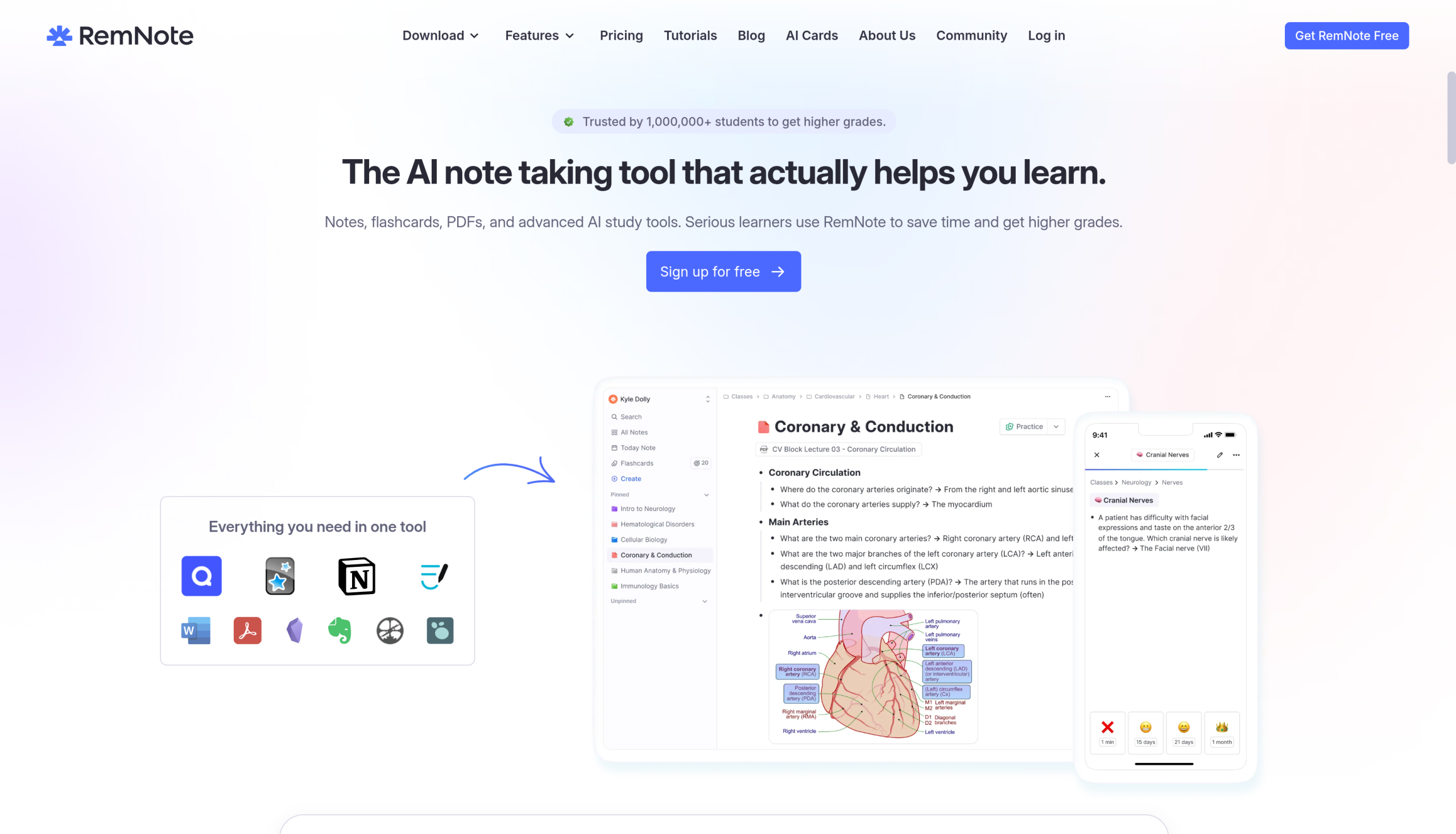
Best for: students who need to absorb dense material and want flashcards attached to their reading.
RemNote combines notes, PDF annotation, and spaced-repetition flashcards in one place, which is why it has a following among med and grad students facing heavy reading loads. You can highlight a line in a PDF and turn it into a flashcard without leaving the page, and it manages references too. It leans toward study and recall rather than long-form thesis writing, so it suits coursework and comprehensive exams more than drafting a dissertation. The most useful limits sit on the paid tier.
- Pros: PDF annotation paired with spaced-repetition flashcards, strong for memorizing dense material, a usable free tier, and built-in reference handling.
- Cons: geared to studying more than long-form writing, the best limits are paid, and the interface can feel busy at first.
Pricing: a free tier, with a paid Pro plan for unlimited use and advanced features.
4. Logseq
Best for: researchers who want to own their data, pay nothing, and work in an outliner with Zotero wired in.
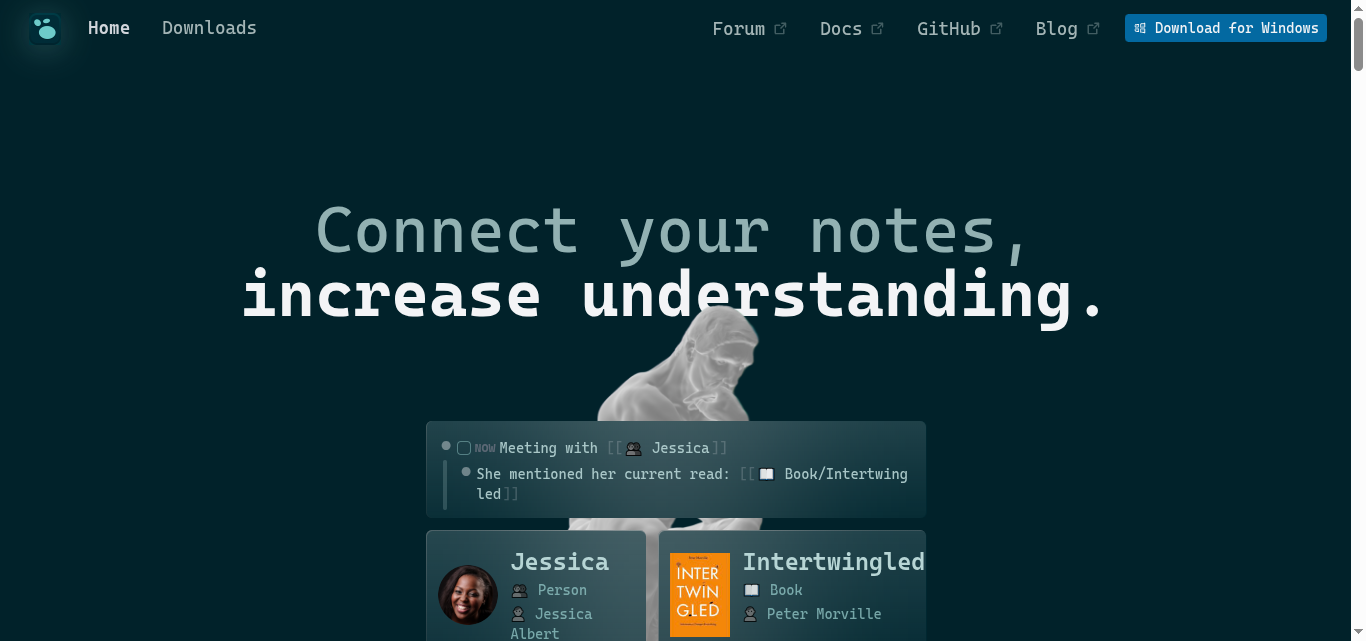
Logseq is a free, open-source knowledge base that links blocks and notes much as Obsidian links files, but in an outliner format. It offers native PDF annotation and a well-regarded Zotero integration, so highlights and citations flow into your notes without extra glue. For a grad student who wants full data ownership at zero cost, it is a genuinely strong option. The trade-offs are a smaller plugin ecosystem than Obsidian and a block-based writing style that takes some getting used to.
- Pros: free and open source, local data ownership, native PDF annotation, and a solid Zotero integration.
- Cons: a smaller ecosystem than Obsidian, an outliner style that takes adjustment, and sync that is a paid add-on or manual setup.
Pricing: free and open source; optional paid Logseq Sync.
How We Chose These
We focused on the two jobs Notion handles poorly for researchers: managing references with real citation output, and reading and annotating PDFs. From there we weighed how well each tool links notes across sources, whether it works with the writing tools grad students actually use like Word, Google Docs, and LaTeX, and whether there is a genuinely usable free version, since student budgets are tight. We picked four tools with distinct strengths, from a pure citation engine to full note vaults, so you can build a stack around how you read and write rather than force one app to do everything.
The Bottom Line
For most grad students, the honest answer is a pair rather than a single app: Zotero to run your references and citations, plus one of Obsidian, RemNote, or Logseq for the notes and PDF work. Choose Obsidian if you want a linked vault and do not mind configuring plugins, RemNote if you learn by flashcards and need to retain heavy material, and Logseq if you want free, open-source, and fully local. Keep Notion for planning if you like it, and let a dedicated tool carry the citation-and-PDF load. Try one for a single seminar’s worth of reading before you commit your whole workflow.
Frequently Asked Questions
What is the best Notion alternative for citation and PDF workflows?
For the citation and PDF side specifically, Zotero is the best choice, because it captures sources in one click, stores and annotates PDFs, and generates citations in thousands of styles inside Word, Google Docs, and LaTeX. Most grad students pair it with a notes app like Obsidian or Logseq for writing. If you want a single tool that does notes plus PDFs and flashcards, RemNote is the strongest all-in-one.
Can Notion manage citations and annotate PDFs on its own?
Not really. Notion is built for pages, databases, and project organization, and it has no native citation generator and only basic PDF handling. You can embed a PDF or paste references, but it cannot produce formatted bibliographies or let you highlight and cite a paper the way a research tool can. That gap is the reason grad students add Zotero, Obsidian, RemNote, or Logseq for the source-heavy work.
Do these tools work with Word and Google Docs?
Zotero has direct plug-ins that insert citations and bibliographies into Word, Google Docs, and LaTeX, which is its biggest advantage for writing papers. Obsidian, RemNote, and Logseq focus on notes and reading rather than word processing, so they export your material or copy citations out rather than plugging into your document editor. For citations dropped straight into your document, Zotero is the tool doing that job in a research stack.
Are any of these research tools free?
Yes. Zotero is free with paid storage upgrades only if your PDF library gets large, and Logseq is free and open source. Obsidian is free for personal use, with paid Sync as an optional extra, and RemNote has a free tier with a paid Pro plan for heavier use. A grad student can build a complete citation-and-PDF workflow, such as Zotero plus Logseq, without paying anything.
Should I replace Notion entirely?
You do not have to. Many researchers keep Notion for planning, task lists, and project pages, where it is genuinely good, and add a research tool for references and PDFs. The point is to stop forcing Notion to do citation and annotation work it was never designed for. Pick the research tool that fits how you read and write, and let each app do what it does best.
What To Do Next
Start with your references: install Zotero, add the browser connector, and capture the next ten papers you read so you can feel how fast citing becomes. Then pick one notes tool from this list, connect it to Zotero, and run a week of real reading through the pair. For more study tools and tech guidance, see our Education and Tech News sections.