



Four smart thermostats that solve the missing-C-wire problem, including one you can use even if you rent and cannot open the furnace.
A smart thermostat needs steady power, and most of them get it from a C-wire, the common wire that many older homes and apartments simply do not have. Google Nest can sometimes run without one by borrowing power from other wires, but that trick causes trouble on plenty of systems, which is why so many people go looking for a replacement. The four thermostats below each answer the no-C-wire problem a different way, from a battery-powered model that skips the furnace entirely to premium units that ship with a power kit. Here is how they compare and which fits your wiring and living situation.
Quick Answer
The best Nest thermostat alternatives that work without a C-wire are:
- Emerson Sensi: best for renters and systems with no C-wire at all
- ecobee: best premium pick, with a Power Extender Kit in the box
- Wyze Thermostat: best budget option, with a C-wire adapter included
- Honeywell Home: best for a familiar brand with battery and adapter options
Quick Picks
| Thermostat | Best for | No-C-wire approach |
|---|---|---|
| Emerson Sensi | Renters, no C-wire at all | Runs on batteries, often no C-wire needed |
| ecobee | Premium features | Included Power Extender Kit at the furnace |
| Wyze Thermostat | Tight budgets | Included C-wire adapter at the furnace |
| Honeywell Home | A familiar brand | Battery models or a C-wire power adapter |
1. Emerson Sensi


Best for: renters and older homes where there is no C-wire and no easy way to reach the furnace.
Sensi is the pick for a genuine no-C-wire situation. Many of its models run on batteries and are designed to work on common 24-volt heating and cooling systems without a common wire, so you can often skip the furnace board entirely. That matters when you rent and are not allowed to touch the HVAC unit. You still get WiFi control, scheduling, and the app. A C-wire is recommended for the steadiest WiFi and to avoid battery changes, though it stays optional on supported systems. Check the compatibility tool first, since it depends on your wiring.
- Pros: works without a C-wire on many systems, a battery-powered option, renter-friendly with no furnace access required, and a simple install.
- Cons: without a C-wire you may need to replace batteries, WiFi can be less steady on some setups, and it has fewer sensors than premium rivals.
Pricing: budget to mid-range; the standard Sensi is one of the cheaper smart thermostats, with a pricier Sensi Touch model.
2. ecobee

Best for: people who want a premium thermostat and can reach the HVAC board to install the included power kit.
ecobee is the most common premium alternative to Nest, and it handles the missing wire with a Power Extender Kit in the box. The kit wires into your HVAC control board and supplies the equivalent of a C-wire, so the thermostat gets constant power without running a new wire through the wall. The catch for renters is that installing the kit means opening the furnace or air handler, which you may not be able or allowed to do. If you own the home or can reach the board, ecobee rewards you with room sensors, strong scheduling, and a bright display.
- Pros: premium features and display, a Power Extender Kit for no-C-wire homes, room sensors, and strong app integrations.
- Cons: the kit needs HVAC board access that renters often lack, a higher price, and more involved setup than a battery model.
Pricing: premium; among the pricier options here, with cheaper Essentials and Lite models available.
3. Wyze Thermostat
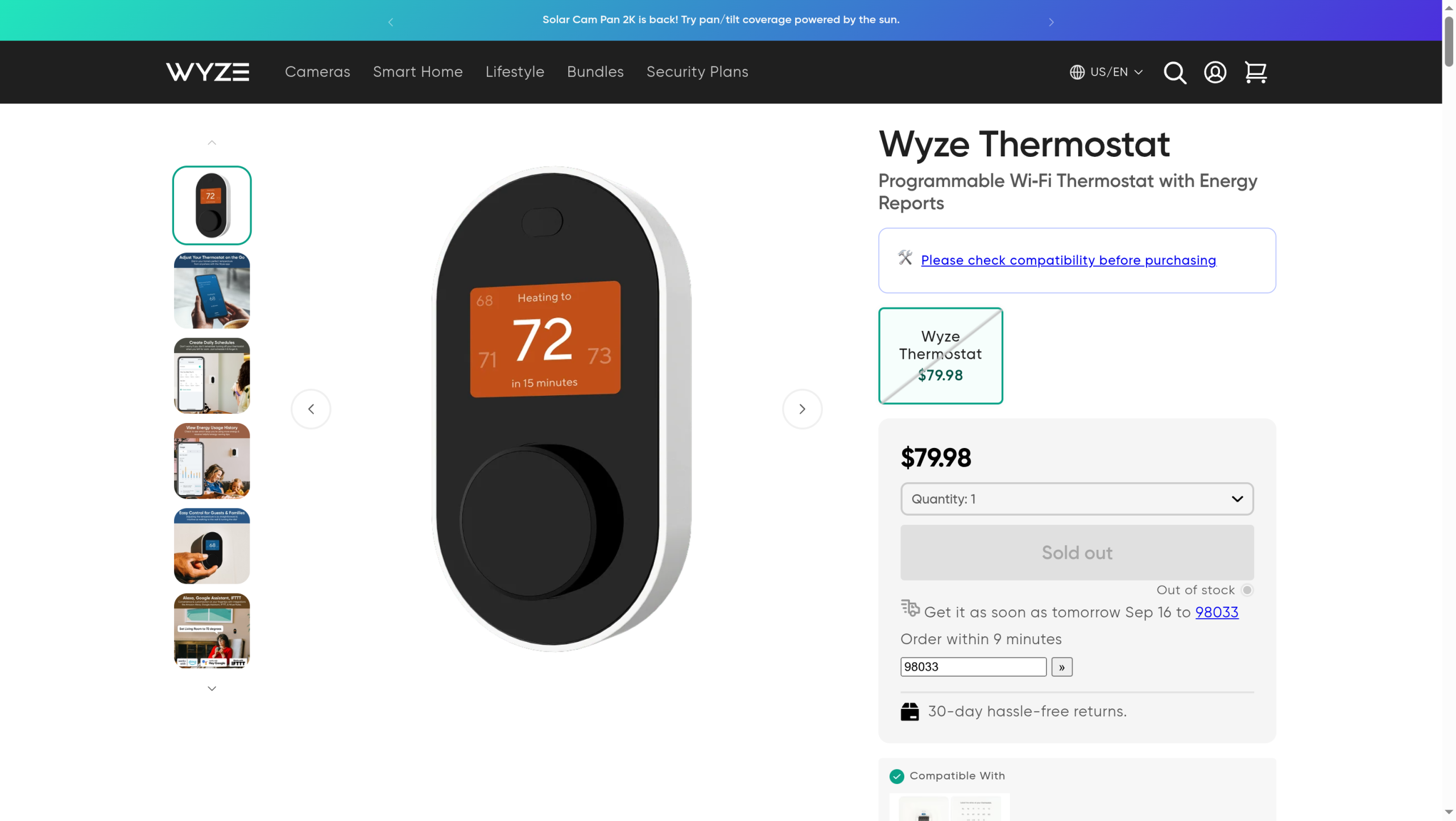
Best for: the budget-minded who want a cheap smart thermostat and can install the included adapter.
Wyze undercuts almost everyone on price and includes a C-wire adapter in the box for systems that lack one. As with ecobee’s kit, the adapter installs at the HVAC unit, so you still need access there. For the money it covers the basics well, with app control, scheduling, and energy reports. It lacks the polish and sensor ecosystem of ecobee, and stock can be spotty, but as a first smart thermostat on a tight budget it is hard to beat.
- Pros: a very low price, an included C-wire adapter, a simple app, and energy reports.
- Cons: the adapter still needs HVAC unit access, fewer advanced features, and availability that comes and goes.
Pricing: the cheapest of the four, at a low flat price.
4. Honeywell Home
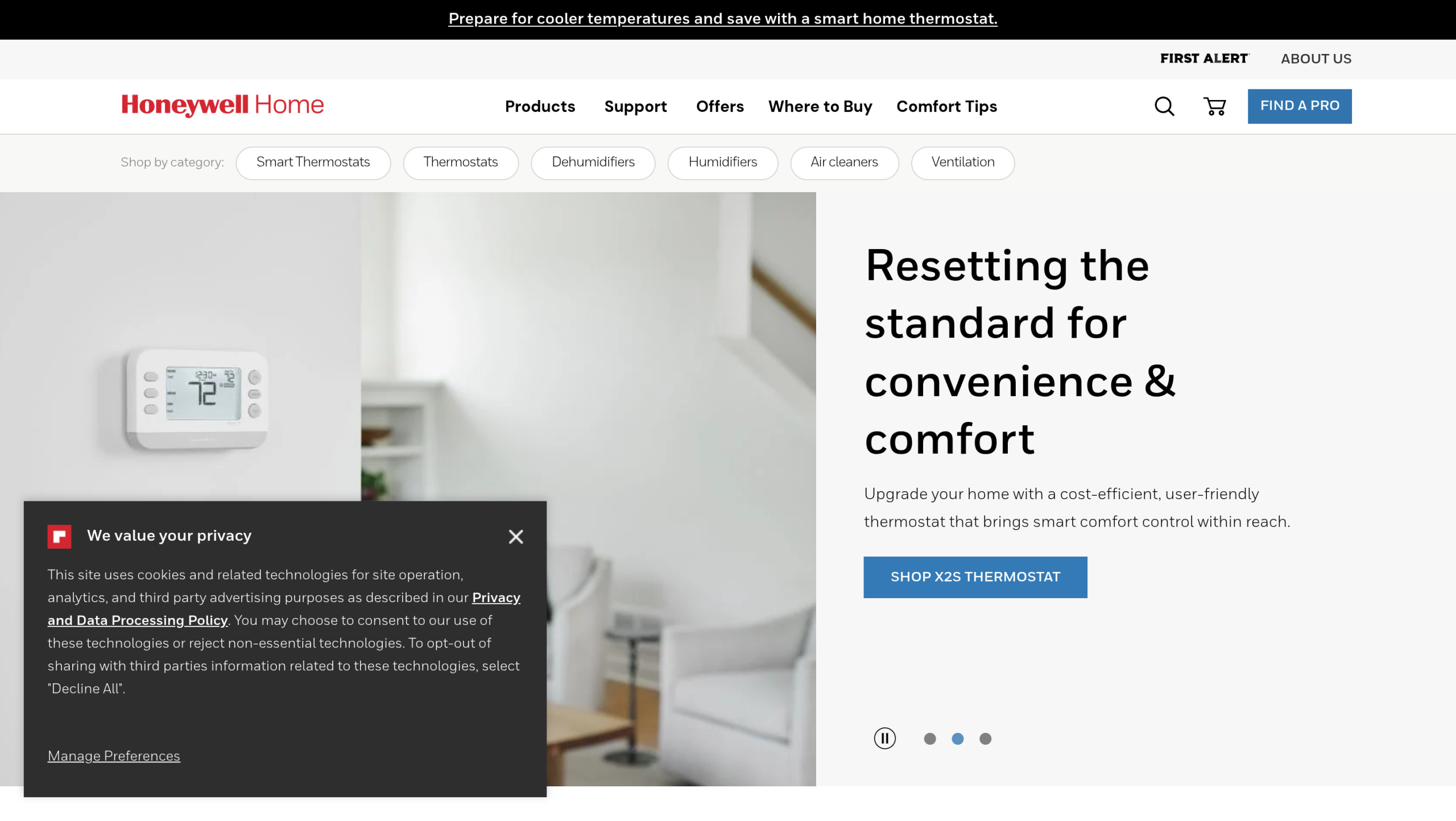
Best for: buyers who want a long-established brand with both battery-powered and adapter-based options.
Honeywell Home offers a wide range, and several models tackle the no-C-wire problem in different ways: some run on batteries, and others work with a C-wire power adapter that supplies the common wire. That range lets you match a model to your exact wiring, though it also means you have to check each model’s requirements rather than assume. The apps and day-to-day reliability are solid, and the brand is easy to find in stores if you would rather buy in person.
- Pros: a wide model range, battery and adapter options for no-C-wire homes, a trusted brand, and broad availability.
- Cons: you must check each model’s wiring needs, the lineup can be confusing, and top models cost more.
Pricing: varies widely by model, from budget to premium.
How We Chose These
We started with the one question that matters for this problem: how does each thermostat get power when there is no C-wire? From there we weighed whether a renter without access to the furnace can actually use it, how reliable the WiFi and app are, the features you get, and the price. We picked four with distinct answers, from a battery model that avoids the HVAC unit entirely to premium units that ship with a power kit, so you can match the thermostat to both your wiring and whether you own or rent.
Compatibility depends on your specific heating and cooling system, and wiring varies from home to home. Before buying, use the manufacturer’s compatibility checker with a clear photo of your current thermostat’s wiring. Thermostats run on low-voltage wiring, but a mistake can still damage your equipment, so hire a professional if you are unsure. If you rent, get your landlord’s permission before removing the existing thermostat, and keep it to reinstall when you move.
The Bottom Line
For most renters and homes with no C-wire, Sensi is the easiest confident choice, because it can run without a common wire and without opening the furnace. If you own your home and want premium features, ecobee’s Power Extender Kit is an excellent fix. Wyze is the budget pick if you can install its adapter, and Honeywell Home is worth a look when you want a familiar brand with a model to match your wiring. Whatever you choose, photograph your current wiring and run the compatibility check before you buy, so the thermostat you order is one your system can actually power.
Frequently Asked Questions
What is the best Nest thermostat alternative without a C-wire?
For a true no-C-wire setup, Emerson Sensi is the best choice, since many of its models run on batteries and work on common systems without a common wire, and without needing access to the furnace. If you own the home and want premium features, ecobee is the top pick because it includes a Power Extender Kit that supplies the missing wire. The right one depends on your wiring and whether you rent.
Can you install a smart thermostat without a C-wire?
Yes. Some thermostats, like many Sensi models, run on batteries and work on common 24-volt systems without a C-wire. Others, like ecobee and Wyze, include a small kit or adapter that installs at your HVAC unit and creates the equivalent of a C-wire. The difference matters for renters: a battery model avoids the furnace entirely, while a kit or adapter requires access to the equipment.
Do renters need a C-wire for a smart thermostat?
Not necessarily. A battery-powered thermostat that works without a common wire, such as a compatible Sensi, lets renters upgrade without touching the HVAC unit or running new wiring. That said, you should get your landlord’s permission before swapping the thermostat, and keep the original so you can put it back when you move out. Avoid any option that requires opening the furnace if you do not have access.
Does the Nest thermostat itself work without a C-wire?
Sometimes. Google Nest can run without a C-wire on some systems by drawing power from other wires, but on many setups this causes problems like the thermostat losing power, restarting, or affecting the HVAC equipment. That unreliability is exactly why people look for alternatives that either work on batteries or include a proper power kit, rather than relying on Nest’s power-sharing.
How do I know if my system is compatible?
Turn off power to the system, remove your current thermostat’s faceplate, and take a clear photo of the wiring and the labels on each terminal. Then run that through the compatibility checker on the thermostat maker’s website before you buy. The checker tells you whether the model works with your wires and whether you need the included kit or adapter, which saves you from returning a thermostat your system cannot power.
What To Do Next
Photograph your current thermostat’s wiring and note which terminals have wires, then run it through your chosen brand’s compatibility checker. If you rent, clear the swap with your landlord first. Then pick the model that matches your wiring and living situation, and keep the old thermostat in a drawer. For more smart-home and home-project guidance, see our Home Improvement and Tech News sections.