


Five ways to run a co-op’s assignments, grades, and parent updates without a school district behind you.
Google Classroom is free and familiar, but it was built for schools that hand out managed accounts through a district. A homeschool co-op run by a few parents does not have that setup, and the workarounds get awkward fast: personal Google accounts, no real parent view, and features that assume an IT admin somewhere. About 1.5 million children were homeschooled in the United States as of the most recent federal count, per the National Center for Education Statistics homeschooling data, and many of those families teach in small groups. The five tools below cover assignments, grading, and family communication for a co-op, and each one works on a phone without a district account.
Quick Answer
The best Google Classroom alternatives for homeschool co-ops are:
- Canvas Free for Teacher: best for a full-featured free classroom with real grading
- Seesaw: best for elementary-age groups where parents want to see the work
- ClassDojo: best for parent communication across many families
- Moodle: best for tech-comfortable co-ops that want total control and no per-student fees
- Homeschool Planet: best for planning schedules and lessons across several families
Quick Picks
| Tool | Best for | Pricing |
|---|---|---|
| Canvas Free for Teacher | A full free LMS with a real gradebook | Free tier; paid institutional plans quoted |
| Seesaw | Younger kids and family visibility | Free basics; paid upgrades and school plans |
| ClassDojo | Parent messaging and community | Free; optional paid family features |
| Moodle | Full control, no per-user cost | Free self-hosted; MoodleCloud paid tiers |
| Homeschool Planet | Scheduling and lesson planning | Subscription with a free trial |
1. Canvas Free for Teacher

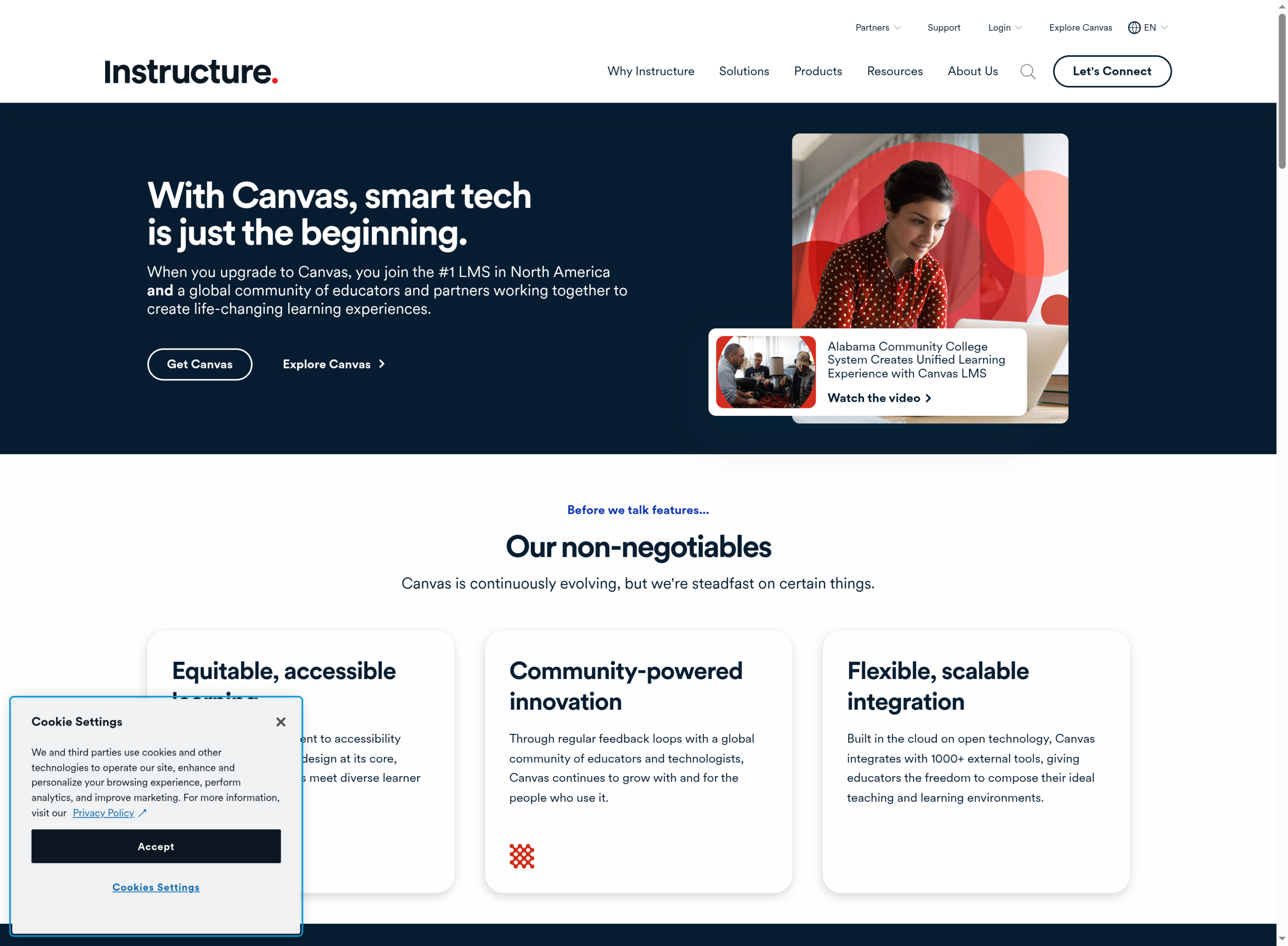
Best for: a co-op that wants a real learning management system, with proper assignments and grades, and is willing to spend a little time on setup.
Canvas is the same platform many colleges use, and Instructure offers a free tier called Free for Teacher that an individual can open without a district. You get modules, assignments, quizzes, discussion boards, and a gradebook that actually calculates grades, plus solid mobile apps for students and observers. For a co-op teaching middle or high school subjects, it is the closest thing to a professional classroom you can run for nothing.
- Pros: genuinely free tier, a full gradebook, quizzes and rubrics, parent-observer accounts, and strong mobile apps.
- Cons: the interface leans corporate and can feel heavy for young children, and the free tier lacks some admin controls of the paid institutional version.
Pricing: Free for Teacher is free. Full institutional plans are sold by quote and are aimed at schools rather than co-ops.
2. Seesaw
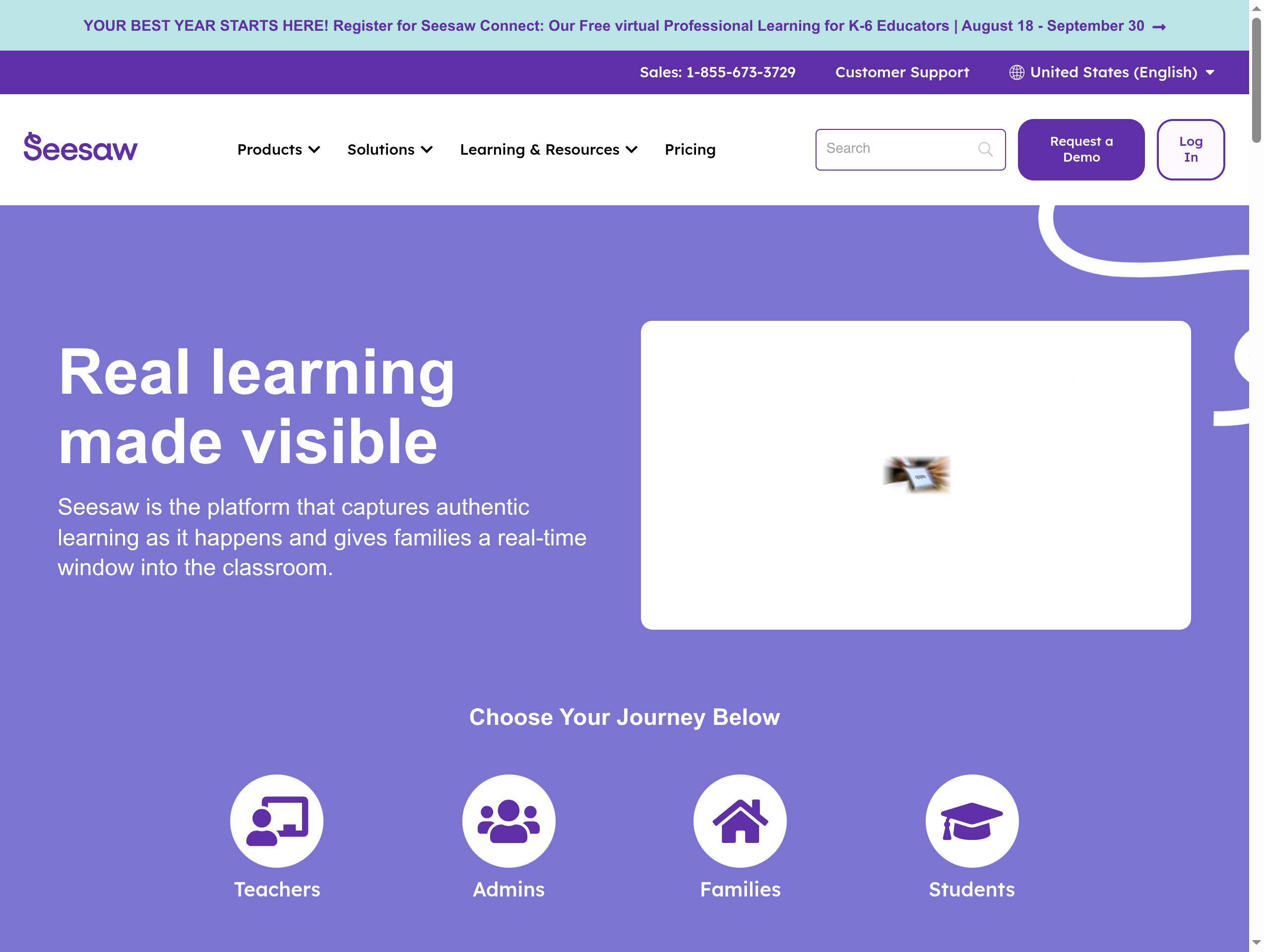
Best for: co-ops with elementary-age kids where the point is to capture work and keep every parent in the loop.
Seesaw is built around a student journal. Kids record what they make with photos, video, drawings, and voice, and families get a live window into it through a phone app. For younger learners it is friendlier than a traditional LMS, and the activity library gives you ready-made lessons. It handles the show-your-work and parent-visibility side of a co-op better than almost anything, though it is lighter on formal grading.
- Pros: excellent for young kids, a phone-first family app, portfolios, built-in activities, and translation for multilingual families.
- Cons: weaker for older students and formal gradebooks, and the best features sit behind paid upgrades.
Pricing: a free tier covers the basics, with paid upgrades and school plans for more classes, storage, and admin tools.
3. ClassDojo
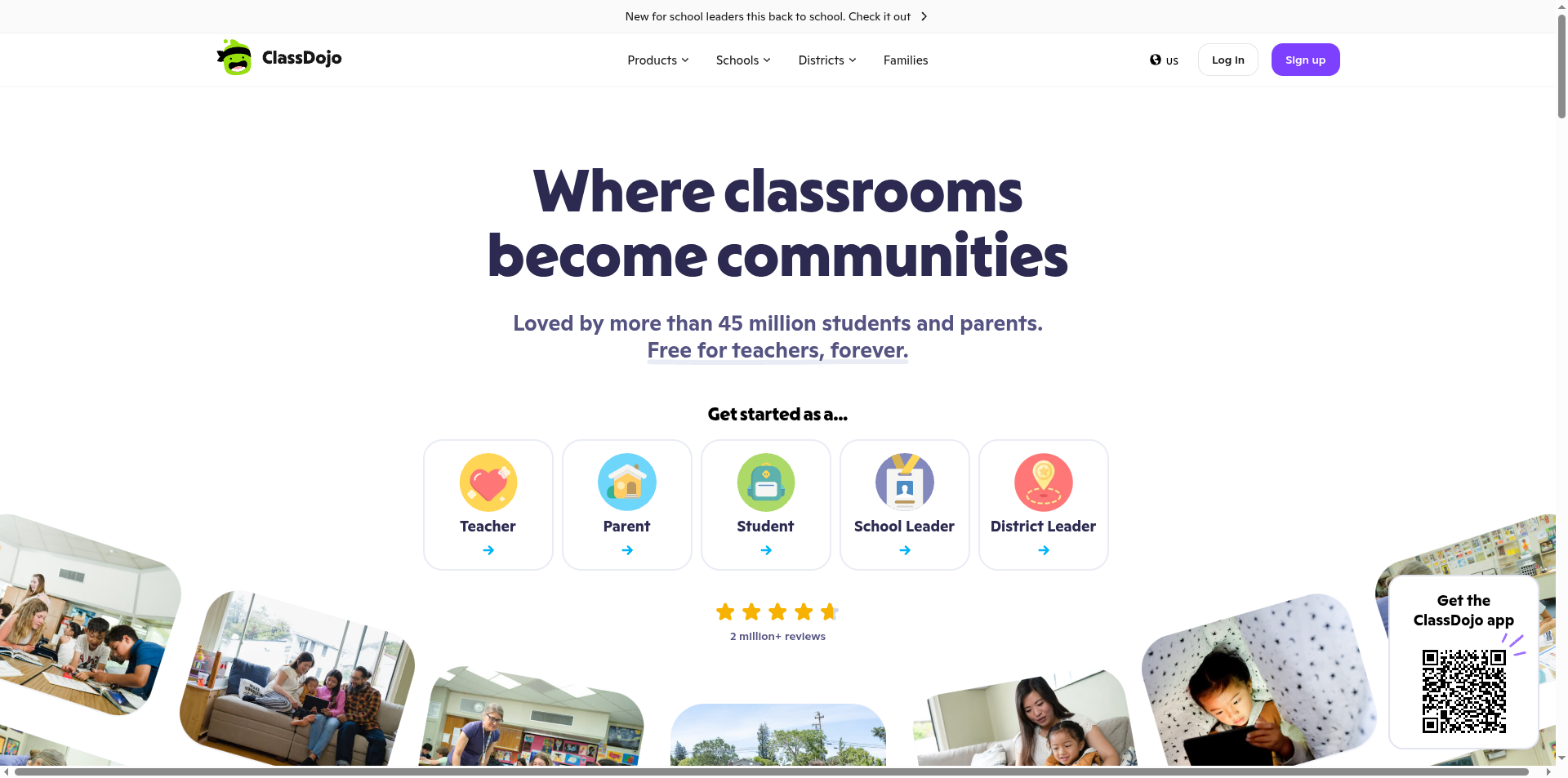
Best for: a co-op that mostly needs to keep a group of families talking, sharing photos, and coordinating.
ClassDojo made its name as a classroom communication app, and that is where it shines for a co-op. Parents get a shared feed, direct messages with automatic translation, and student portfolios, all free for the teacher. It is the easiest tool here for a non-technical parent to set up on a phone in an afternoon. It leans toward communication and community rather than assignments and grading, so pair it with something sturdier if you need a formal gradebook.
- Pros: free for teachers, dead simple to start, strong parent messaging with translation, and a phone-first design.
- Cons: light on assignment workflows and grading, so it works best as the communication layer rather than the whole classroom.
Pricing: free for the core classroom and parent features, with an optional paid family plan for extra at-home activities.
4. Moodle
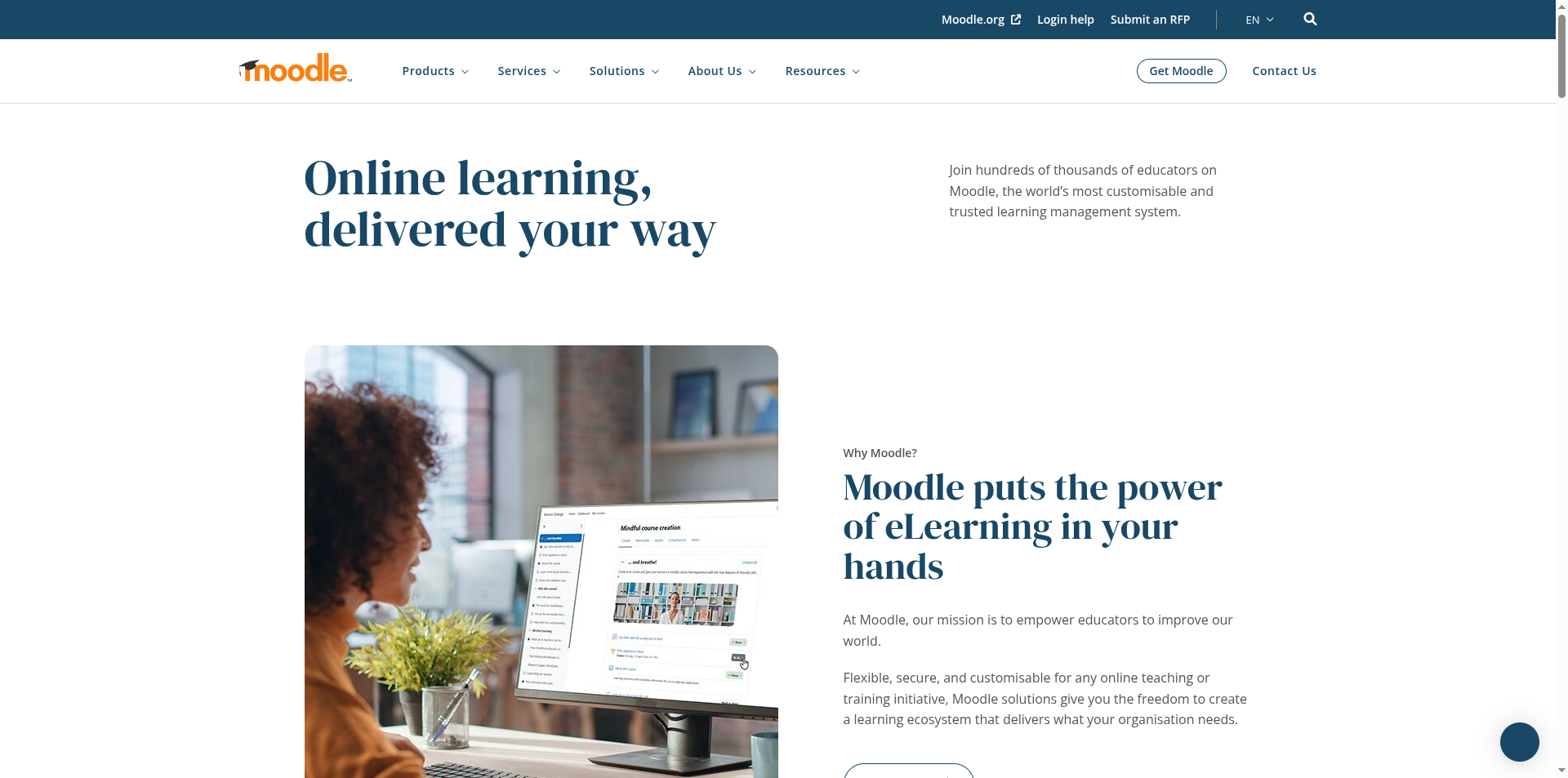
Best for: a co-op with a tech-comfortable parent who wants full control, custom features, and no per-student charges.
Moodle is open-source, which means the software itself is free and yours to shape. You can run every part of a course through it: assignments, quizzes, grading, forums, and completion tracking, with a huge library of plugins to add whatever you are missing. The trade-off is that someone has to host and maintain it, or pay for MoodleCloud to skip that step. If your co-op has a parent who enjoys tinkering, Moodle gives you more capability per dollar than anything else on this list.
- Pros: free and open-source, deeply customizable, no per-user fees when self-hosted, and no vendor lock-in.
- Cons: the steepest setup here, and self-hosting means someone owns updates, security, and backups.
Pricing: the self-hosted software is free, so you pay only for hosting. MoodleCloud offers managed plans if you would rather not run a server.
5. Homeschool Planet

Best for: coordinating who teaches what and when across several families, with lesson plans and schedules in one place.
Homeschool Planet comes at the problem from the homeschool side rather than the classroom side. It is a planner first: schedules for multiple students, assignments, grades, reading lists, and reminders, and it reshuffles the calendar automatically when a day gets missed. For a co-op, that scheduling and lesson-plan coordination is often the real headache, and this handles it in a way a general LMS does not. It is less about students logging in to submit work and more about parents staying organized together.
- Pros: built specifically for homeschooling, strong multi-student scheduling, a lesson-plan marketplace, grade tracking, and a phone-friendly interface.
- Cons: it is a planner rather than a full classroom, so student submission and discussion features are limited, and it is subscription-only.
Pricing: a paid subscription billed monthly or yearly, with a free trial so you can test it before committing.
How We Chose These
We started from what a homeschool co-op actually is: a small group of families teaching together, usually without a district, an IT admin, or a budget. That ruled out enterprise systems that assume managed student accounts and a technology department. We looked for tools a parent can set up on a phone, that give families real visibility into the work, and that cover at least one core job well, whether that is grading, communication, or scheduling. We favored options with a genuine free tier or a low-cost plan, since co-ops rarely have money to spend per student. Because every one of these tools handles children’s data, we also weighed how clearly each explains what it collects, and we recommend reading each service’s privacy policy before you add students.
The Bottom Line
There is no single winner here, because co-ops want different things. If you need a real classroom with grades, start with Canvas. If your kids are young and the goal is showing work to parents, Seesaw fits. For a group that mainly needs to communicate, ClassDojo is the quickest to stand up. A tech-savvy co-op that wants full control should look at Moodle, and a group whose real struggle is scheduling across families will get the most from Homeschool Planet. Many co-ops end up pairing two: one for the classroom and one for parent communication. Pick the job that hurts most right now and solve that first.
Frequently Asked Questions
What is the best Google Classroom alternative for a homeschool co-op?
For most co-ops that want a true classroom with assignments and grades, Canvas Free for Teacher is the strongest free option, since it offers a full gradebook and parent-observer accounts without a district. If your group is mostly younger children or mainly needs parent communication, Seesaw or ClassDojo will feel simpler. The best choice depends on whether your biggest need is grading, communication, or scheduling.
Is there a free alternative to Google Classroom?
Yes. Canvas offers a free tier for individual teachers, ClassDojo is free for the core classroom and parent features, and Moodle is free open-source software where you pay only for hosting. Seesaw also has a free tier covering the basics. Between them, a co-op can run assignments, grading, and family communication without paying for software, though some advanced features sit behind paid plans.
Do these work on a phone without a school account?
They do. Every tool on this list can be set up by a parent using an ordinary email address, with no district or managed school account required, and each has a mobile app or a mobile-friendly site. ClassDojo and Seesaw are especially phone-first, which matters when parents are checking in between everything else in the day.
Can a co-op handle grading and report cards with these?
Canvas and Moodle both include full gradebooks that calculate grades and can export records, which is what you want if a co-op is tracking formal progress. Homeschool Planet also records grades as part of its planner and can generate transcripts. Seesaw and ClassDojo are lighter on formal grading, so if report cards matter, lean toward Canvas, Moodle, or Homeschool Planet for that part.
What To Do Next
List the jobs your co-op needs done, then rank them: assignments and grades, parent communication, or scheduling across families. Open a free account with the tool that matches your top job and run a single week of real lessons through it before you commit the whole group. If one tool cannot do everything, pair a classroom tool with a communication app rather than forcing one to do both. For more guidance on tools and learning at home, see our Education and Family & Personal sections.