


Four ways to keep the whole household on the same page while giving teens and parents their own view.
Cozi has kept families organized for years, but two things send people looking. The free version leans on ads, and as kids get older they want control over what shows up on the shared calendar and what stays private. A good replacement has to do both jobs: pull everyone’s schedule into one place, and let each person, especially a teenager, decide how much of their calendar the rest of the family sees. The four apps below handle that balance in different ways, from a free calendar you probably already have to a full family organizer.
Quick Answer
The best Cozi alternatives for a shared family calendar are:
- Google Calendar: best for families already using Google who want free, separate calendars with sharing controls
- TimeTree: best for juggling several shared calendars in one app
- FamilyWall: best for a full Cozi-style organizer with calendar, lists, and messaging
- Any.do: best for families who want a calendar and shared task lists together
Quick Picks
| App | Best for | Cost |
|---|---|---|
| Google Calendar | Free, separate calendars with sharing control | Free |
| TimeTree | Multiple shared calendars in one app | Free; optional premium |
| FamilyWall | A full family organizer | Free; Premium subscription |
| Any.do | Calendar plus shared task lists | Free; Family plan paid |
1. Google Calendar

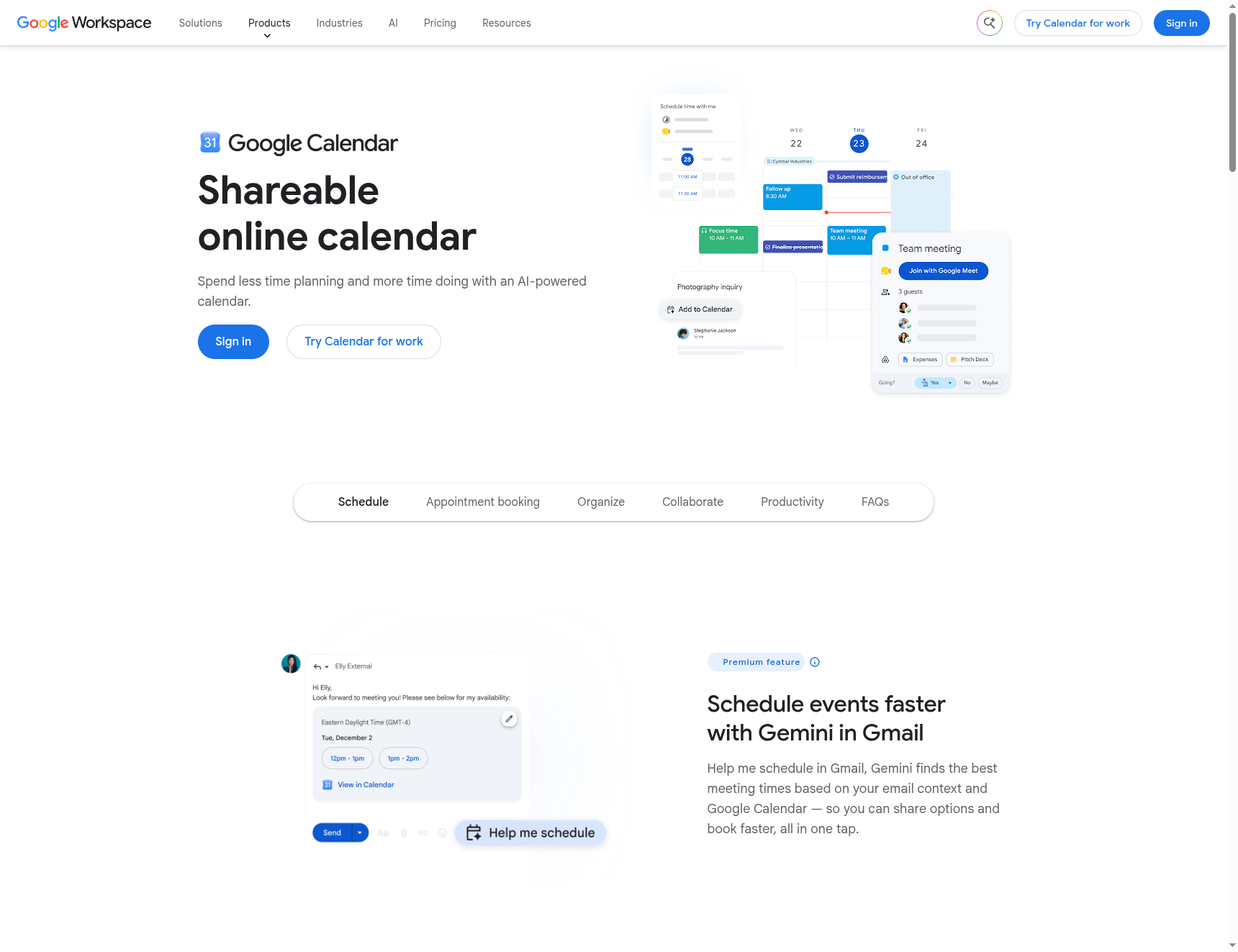
Best for: families already in the Google world who want a free, flexible setup with real control over who sees what.
Google Calendar is free, and its strength for families is that each person keeps their own calendar and chooses how to share it. You can share full details with your spouse, share only free-or-busy times with a teen, and layer everyone’s calendars into one color-coded view. It works on every device and syncs instantly. The tradeoff is that it is a calendar, not a full family organizer, so there is no built-in meal planner or shopping list like Cozi has, and getting separate calendars set up for each person takes a little manual work up front.
- Pros: free, granular sharing controls including free-or-busy only, color-coded layered views, and it works everywhere.
- Cons: no built-in meal or shopping features, and the initial multi-calendar setup is manual, with teens needing their own Google accounts.
Pricing: free.
2. TimeTree
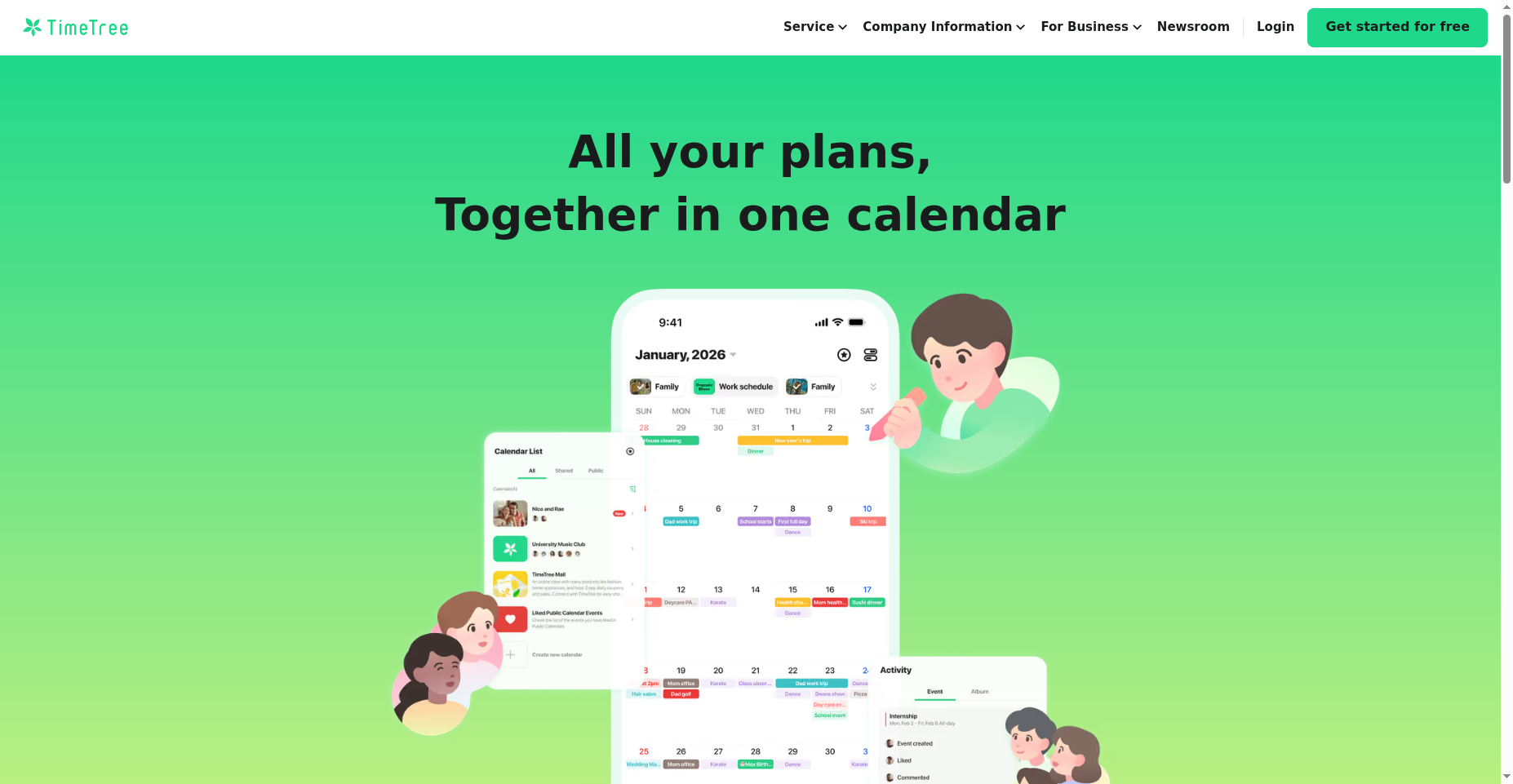
Best for: households that want several distinct shared calendars, like one for the whole family and one just for the kids’ activities.
TimeTree is built around sharing multiple calendars, each with its own members. You can run a family calendar everyone sees, a sports calendar for the kids, and a couples calendar for the parents, and control who belongs to each. Every event has its own comment thread, which is handy for sorting out pickup logistics without a separate group chat. The free version shows ads and it is more of a shared calendar than a complete organizer, but for coordinating busy schedules it is excellent.
- Pros: multiple shared calendars with per-calendar membership, per-event comments, and a clean free tier.
- Cons: ads on the free plan, and it is lighter on organizer extras like lists and meal planning.
Pricing: free, with an optional premium upgrade.
3. FamilyWall
Best for: families who want the closest thing to Cozi, with the calendar, lists, and messaging all in one app.
FamilyWall is a full family organizer rather than a plain calendar. Alongside a color-coded shared calendar, it bundles shared shopping and to-do lists, private family messaging, and location features, so it replaces several apps at once. Each family member has a profile, which helps keep everyone’s events distinct. The most useful extras, like location sharing and extra storage, sit in the Premium plan, and with so much packed in it can feel busier than a simple calendar, but it is the most complete Cozi-style option here.
- Pros: an all-in-one organizer with calendar, lists, messaging, and member profiles, plus location on Premium.
- Cons: the best features require a Premium subscription, and the app can feel busy if you only want a calendar.
Pricing: free, with a Premium subscription for advanced features.
4. Any.do
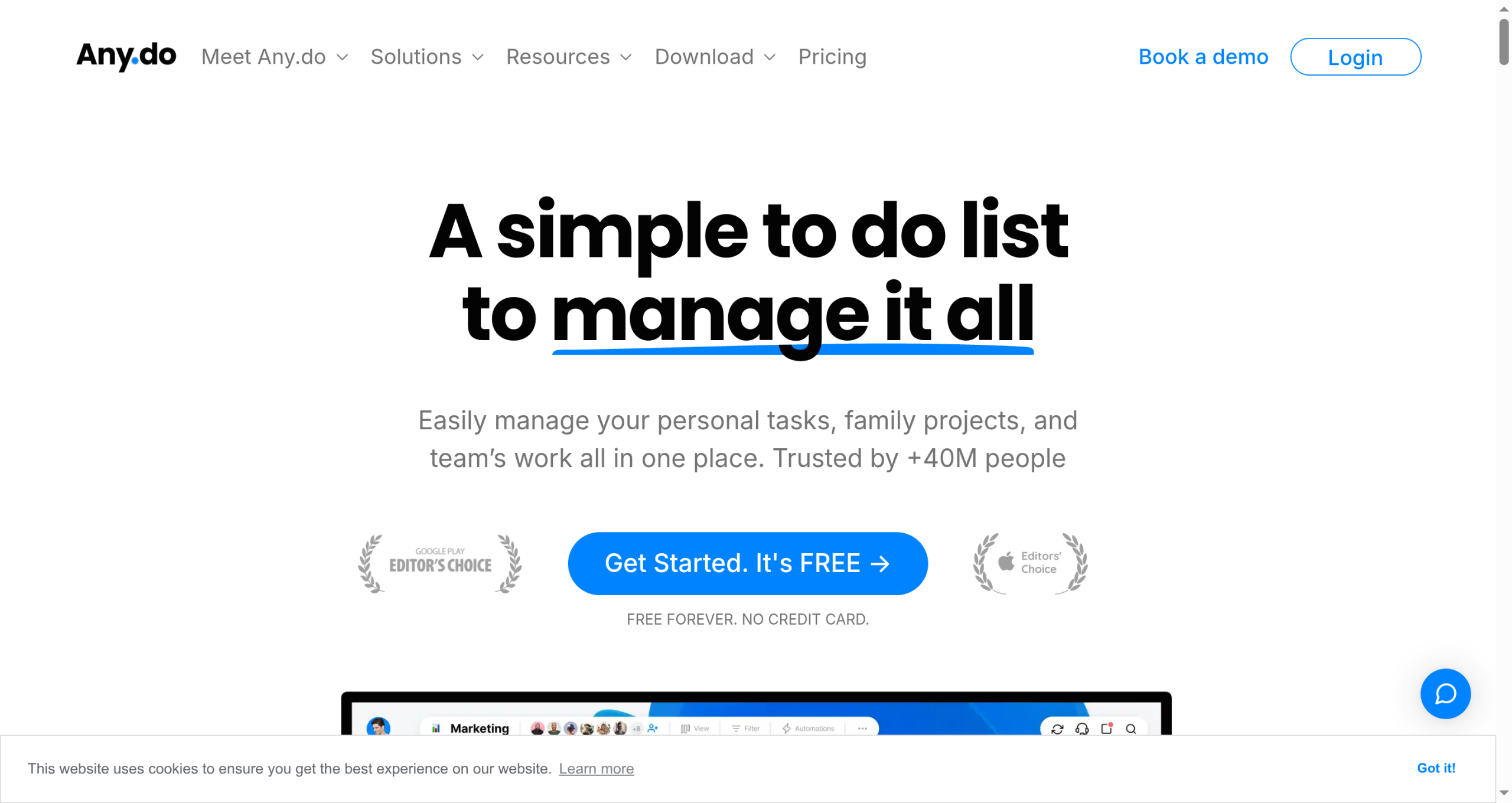
Best for: families whose real pain is not the calendar alone but keeping tasks, groceries, and events together.
Any.do combines a calendar with shared task lists and a grocery list in a clean, modern interface. Its Family plan gives the household a shared space where you can assign chores, build a running shopping list, and see events in one view, which suits families that treat the calendar and the to-do list as one system. The calendar itself is lighter than a dedicated calendar app, and the family features live on the paid plan, but if your household runs on shared lists as much as dates, it fits well.
- Pros: a clean interface, shared task and grocery lists tied to the calendar, and reminders that actually get noticed.
- Cons: family sharing is on the paid Family plan, and the calendar is simpler than a dedicated calendar app.
Pricing: free, with a paid Family plan for shared features.
How We Chose These
We started from the constraint that sends most people looking: the need to coordinate the whole family while letting individuals, especially teens, control their own view. That meant favoring apps with separate calendars or per-person sharing rather than one undifferentiated feed. From there we weighed whether there is a genuinely usable free tier, how well the app works across iPhone and Android, and how much of the wider organizing job, like lists and messaging, it handles. We did not rank by feature count alone, since an app the whole family will actually open beats a fuller one that half of them ignore.
The Bottom Line
If your family already lives in Google, start with Google Calendar and set up a calendar per person with the sharing level each one is comfortable with. If you want several shared calendars in a friendlier app, TimeTree is the pick. Families who miss Cozi’s all-in-one feel should try FamilyWall, and households that run on shared lists as much as dates will like Any.do. Whichever you choose, set it up together, agree on what stays private, and give it two weeks before you judge it, since a family calendar only works when everyone actually uses it.
Frequently Asked Questions
What is the best Cozi alternative for a family calendar?
For most families, Google Calendar is the best free alternative because each person keeps a separate calendar and controls how much they share, from full details to free-or-busy only. If you want a fuller Cozi-style organizer with lists and messaging, FamilyWall is the closest match. TimeTree is ideal for managing several shared calendars, and Any.do suits families who want a calendar and shared tasks together.
Can these apps give teens and parents separate calendars?
Yes, and that is a key reason to switch. Google Calendar lets each person have their own calendar and choose exactly what to share, so a teen can show only busy times. TimeTree supports multiple calendars with different members, and FamilyWall gives each person a profile. The setup differs, but all of them let you avoid one undifferentiated feed where everyone sees everything.
Is there a free family calendar app?
Yes. Google Calendar is fully free, and TimeTree, FamilyWall, and Any.do all have free tiers that cover the basics of a shared calendar. The free versions may show ads or hold back extras like location sharing, meal planning, or advanced task features for a paid plan, but for keeping a family’s schedule in one place you can get started without paying.
Which is closest to Cozi?
FamilyWall is the closest to Cozi because it bundles the calendar with shared lists, messaging, and member profiles in one family-focused app, rather than being a standalone calendar. If you liked Cozi mainly for pulling everything into a single family hub, FamilyWall will feel the most familiar, while Google Calendar and TimeTree focus more purely on the scheduling side.
What To Do Next
Pick the app that matches how your family already operates: Google Calendar if you are on Google, FamilyWall if you want the full organizer, TimeTree for multiple calendars, or Any.do if lists matter as much as dates. Set it up as a family, decide together what each person keeps private, and add everyone’s recurring commitments first so it feels useful right away. Then give it a couple of weeks. For more family and home tips, see our Family & Personal and Lifestyle sections.