
Turnitin is locked to institutions, and its AI detector is under fire for false positives. These five tools let instructors and writers check for AI and plagiarism themselves, with eyes open about the limits.
Turnitin is the name most schools know, but it is sold to institutions, not individuals, and its AI-writing detector has drawn enough criticism over false positives that some universities switched it off. If you are an instructor who wants a pre-submission check, or a writer who wants to see what a detector flags before you turn work in, you need a tool you can actually sign up for. The five below cover AI-writing detection, plagiarism scanning, or both. One caution up front, which the rest of this guide keeps coming back to: no detector is proof, so treat every score as a signal to look closer, not a verdict.
Quick Answer
The best Turnitin alternatives for checking AI and plagiarism are:
- Copyleaks: best all-around AI and plagiarism detection for schools
- GPTZero: best dedicated AI-writing detector for educators
- Originality.ai: best for content teams and publishers
- Quetext: best affordable all-in-one for individuals
- Grammarly: best plagiarism check inside your writing editor
Quick Picks
| Tool | Best for | What it checks | Free option |
|---|---|---|---|
| Copyleaks | Schools and teams | AI and plagiarism | Limited trial |
| GPTZero | Educators | AI writing, plus plagiarism | Free tier |
| Originality.ai | Content teams | AI and plagiarism | A few free scans daily |
| Quetext | Individuals | Plagiarism, AI, grammar | Limited free |
| Grammarly | Writers, in-editor | Plagiarism and AI, on Premium | Free writing help |
1. Copyleaks
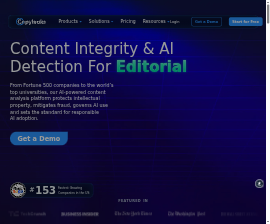
Best for: schools and teams that want AI detection and plagiarism scanning in one platform.
Copyleaks pairs AI-writing detection with a full plagiarism checker and offers LMS integrations, so it is the closest here to a Turnitin-style institutional setup that you can also buy at a smaller scale. It supports many languages and gives detailed reports you can save as evidence. It leans enterprise, so pricing and the best features suit departments more than a single student, and, like every AI detector, its AI score should be read as a flag to investigate rather than a confirmed result.
- Pros: AI and plagiarism in one tool, LMS integrations, multi-language support, and detailed reports.
- Cons: geared to institutions, and full features sit on paid or enterprise plans.
Pricing: subscription or credit-based, with institutional plans and a limited trial; check current rates.
2. GPTZero
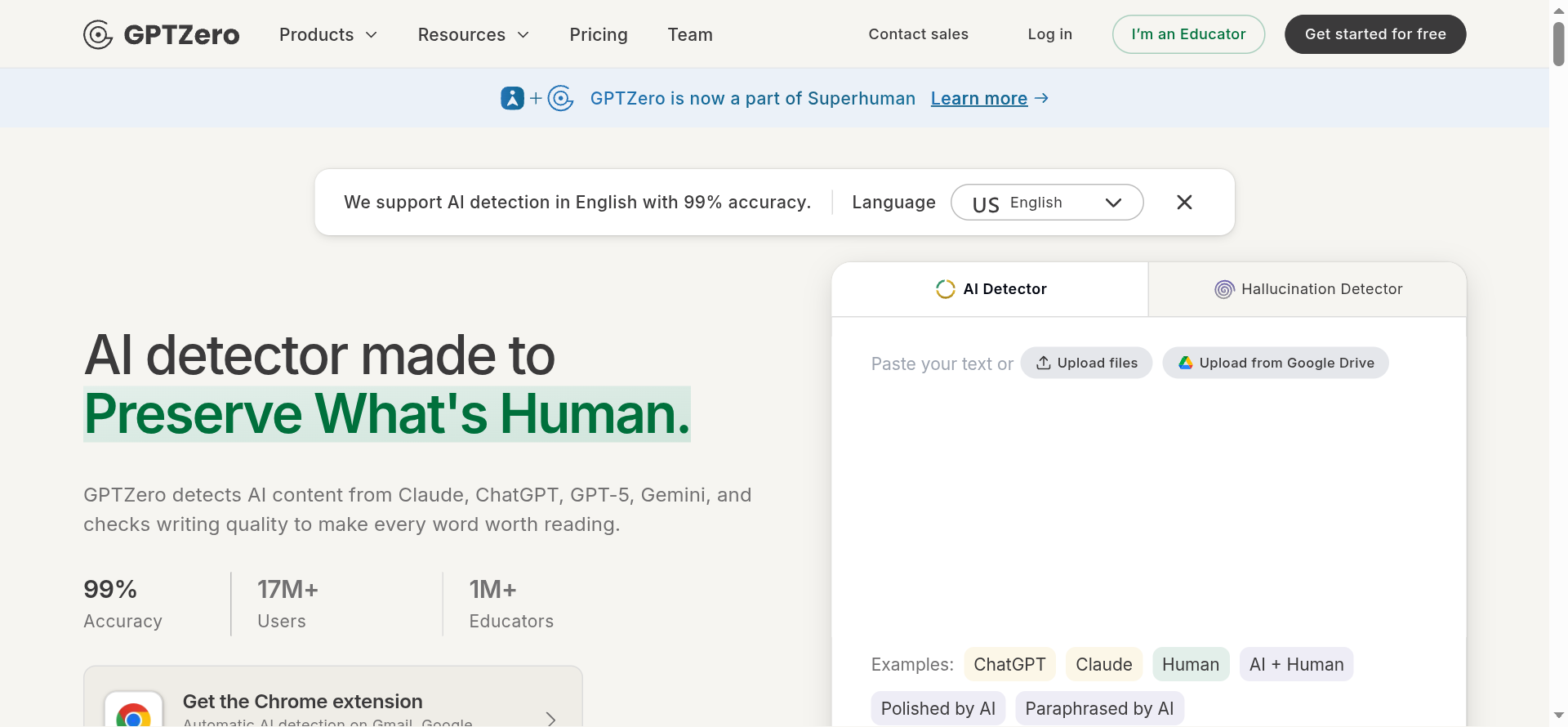
Best for: educators who want a dedicated AI-writing detector with a free tier.
GPTZero is built specifically to spot AI-generated writing, with an educator focus and a free tier for quick checks. It flags text from tools like ChatGPT, Claude, and Gemini, highlights the passages it finds suspicious, and offers a writing-report view that can show how a document was drafted over time, which is more useful than a bare percentage. Treat its score as one input: GPTZero itself frames detection as support for a conversation with the student, not a final judgment.
- Pros: a strong free tier, educator features, sentence-level highlights, and a writing-process report.
- Cons: focused on AI detection over plagiarism, and, like all detectors, it can produce false positives.
Pricing: free tier with word limits; paid plans for more volume and educator tools.
3. Originality.ai
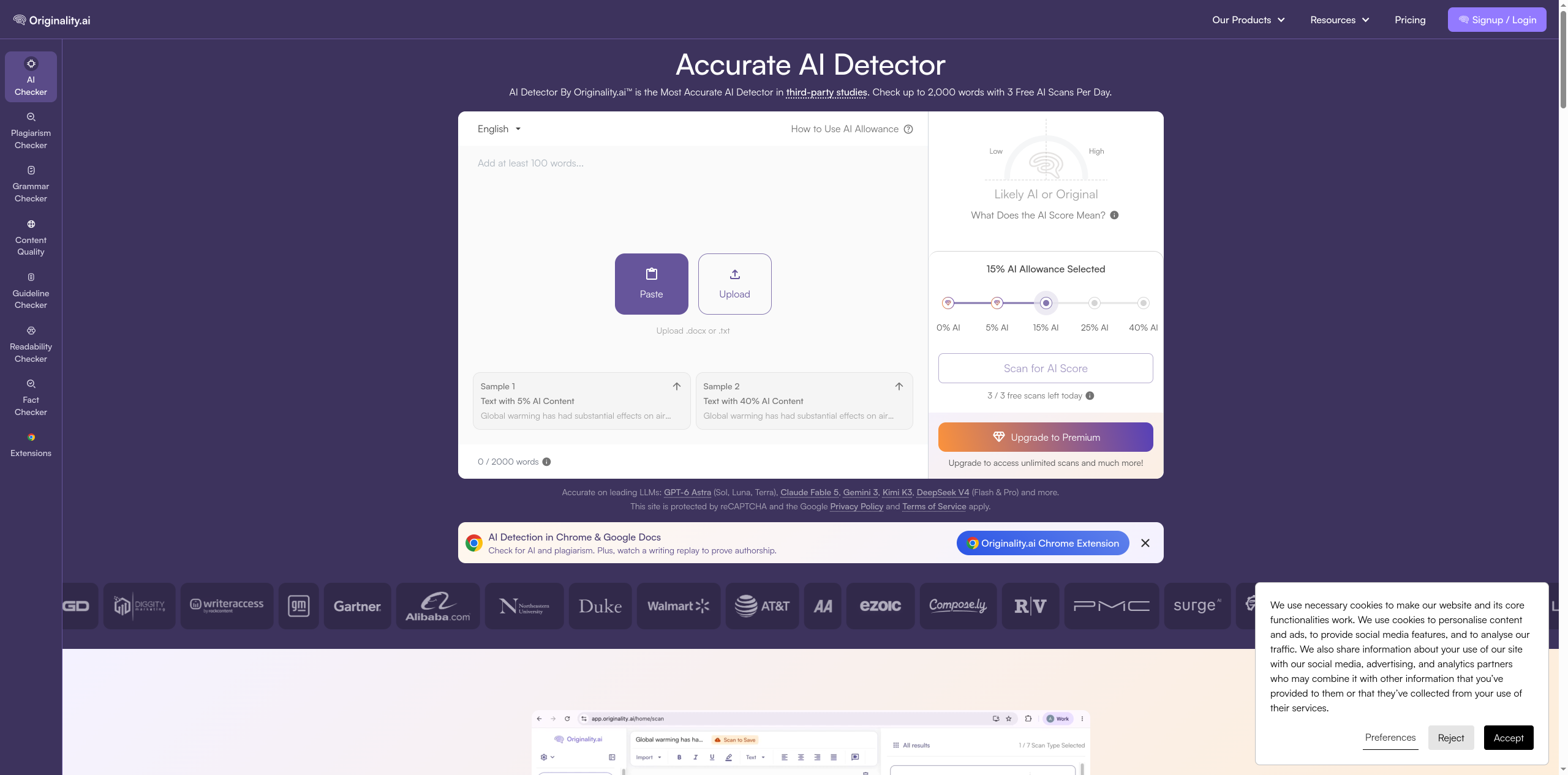
Best for: content teams and publishers checking writers’ work for AI and copied text.
Originality.ai combines AI detection and plagiarism scanning and is aimed at content and publishing workflows, with team features, scan history, and a Chrome extension. It runs on a pay-as-you-go credit model plus subscriptions, with a few free scans a day, which suits editors vetting freelance work. It markets strong accuracy, but the same caveat holds: use it to prompt a closer look at a draft, not to declare a piece human or machine on the number alone.
- Pros: AI and plagiarism together, team and scan-history features, a Chrome extension, and pay-as-you-go pricing.
- Cons: built for content teams more than classrooms, and credits add up with heavy use.
Pricing: pay-as-you-go credits plus subscription tiers; a few free scans per day.
4. Quetext
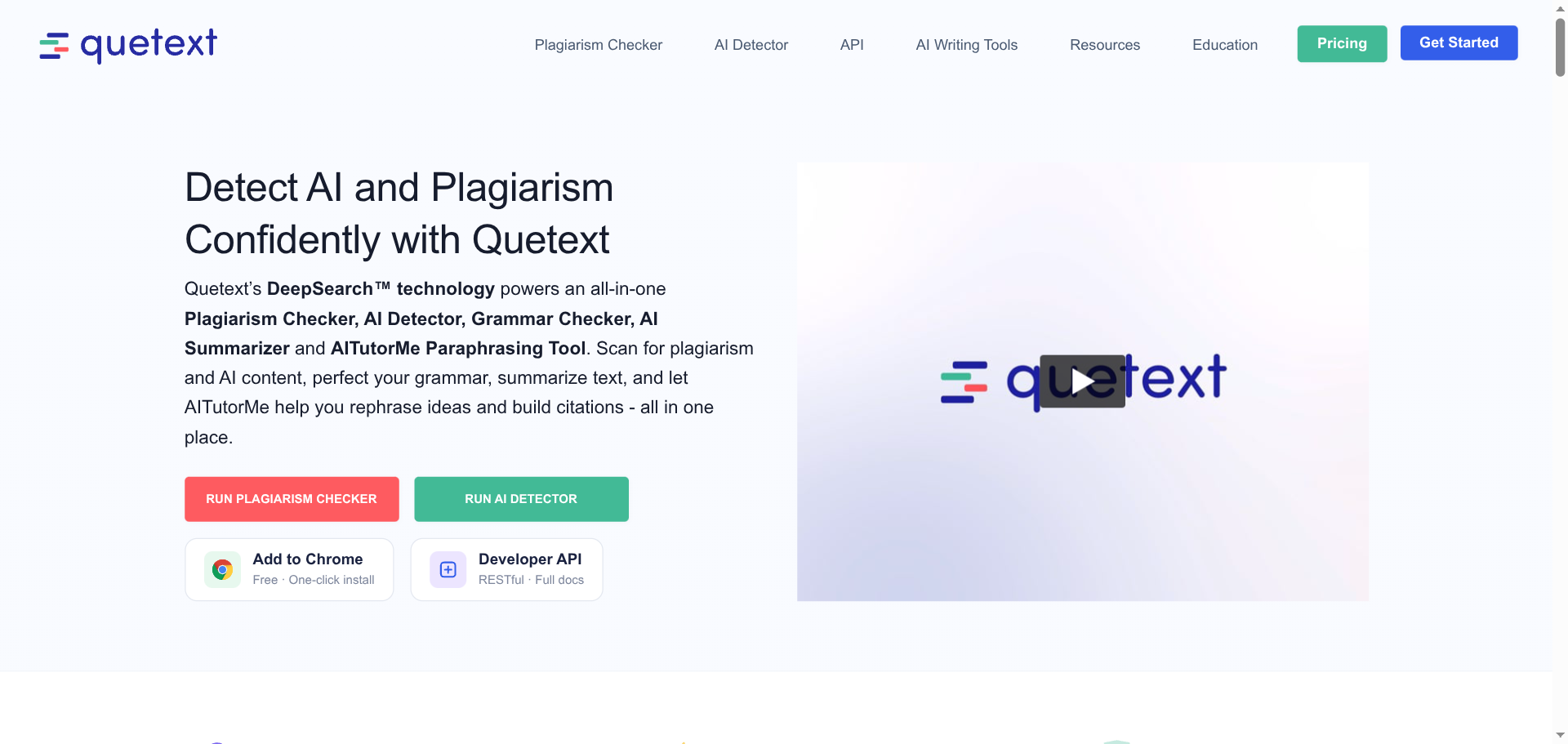
Best for: individuals who want an affordable all-in-one plagiarism and AI checker.
Quetext is a budget-friendly, all-in-one option that combines a plagiarism checker, an AI detector, a grammar checker, and citation help under its DeepSearch technology. For a student or a solo writer who wants to scan a paper before submitting, it is simpler and cheaper than the enterprise tools, with a limited free check and low-cost paid plans. Its plagiarism scanning is its strongest feature, and its AI detection carries the usual false-positive caution.
- Pros: affordable, an all-in-one toolkit, solid plagiarism scanning, and built-in citation help.
- Cons: lighter than enterprise tools, and the free check is limited in length.
Pricing: a limited free check; low-cost monthly plans for more volume.
5. Grammarly
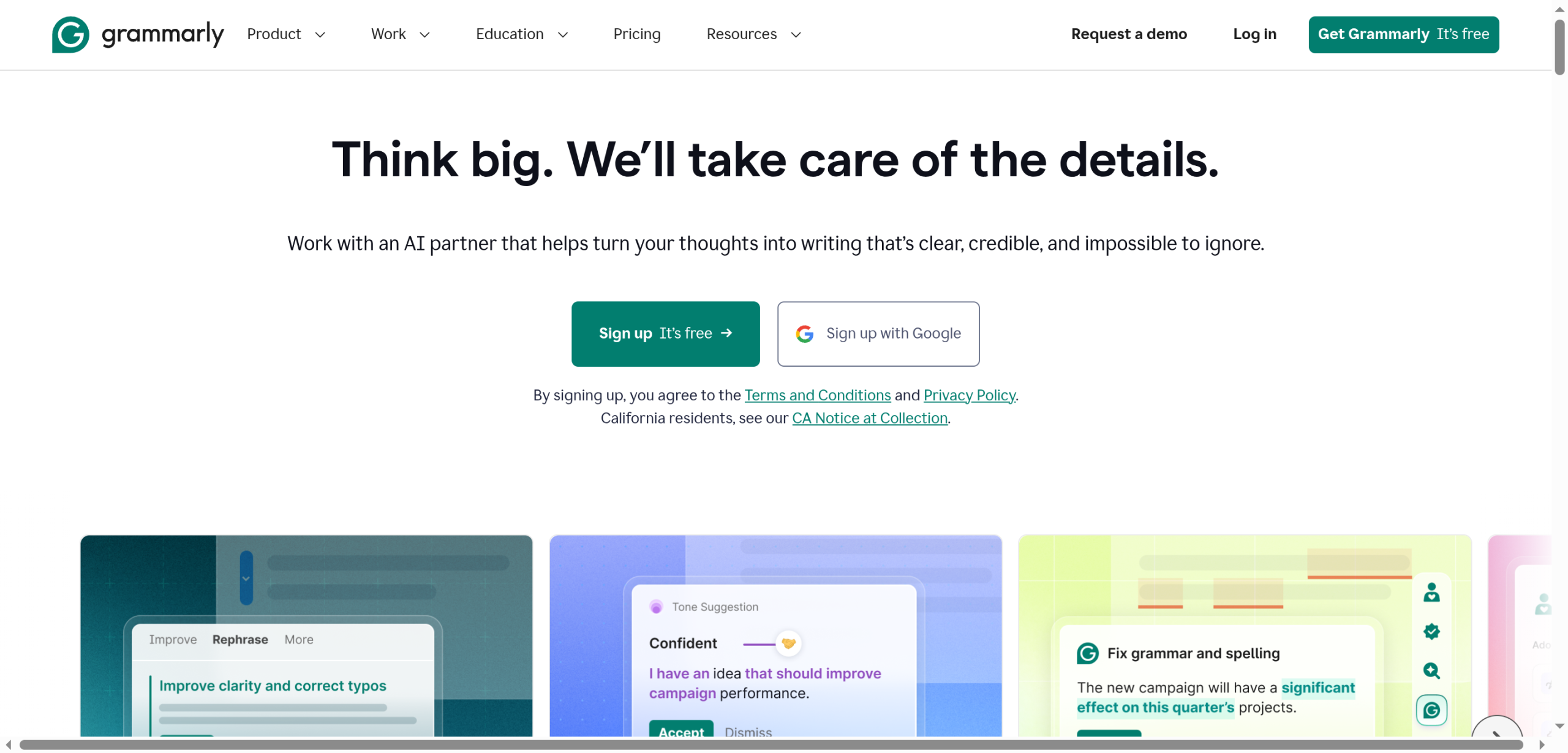
Best for: writers who want a plagiarism check built into the editor they already use.
Grammarly is the familiar writing assistant, and its Premium plan adds a plagiarism checker plus an AI-detection feature right where you write, so you can scan a draft without pasting it into a separate site. For students and everyday writers already living in Grammarly, that convenience is the draw. It is lighter on dedicated AI detection than GPTZero or Copyleaks, so use it for the plagiarism check and everyday writing help, and reach for a specialist tool when AI detection is the main question.
- Pros: plagiarism checking inside the editor, a familiar interface, and everyday writing help alongside it.
- Cons: plagiarism and AI checks need Premium, and AI detection is secondary to its writing tools.
Pricing: free writing assistant; plagiarism and advanced checks on the paid Premium plan.
How We Chose These
We looked for tools an instructor or writer can actually sign up for and use before work is submitted, since Turnitin sells mainly to institutions. We weighed whether each checks AI writing, plagiarism, or both, how clear its reports are as documentation, whether there is a free way to try it, and who it fits, from a single student to a whole department. We also favored tools that describe detection honestly, because a checker that oversells certainty is a liability in a dispute. We kept the list to five with distinct strengths so you can match one to your role and budget.
One thing matters more than any feature here: AI detectors are not reliable enough to prove that a person used AI. They produce false positives, disagree with each other on the same text, and have been shown to flag writing by non-native English speakers more often. Vanderbilt University disabled Turnitin’s AI detector for exactly these reasons, noting that even a 1% false-positive rate across tens of thousands of papers means hundreds of wrongful flags. Use these tools as one signal, alongside drafts, version history, and a direct conversation, and never as the sole basis for an accusation.
The Bottom Line
For a school or team that wants AI and plagiarism checking in one place, Copyleaks is the closest Turnitin-style option you can buy at any scale. GPTZero is the best dedicated AI-writing detector for educators, Originality.ai fits content teams vetting writers, Quetext is the affordable all-in-one for individuals, and Grammarly adds a plagiarism check to the editor you already use. Whichever you pick, read its results as a prompt to look closer, keep a record of drafts, and talk to the writer before drawing any conclusion.
Frequently Asked Questions
What is the best Turnitin alternative?
For an institution that wants both AI and plagiarism detection, Copyleaks is the closest match you can buy at a smaller scale. GPTZero is the best dedicated AI-writing detector for teachers, Originality.ai suits content teams, Quetext is the most affordable all-in-one for individuals, and Grammarly adds plagiarism checking to its writing editor. The right pick depends on whether you need AI detection, plagiarism scanning, or both, and on your budget.
Are AI detectors accurate enough to catch cheating?
No detector is accurate enough to prove someone used AI. They return false positives, disagree with one another on identical text, and tend to flag non-native English writing more often, which is why some universities turned Turnitin’s AI detector off. A high score is a reason to look closer, not evidence on its own. Pair any result with the student’s drafts, version history, and a conversation before you reach a conclusion.
Is there a free Turnitin alternative?
Yes, several offer free options. GPTZero has a free tier for AI-writing checks, Originality.ai gives a few free scans a day, and Quetext offers a limited free plagiarism check. Grammarly is free for writing help, though its plagiarism and AI checks require Premium. Free tiers usually cap the word count or number of scans, so they suit occasional use rather than a whole class of papers.
Can students use these tools too?
Yes, and many do. A student can run a draft through Quetext or GPTZero before submitting to catch accidental plagiarism, fix missing citations, or see what a detector might flag, then revise with time to spare. It is a fair way to check your own work. Just remember the score is not a guarantee either way, so focus on citing sources properly and keeping your drafts.
What To Do Next
Pick the tool that matches your role, an institutional platform like Copyleaks for a department, a dedicated detector like GPTZero for a teacher, or Quetext for a student, and run a sample document to see how its report reads. Build a simple routine around it: check before submission, save the report and the drafts, and treat a flag as the start of a conversation. For more on AI and the classroom, see our Education and Tech News sections, and if you publish online, our guide on using AI-generated images on a blog legally is a useful companion.


Leave a Reply
You must be logged in to post a comment.