

Five indoor cameras that record locally, so you buy once and never pay a subscription.
Here is the trap with a Ring camera as a renter: the hardware is cheap, and then the useful part, actually saving and reviewing your recordings, lives behind a monthly plan you pay forever. Skip it and most of the footage evaporates after a few days. If you would rather buy a camera once and own your video, the answer is a camera that records to a microSD card or local drive instead of a cloud you rent. These five indoor cameras do exactly that, they work great in a rental, and none of them requires a subscription to be useful.
The best Ring alternatives with no monthly fee in 2026 are:
- Wyze Cam v4: best overall value
- Eufy Indoor Cam S350: best picture quality
- TP-Link Tapo C210: best budget pick
- Aqara Camera Hub G3: best for Apple HomeKit
- Reolink E1 Pro: best simple pan-and-tilt
Quick Picks
| Camera | Best for | Price | Local storage | Resolution |
|---|---|---|---|---|
| Wyze Cam v4 | Overall value | ~$36 | microSD | 2.5K |
| Eufy Indoor Cam S350 | Picture quality | ~$130 | microSD | 4K |
| TP-Link Tapo C210 | Tight budgets | ~$25 | microSD | 2K |
| Aqara Camera Hub G3 | Apple HomeKit homes | ~$110 | microSD | 2K |
| Reolink E1 Pro | Simple pan and tilt | ~$50 | microSD | 4MP |
Table of Contents
There is a privacy angle here too, beyond the cost one. In 2023 the Federal Trade Commission settled with Ring over staff and contractors having overly broad access to customers’ videos. A camera that keeps footage on a card in your home, rather than on a company’s servers, sidesteps that whole category of worry, as long as you secure your Wi-Fi and the app account.
1. Wyze Cam v4
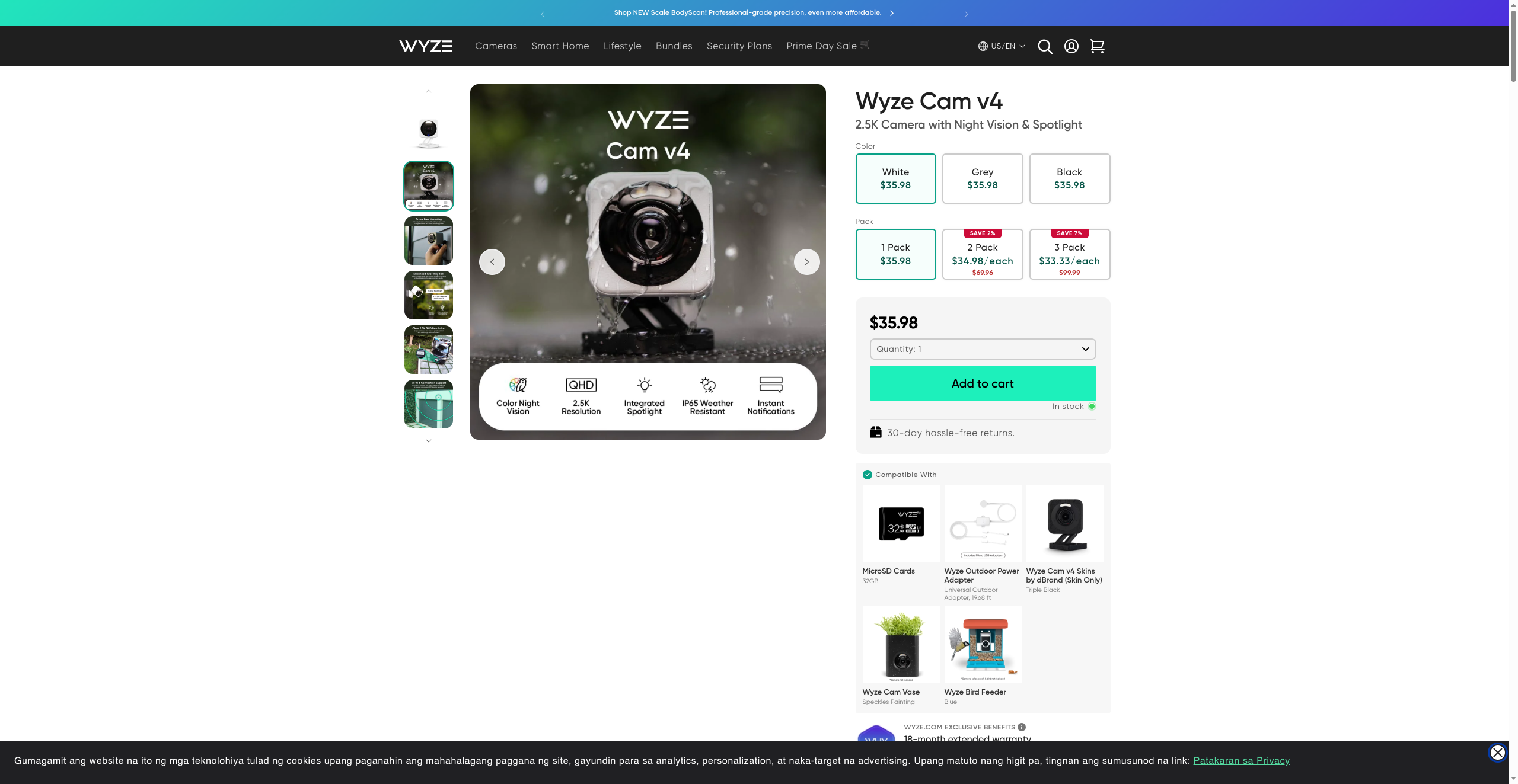
Best for: Renters who want the most camera for the least money with zero ongoing cost.
The Wyze Cam v4 is the easiest camera to recommend on this list, because it does nearly everything the pricey options do for about the cost of two takeout meals. It shoots a sharp 2.5K image, has color night vision and a spotlight, and records continuously or on motion to a microSD card you supply, with no plan required to view that footage. For a renter watching a doorway, a pet, or a baby, that combination is hard to beat.
Wyze does sell an optional Cam Plus cloud plan, and a few extras like longer AI event clips live there, but the core local recording and live view stay free forever. The trade-off is that Wyze is a budget brand: the app shows ads for its other products, and the company has had past security stumbles, so keeping the firmware updated matters. For the money, though, nothing else here competes.
- Pros: Very cheap, sharp 2.5K video with color night vision, free local microSD recording, weather resistant.
- Cons: App pushes upsells, some advanced AI features need the paid plan, budget-brand support.
Pricing: Around $36 at Wyze.
2. Eufy Indoor Cam S350
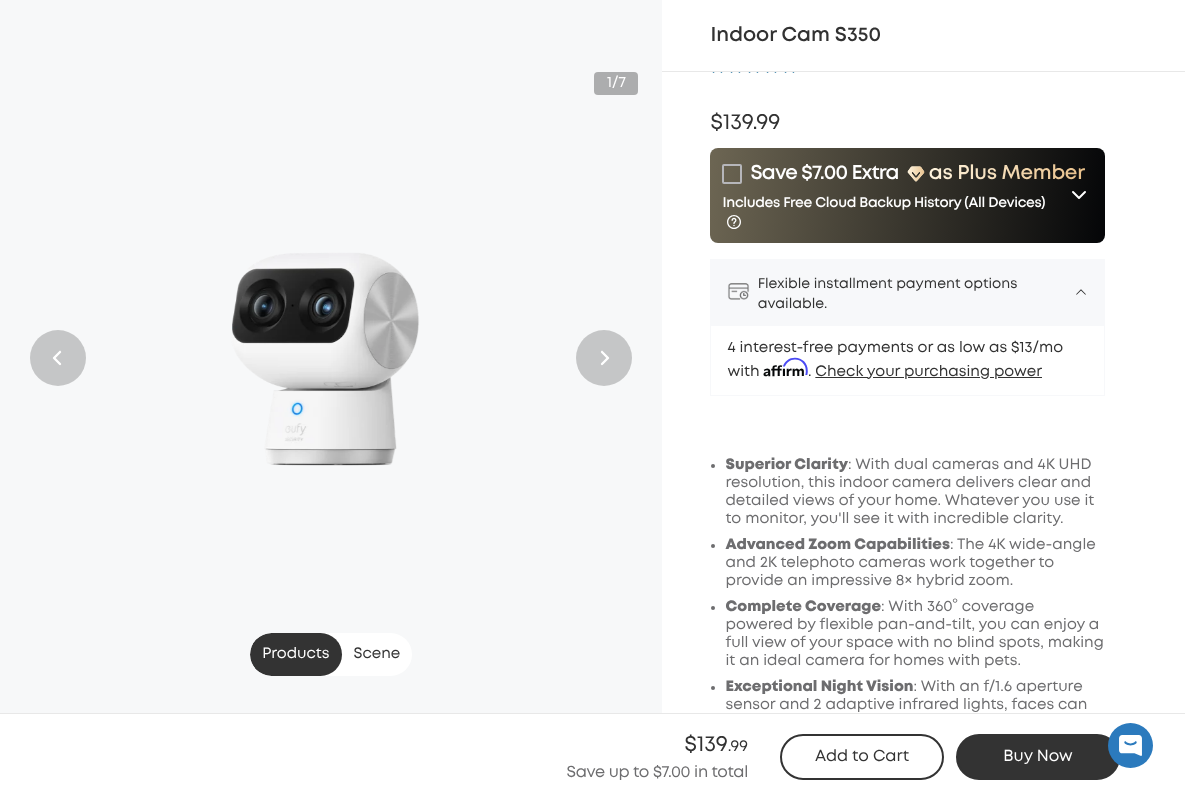
Best for: People who want the clearest possible picture and are willing to pay once for it.
If image quality is the priority, the Eufy Indoor Cam S350 is the standout. It uses two cameras, a 4K wide-angle and a 2K telephoto, to deliver an 8x hybrid zoom, so you can see a whole room and still zoom into a detail like a face or a doorknob without the image turning to mush. Pan-and-tilt coverage means one camera watches an entire space, which is handy in an open-plan rental.
Eufy’s selling point has long been local storage: it records to a microSD card, and person, pet, and other detection run on the camera with no recurring fee. Eufy does offer an optional paid cloud tier for off-site backup, but you never need it to use the camera fully. At around $130 it is the most expensive pick here, and it is overkill if you just want to watch a hallway, but nothing else on this list looks as good.
- Pros: Excellent 4K dual-camera image with real zoom, pan and tilt, on-device detection, free local recording.
- Cons: Priciest option here, more camera than a simple monitoring job needs.
Pricing: Around $130 at Eufy.
3. TP-Link Tapo C210
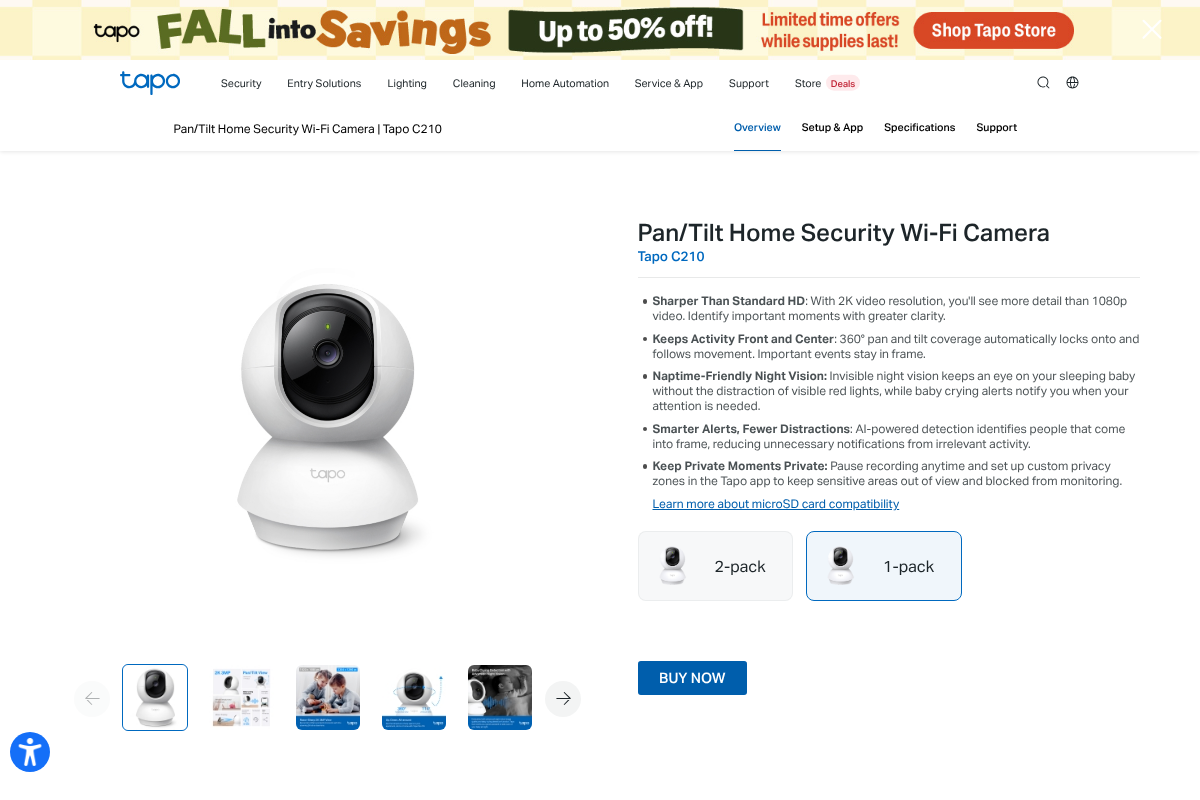
Best for: The tightest budgets and anyone buying several cameras at once.
The TP-Link Tapo C210 is the value shocker: a pan-and-tilt camera with 360-degree coverage, 2K video, and free local microSD recording, usually for around $25. Buying three of these to cover a small apartment costs less than a single premium camera, and none of them will ever ask you for a subscription to see the footage.
It covers the basics well, with motion tracking, night vision, two-way audio, and privacy zones you can black out in the app. The picture is good rather than great, the plastic build feels its price, and TP-Link’s AI detection is more basic than Eufy’s, but for a renter who wants simple, reliable eyes on a room for almost nothing, the Tapo line is the default recommendation for a reason.
- Pros: Extremely cheap, 360-degree pan and tilt, free local storage, easy multi-camera setups.
- Cons: Basic detection, plasticky build, picture quality trails the pricier picks.
Pricing: Around $25 at TP-Link.
4. Aqara Camera Hub G3
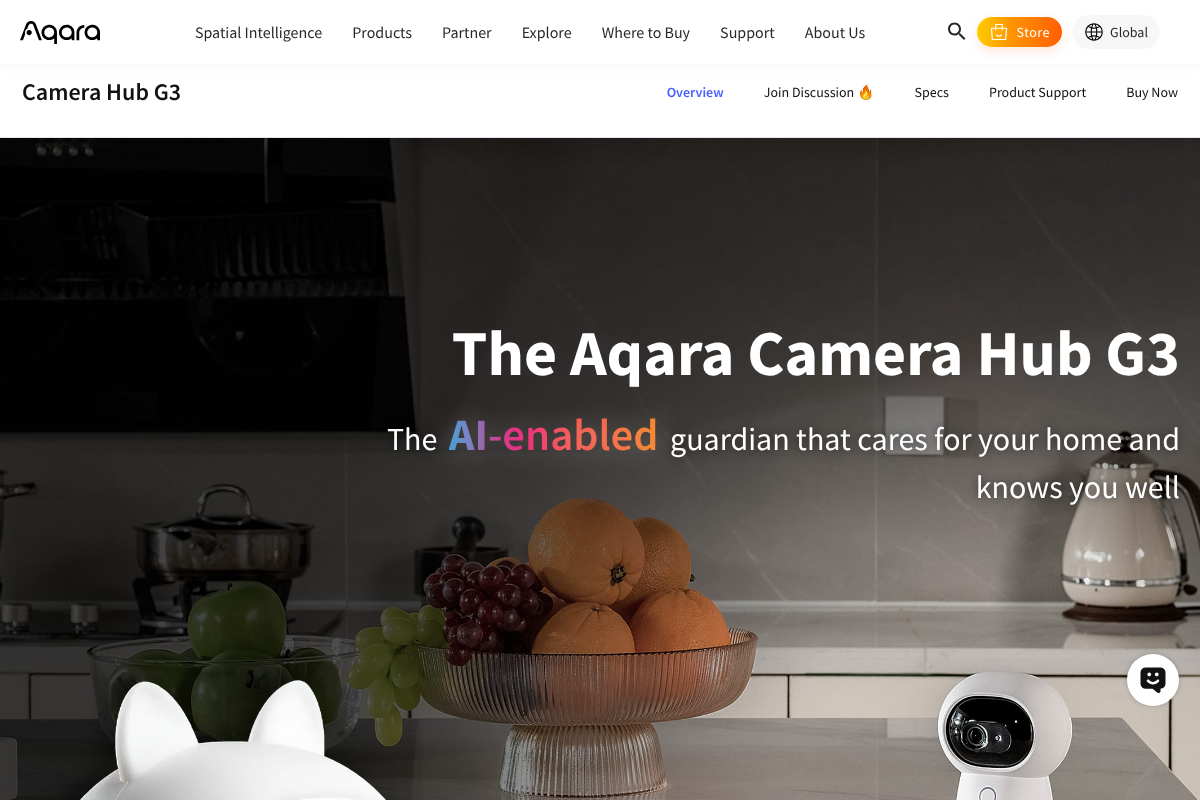
Best for: Apple households and anyone building a HomeKit or Zigbee smart home.
The Aqara Camera Hub G3 is the pick for the Apple ecosystem. It records locally to a microSD card with no fee, works with HomeKit, Alexa, and Google Home, and doubles as a Zigbee hub, so it can pair Aqara sensors and locks directly without a separate bridge. For a renter already leaning into Apple Home, that two-in-one role is genuinely useful.
It is a characterful little camera, with a pan-and-tilt head that has an expressive animated face and useful gesture and face recognition. If you want cloud backup through Apple’s HomeKit Secure Video, that route uses an iCloud+ plan you may already pay for, but the camera’s own recording to the card is free. The main caveats are that it is pricier than the budget picks and that its best features assume you are invested in a compatible smart-home platform.
- Pros: Free local recording, works with HomeKit, Alexa, and Google, built-in Zigbee hub, strong smart-home integration.
- Cons: Costs more than basic cameras, shines mainly inside a compatible smart-home setup.
Pricing: Around $110 at Aqara.
5. Reolink E1 Pro
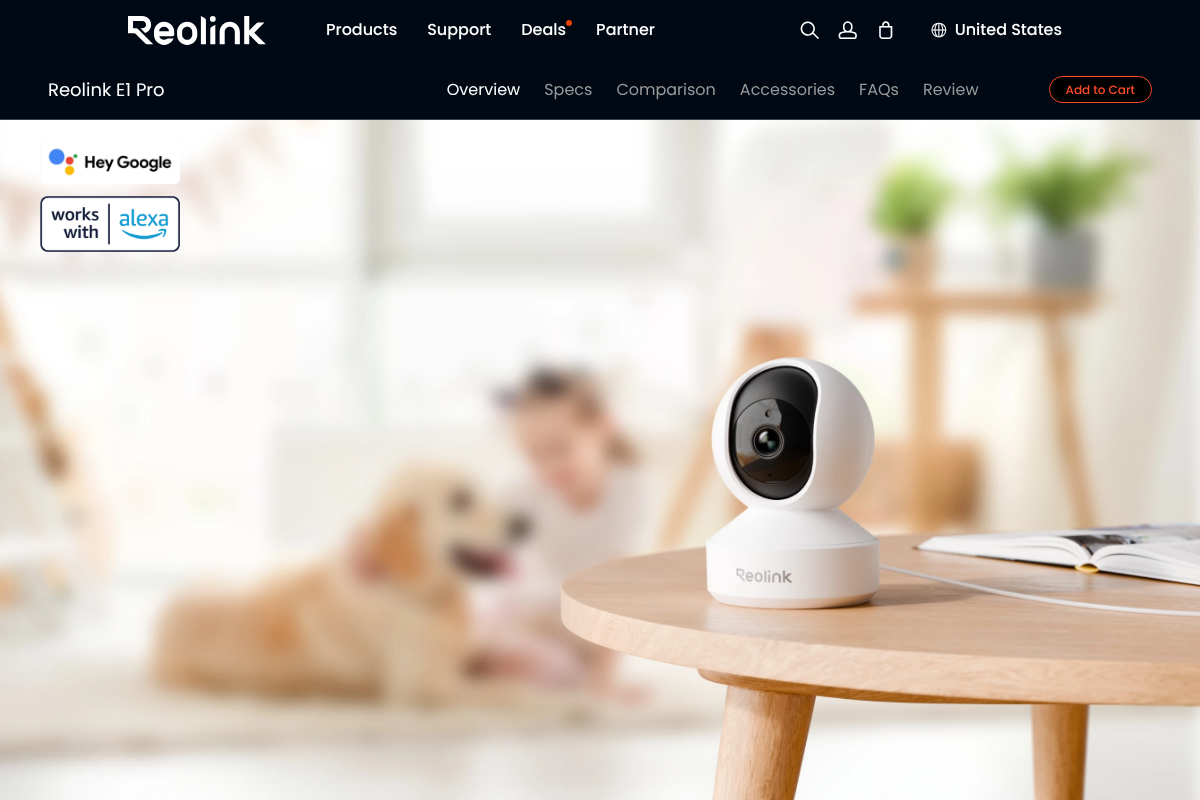
Best for: A no-fuss pan-and-tilt camera from a brand built around local storage.
Reolink has made its name on cameras that store footage locally without pushing subscriptions, and the Reolink E1 Pro is its friendly indoor option. It offers pan-and-tilt coverage, a 4-megapixel image, two-way audio, and recording to a microSD card, and it plays nicely with Alexa and Google Assistant. Setup is quick, and there is no nagging to sign up for anything.
What sets Reolink apart for the privacy-minded is that its cameras can run largely self-contained, and the company also sells network video recorders if you later want to expand into a fuller local system without cloud dependence. The E1 Pro’s picture and detection sit in the middle of this pack rather than at the top, but as a simple, dependable, no-fee room camera it is an easy pick, especially if you might grow your setup later.
- Pros: Reliable local recording, pan and tilt, works with Alexa and Google, expandable into a local NVR system.
- Cons: Middling image and detection versus the top picks, app is functional rather than polished.
Pricing: Around $50 at Reolink.
How We Chose These
Every camera here had to clear one hard requirement: it records usefully with no monthly fee, saving footage to a microSD card or local drive rather than locking your video behind a subscription. From there we prioritized what a renter actually needs, easy setup with no drilling, a small footprint, two-way audio, and night vision, and we favored cameras that watch an indoor space well through either a wide lens or pan-and-tilt coverage. Price mattered, so the list spans from budget to premium rather than clustering at one end. We also weighed how much each camera truly works offline, since some models still lean on the cloud for certain features, and we noted where local recording is genuinely the default. Finally, we considered brand track record on security and updates, because a camera in your home is only as trustworthy as its firmware.
The Bottom Line
For most renters, the Wyze Cam v4 is the smart default: it costs almost nothing, records locally, and looks good doing it. Step up to the Eufy Indoor Cam S350 when picture quality matters, drop down to the TP-Link Tapo C210 when budget is everything or you are buying several, and choose the Aqara Camera Hub G3 if you live in Apple’s HomeKit world. The Reolink E1 Pro is the pick if you might expand into a bigger local system later. Whichever you buy, secure your Wi-Fi and app account, and your footage stays yours with no monthly bill attached. For more home guidance, see our Home Improvement and Tech News sections.
Frequently Asked Questions
What is the best indoor security camera with no monthly fee?
For most people the Wyze Cam v4 is the best no-fee indoor camera, since it records 2.5K video to a microSD card with no subscription and costs around $36. If you want the sharpest image, the Eufy Indoor Cam S350 shoots 4K with free local storage, and the TP-Link Tapo C210 is the top budget pick at about $25.
Do these cameras really work without a subscription?
Yes. Each one records to a microSD card you supply, and live view, motion alerts, and two-way audio are included at no cost. Some brands offer optional paid cloud plans for off-site backup or extra AI features, but you never need one to see and save your footage. The local recording is the default, not an upsell.
Are local-storage cameras more private than Ring?
They can be, because footage stays on a card in your home rather than on a company’s servers. That avoids the kind of broad employee access the FTC penalized Ring for in 2023. Privacy still depends on you, though: use a strong, unique app password, enable two-factor authentication, and keep your Wi-Fi and the camera firmware secured.
What size microSD card do I need for a security camera?
A 32GB to 128GB card covers most indoor cameras, with 64GB a common sweet spot. Cameras loop-record, overwriting the oldest footage when the card fills, so a larger card simply holds more days of history. Check each camera’s maximum supported size, and use a card rated for continuous recording, such as a high-endurance microSD.
Can I use these cameras in a rental without damage?
Yes, that is a big reason they suit renters. All five sit on a shelf or table and need no drilling, running on Wi-Fi and a standard power adapter. If you want a wall or ceiling angle, most include a small mount you can attach with removable adhesive strips, which come off cleanly when you move out.



Leave a Reply
You must be logged in to post a comment.